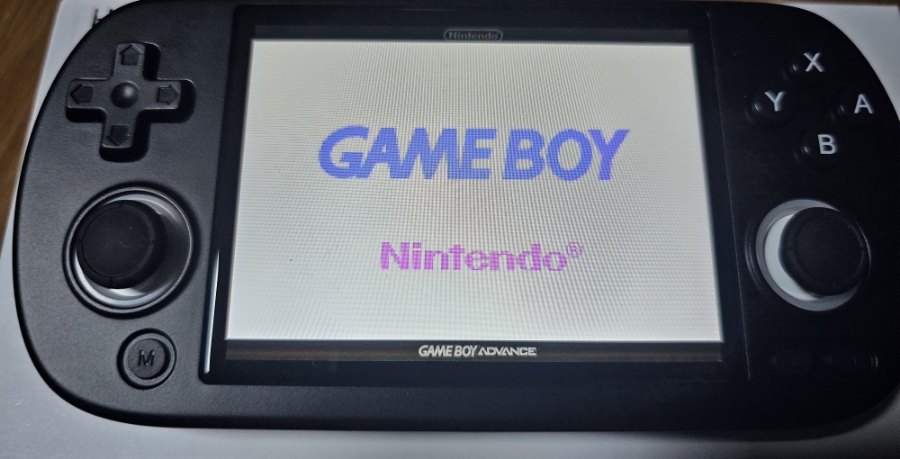
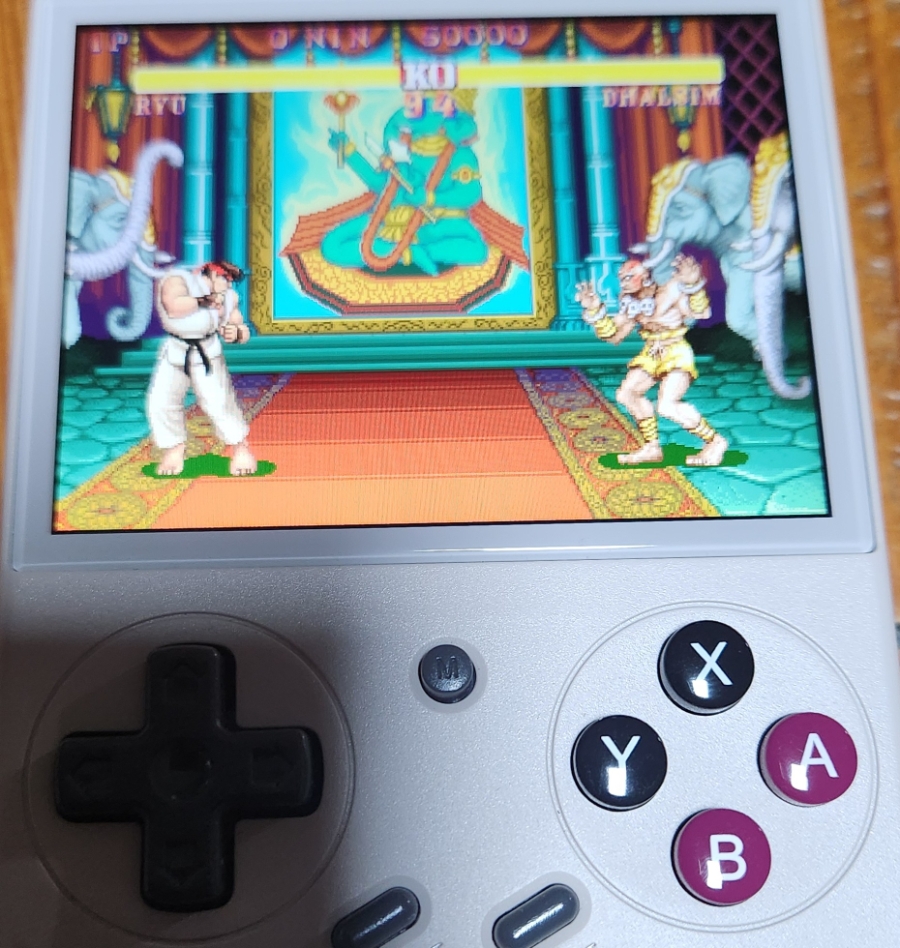
Usually, people choose retro game consoles based on price and performance specs. While that works for the younger crowd, for a family man balancing work and childcare, the criteria change completely. It’s not about the fastest processor—it’s about how much “Dad Time” you actually have.
Here are my recommendations for the best handhelds tailored to your specific stage of parenting.
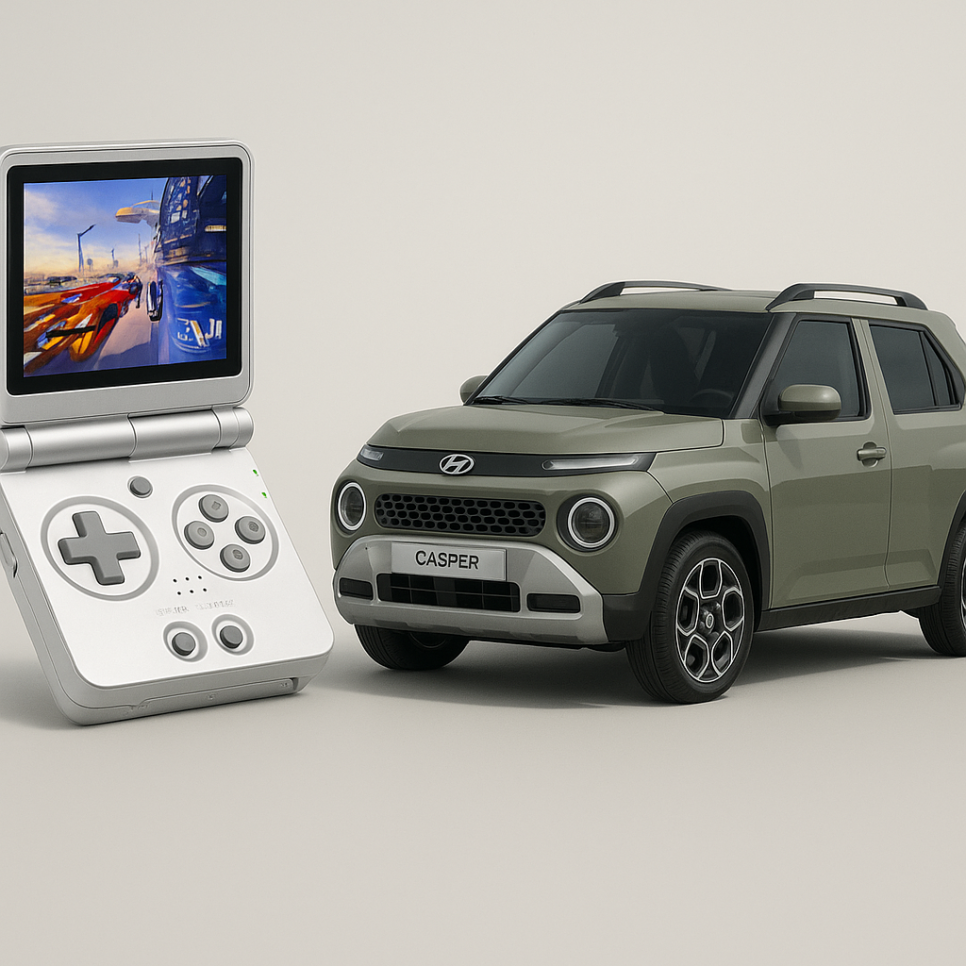
1. The “New Dad” Stage (Toddler / 1-2 Years Old)Recommendation: Anbernic RG35XX SP
If you are a dad in your early 30s with a toddler, the RG35XX SP is your best friend.
Let’s be honest—you can’t just sit on the couch and game openly anymore. You need something for those short, stealthy sessions while the baby is finally napping. This device is compact, foldable, and perfect for sneaking in quick gaming breaks without getting caught. It’s the compact economy car of handhelds—small, efficient, and gets the job done.
Think of this as the reliable sedan (like a Honda Civic or Hyundai Elantra) of the handheld world—a perfect balance of design, performance, and price. You’ve finally graduated from all-day diaper duty, but you aren’t completely free yet. This device fits that “in-between” phase perfectly, offering a great experience for the pockets of free time you’re starting to get back.
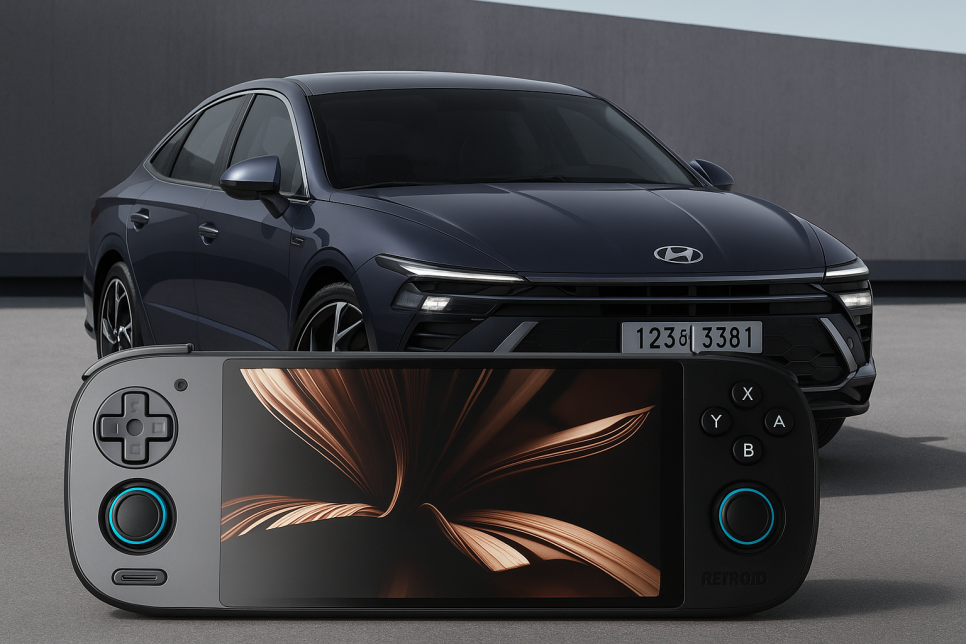
At this point, you need the Retroid Pocket 5. It offers stable performance, much like a solid mid-size sedan (think Sonata or Camry).
Parenting is getting a little easier, and you’re starting to see glimpses of “me time” again. This console is perfect for blowing off steam and enjoying some PlayStation 2 games comfortably. It’s a reliable daily driver that won’t let you down.
4. The “Middle/High School” Stage (Early 40s)Recommendation: RG477M
Time flew by so fast you can barely remember the sleepless nights, right? Consider this device a reward for your survival.
The RG477M feels like a premium full-size sedan—think Hyundai Grandeur (Azera) or a Lexus. It has a luxurious metal build and a heavy, quality feel. It plays PS2 games at 3x resolution without breaking a sweat, and that 4.7-inch 4:3 screen is absolutely optimized for retro gaming. You’ve earned this upgrade.
5. The “Veteran Dad” Stage (Late 40s)Recommendation: AYN Odin 2
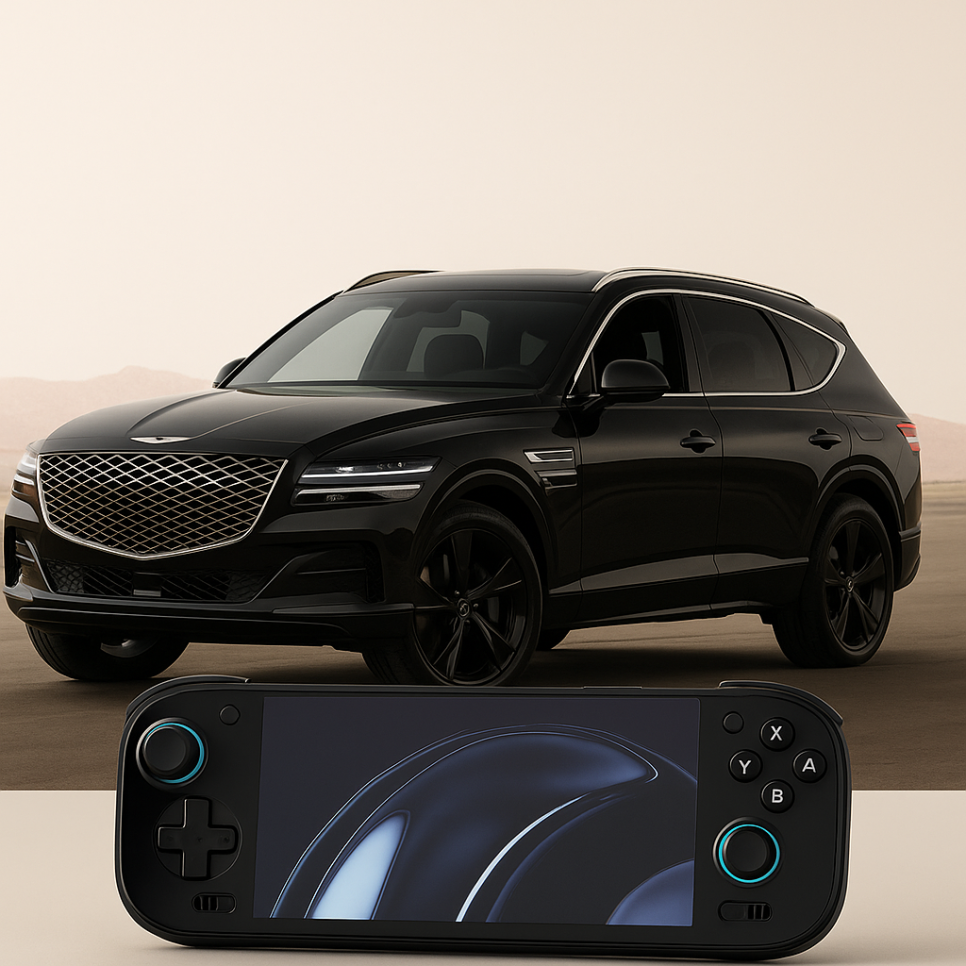
Now we are talking about high performance. The Odin 2 is the Genesis G80 of handhelds—pure luxury and power.
It handles high-end games with plenty of headroom. If you want a zero-compromise experience that reflects your status as a veteran dad, this is the one.
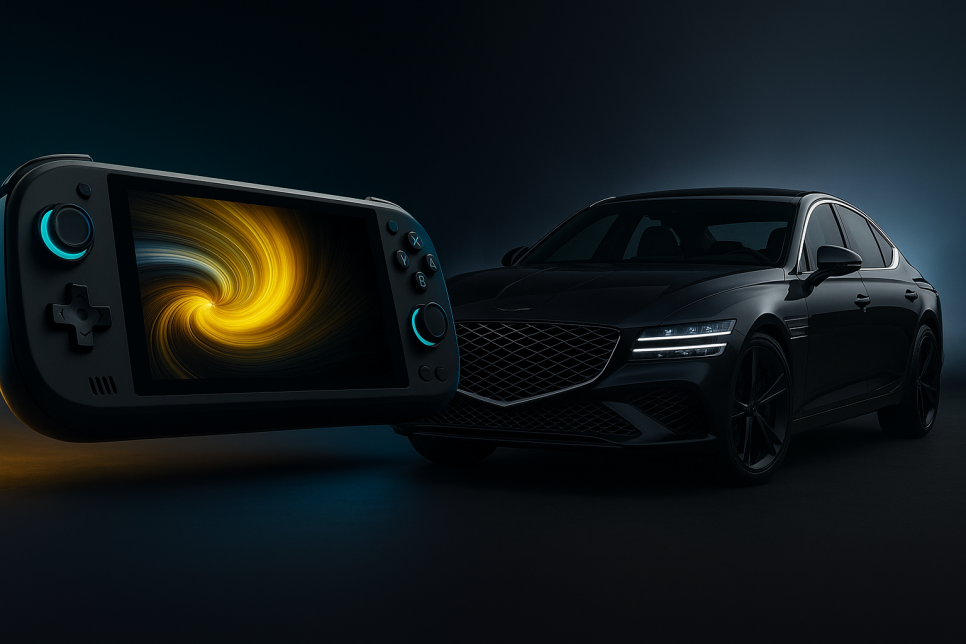
6. The Ultimate SetupRecommendation: AYN Odin 2 Portal
If the Odin 2 is a luxury sedan, the Odin 2 Portal is the high-end luxury SUV (like the GV80).
By this age, you’ve become immune to your wife’s side-eye. She’s used to your hobbies now. You’ve earned the right to sprawl out on the living room sofa, comfortable and unbothered, enjoying your games on a top-tier device.
So, which stage of fatherhood are you in, and which console fits your life right now?
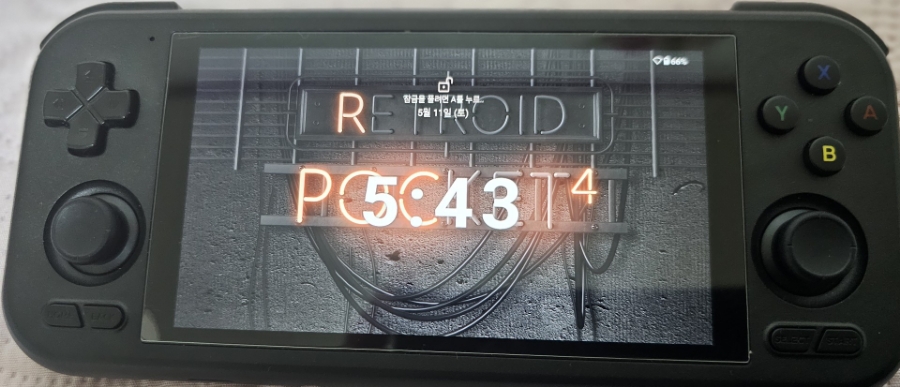
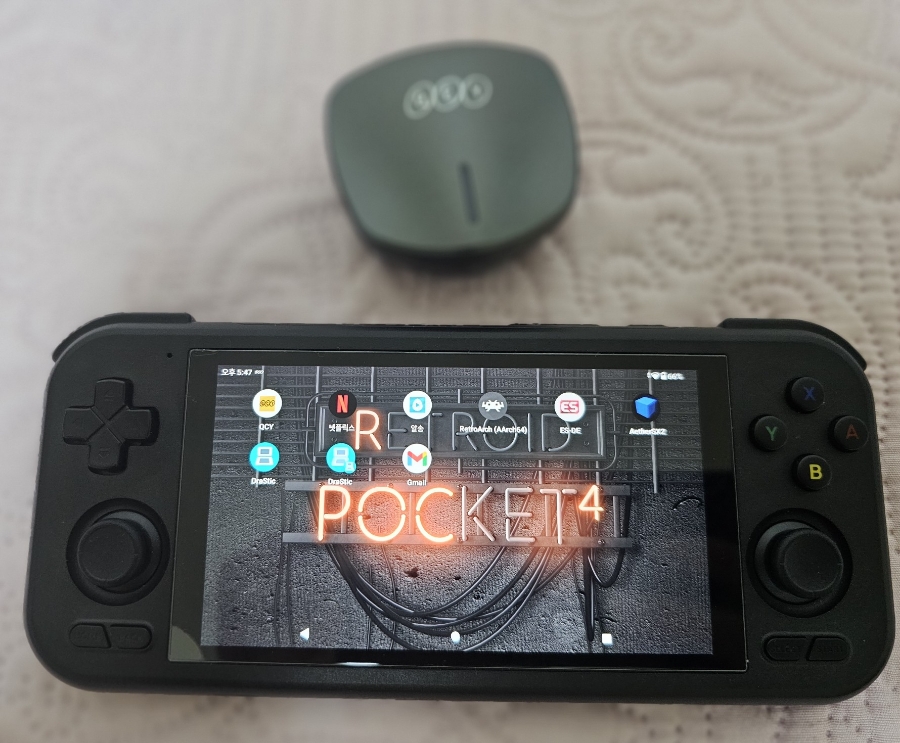
Today, let’s talk about the Retroid Pocket 5, currently available from Retroid.
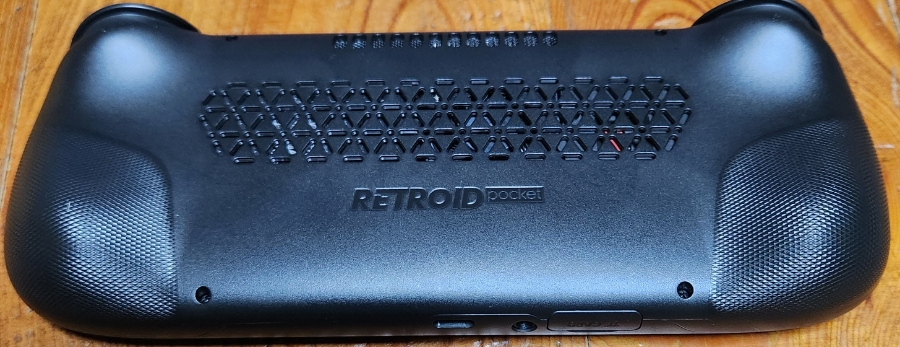
This is an Android-based gaming handheld. Usually, when you game on a standard smartphone, heat buildup leads to thermal throttling, causing frame rate drops and lag. However, the Retroid Pocket 5 features an active cooling fan on the back. Even when things heat up, the fan keeps the device cool, meaning you’ll experience almost zero throttling.
It’s an Android device truly optimized for gaming, running on Android 13 out of the box.
Connectivity: Looking at the bottom, there’s a slot for a Micro SD card. It supports both a standard 3.5mm headphone jack and USB-C audio, so you have plenty of options for sound.
Controls: The L2 and R2 triggers are analog, allowing for precise pressure control—a huge plus for racing games.
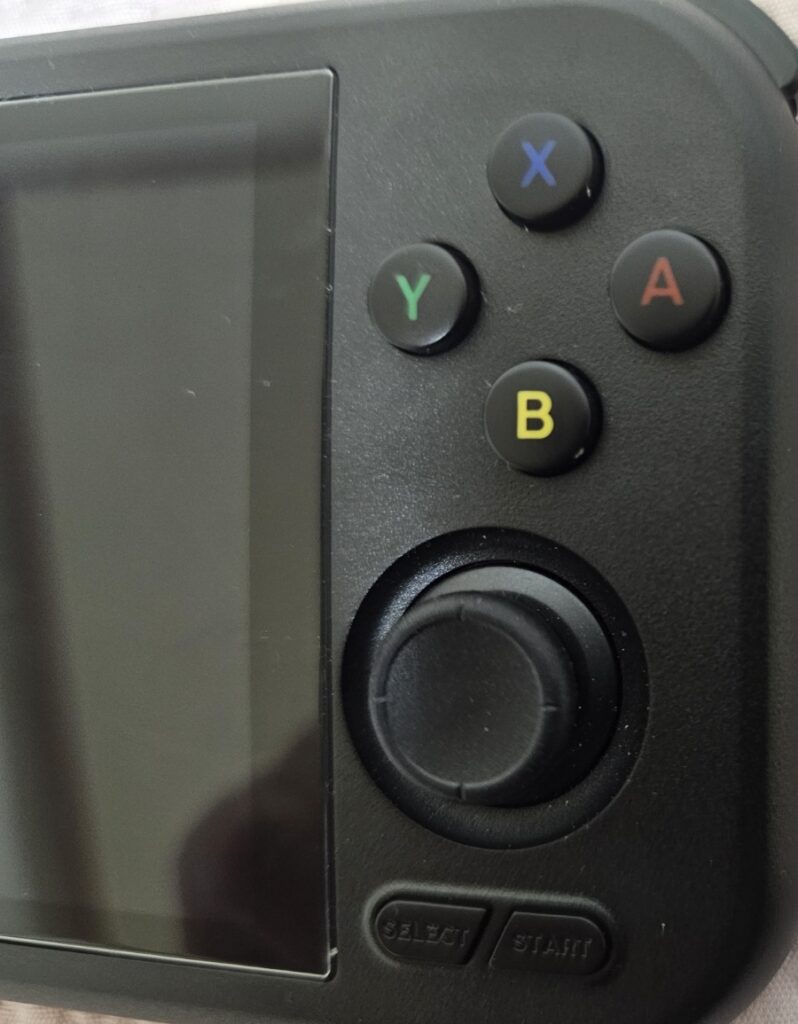
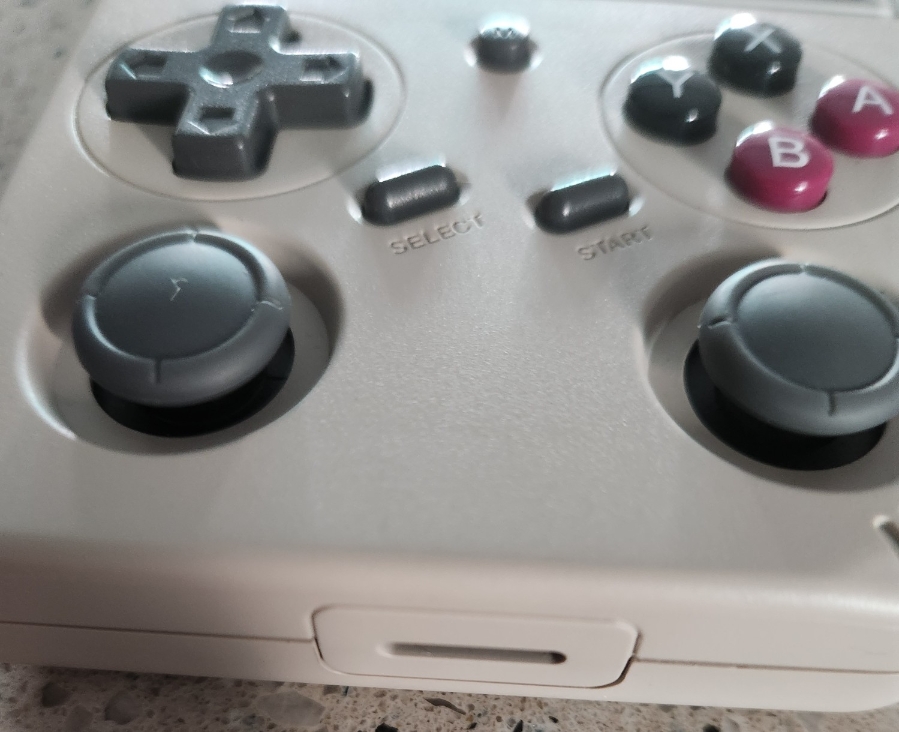
However, since the analog stick is positioned quite close to the D-pad, there is a little bit of thumb interference when playing action games, though it’s not a dealbreaker.
Cooling & Ergonomics: You can actually see the fan through the back panel. It stays quiet most of the time, but once you fire up heavy 3D games, the smart fan kicks in to dissipate the heat.
The grips are ergonomically designed and feel decent in the hand, though I wouldn’t say they are the most comfortable I’ve ever used.
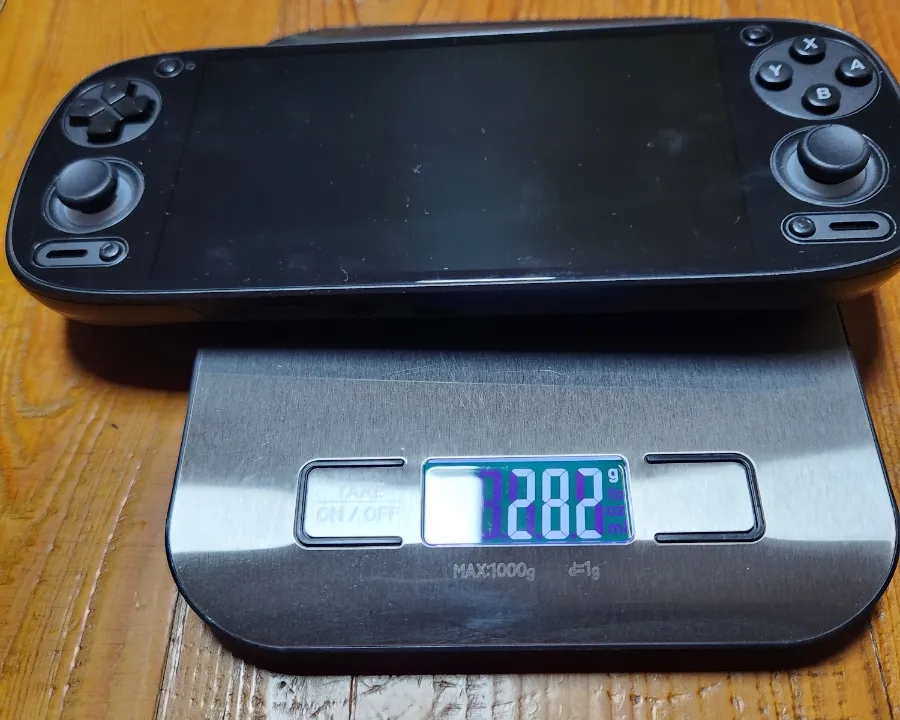
Specs & Weight: Weighing in at 282g (under the 300g mark), it has the perfect heft for portability.
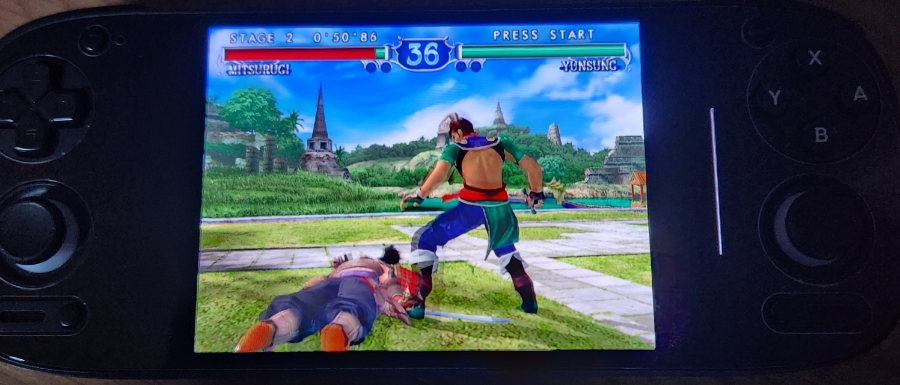
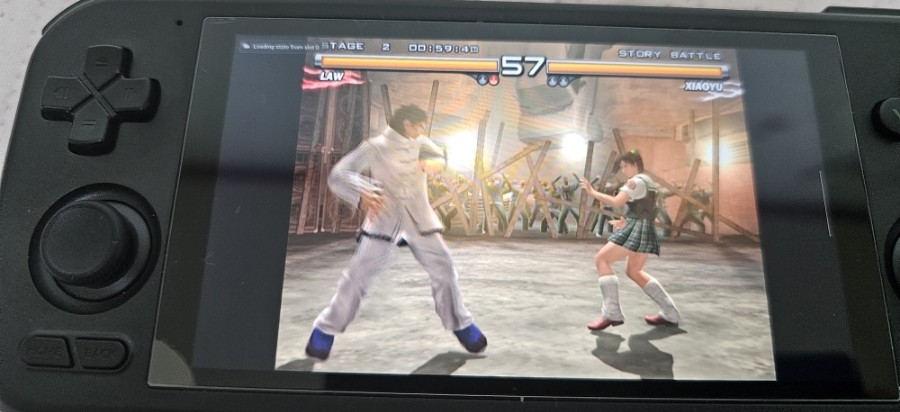
The processor is a Snapdragon 865—the same chip found in the Samsung Galaxy S20. This means it can handle PS2 games at 2x resolution without breaking a sweat.
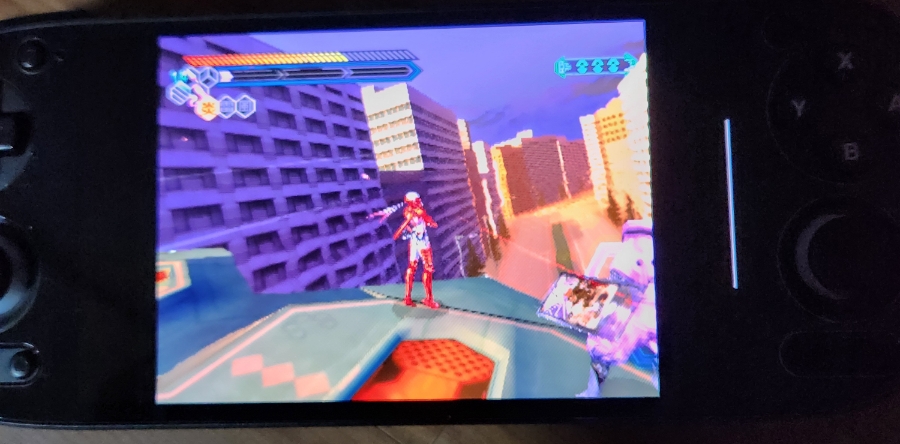
Performance Test: Nightshade (Kunoichi) First up is the PS2 classic, Nightshade (known as Kunoichi in Asia). This title stuttered a bit on the Retroid Pocket 4 Pro, but on the Pocket 5, it runs flawlessly at 2x resolution. I set the graphics backend to Vulkan for this one.
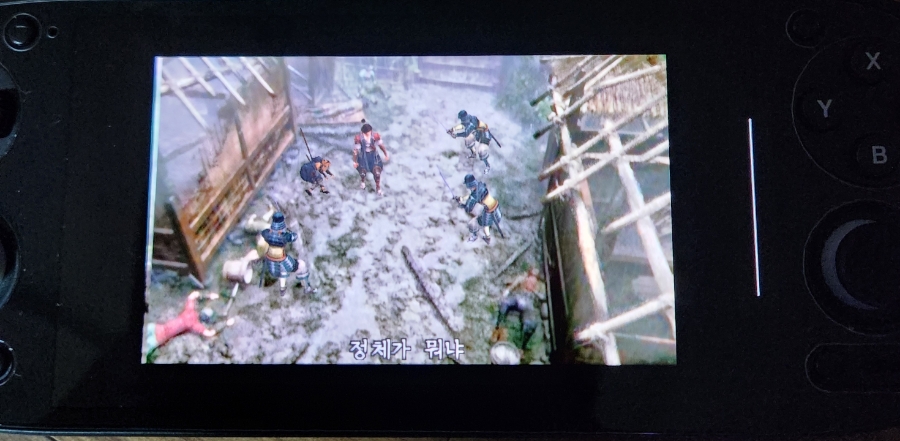
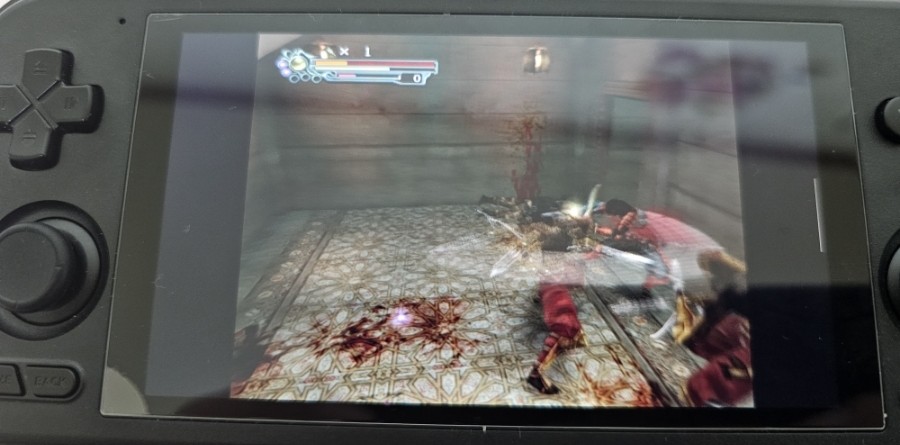
Performance Test: Onimusha 2Onimusha 2 also runs great at 2x resolution. However, a quick tip: if you use OpenGL, the character models might turn invisible. Make sure to select Vulkan to fix this glitch.
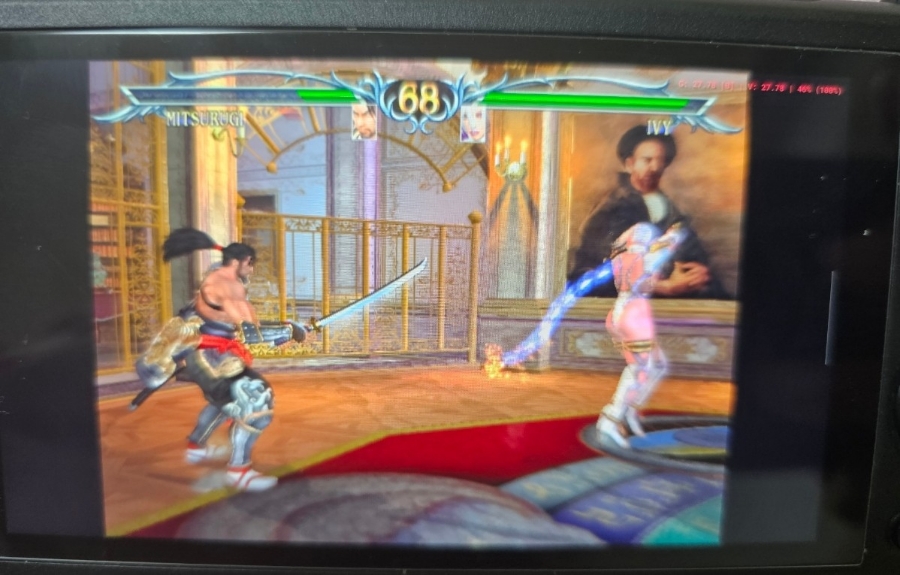
Performance Test: Soulcalibur IISoulcalibur II had some minor stuttering on the RP4 Pro at 2x resolution, but here on the Pocket 5? It’s buttery smooth.
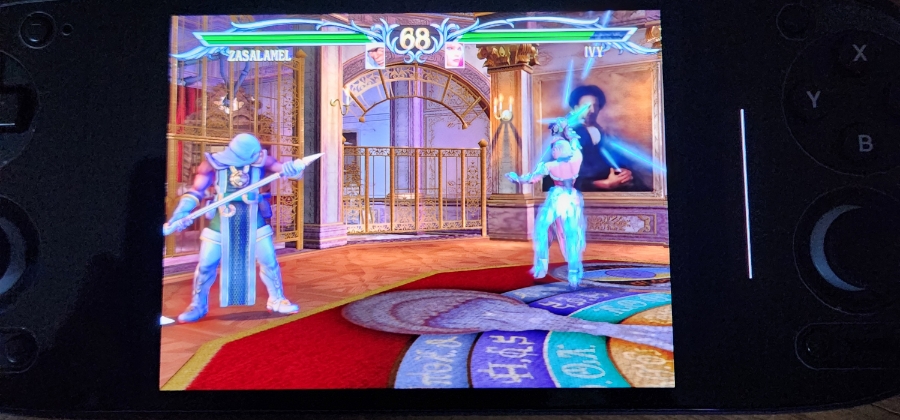
Performance Test: Soulcalibur IIISoulcalibur III also runs perfectly at 2x resolution.
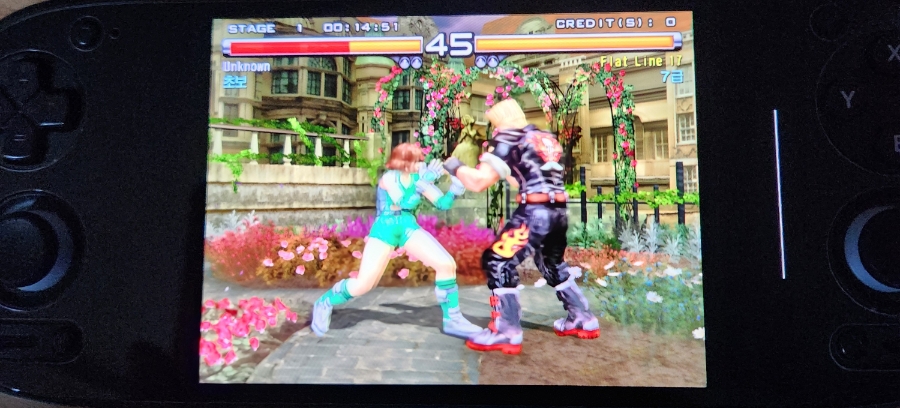
Performance Test: Tekken 5Tekken 5 handles 2x resolution with no issues.
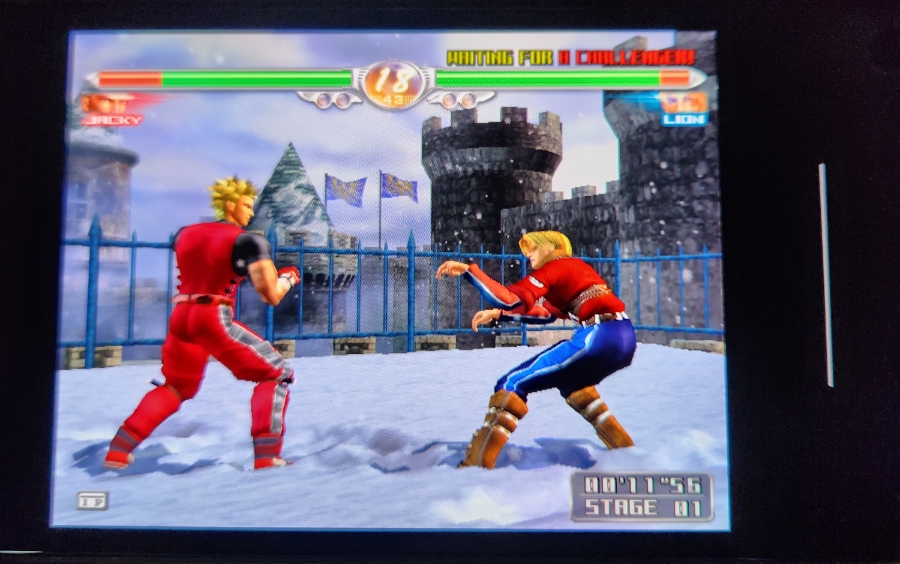
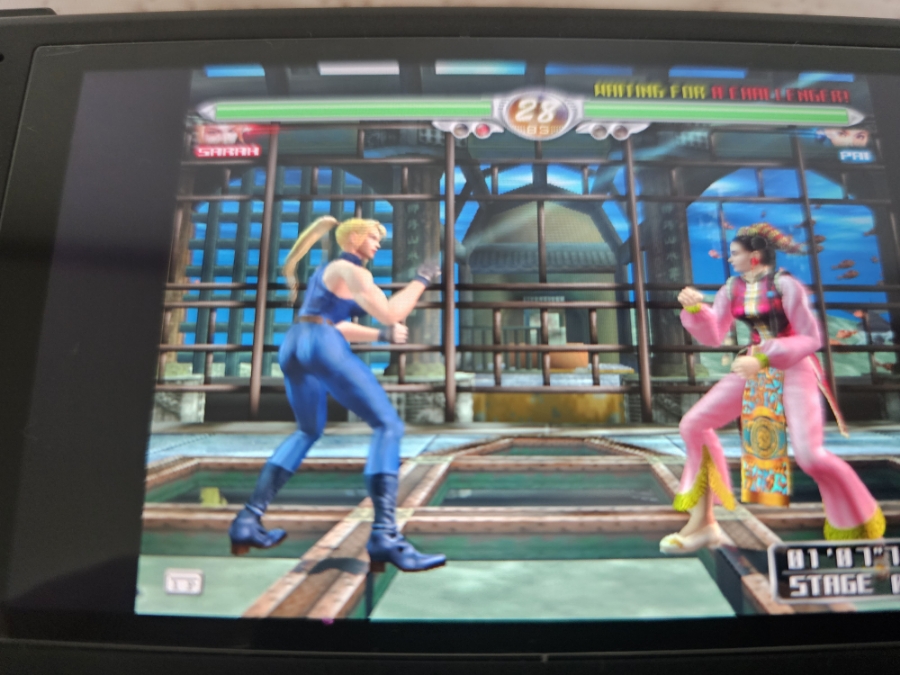
Performance Test: Virtua Fighter 4Virtua Fighter 4 is solid at 2x resolution.
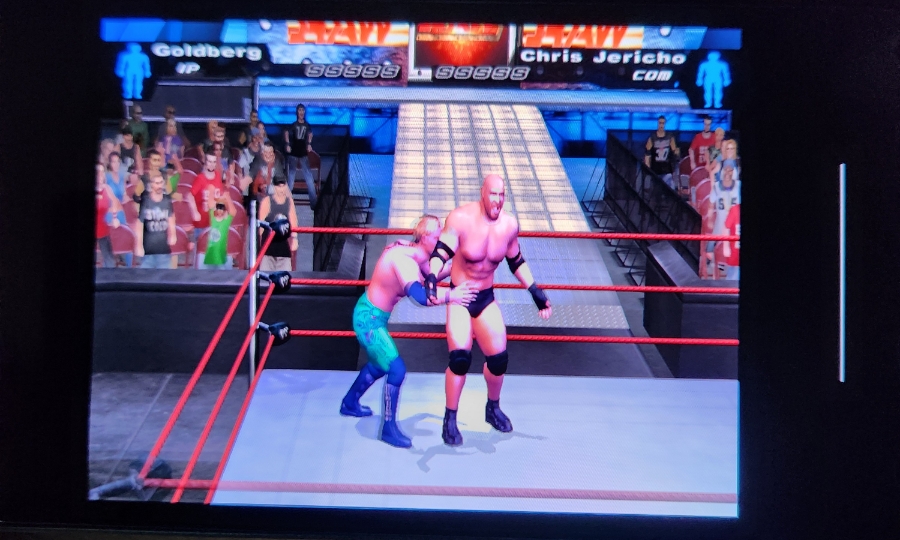
Performance Test: WWE SmackDown! Here Comes the PainWWE Here Comes the Pain also runs great at 2x resolution.
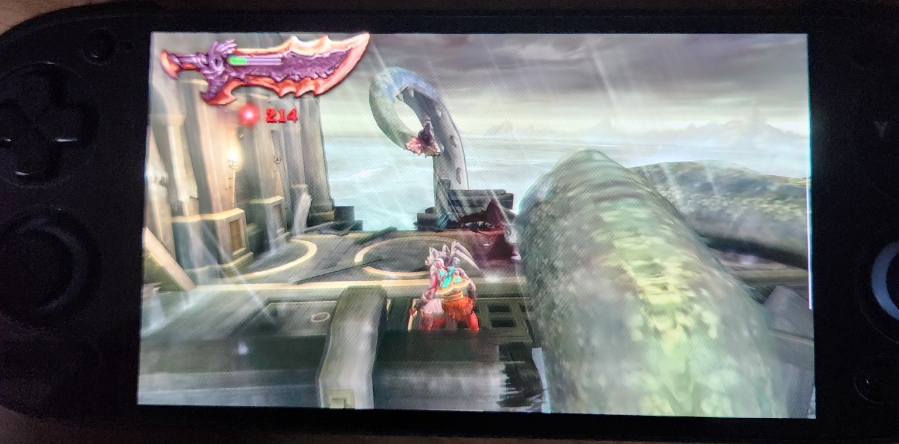
Screen, Battery & Verdict: Needless to say, PSP games run effortlessly—even God of War runs well at 4x resolution.
The bezels are thin, and since it’s an OLED panel, the true blacks are incredible. When playing 4:3 content, the letterboxing blends perfectly with the bezels, creating the illusion that you’re playing on a native 4:3 device.
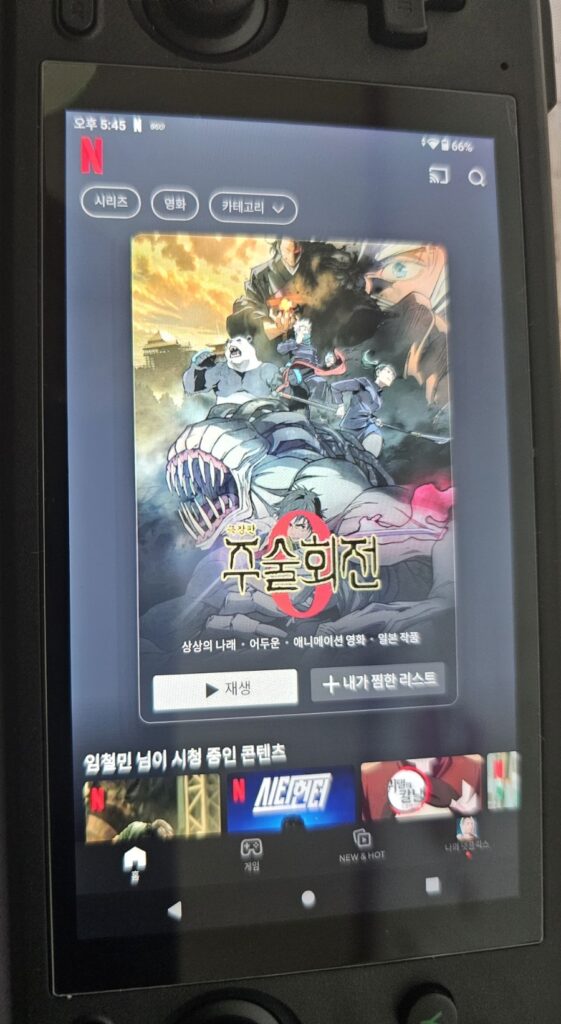
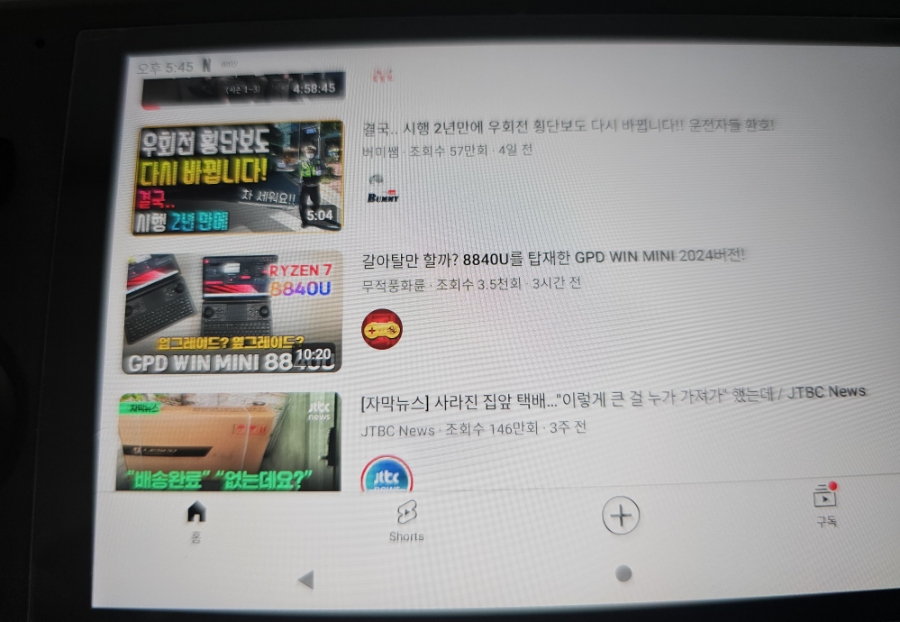
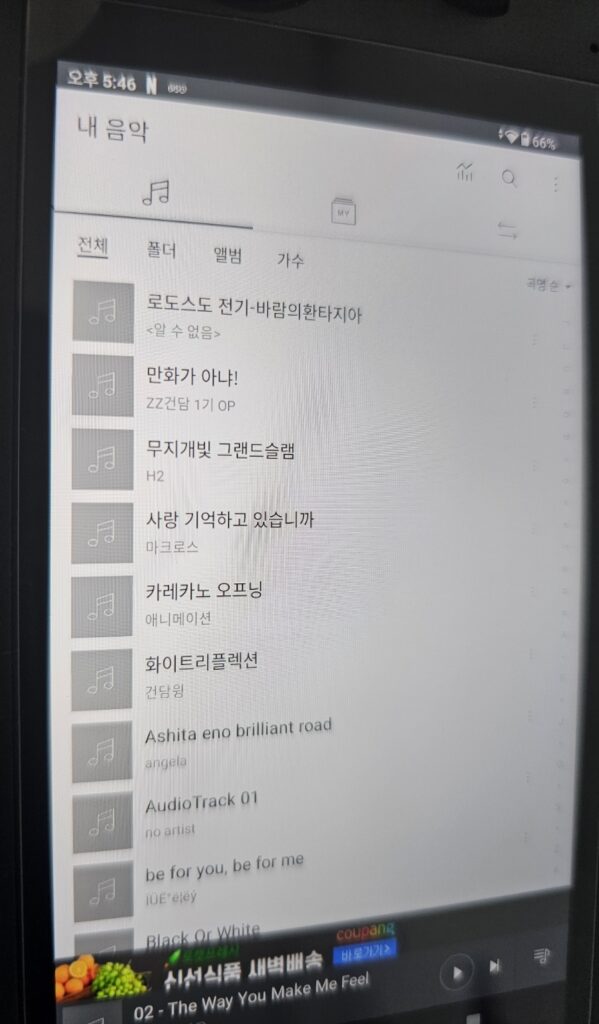
Since it’s Android, you can install Netflix and YouTube. You can also listen to music via Bluetooth headphones while gaming. It’s the size of a standard phone, making it the perfect companion for your subway or bus commute.
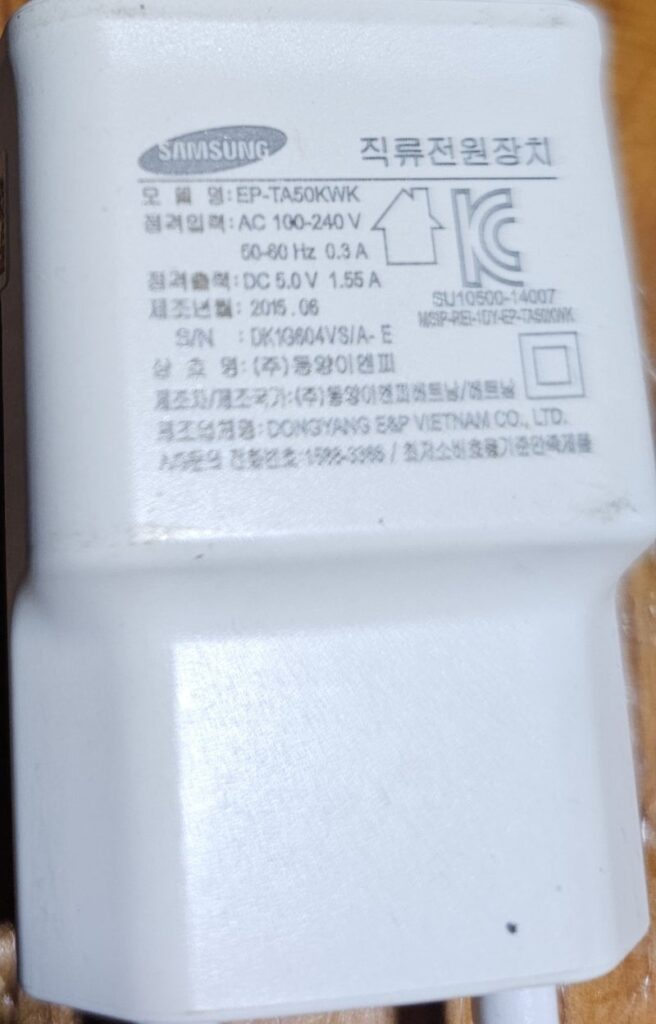
Important Charging Warning: Unlike budget retro handhelds where high-voltage chargers can fry the motherboard, the Retroid Pocket 5 actually requires a charger that supports 9V or higher (PD charging) for fast and stable charging. If you try to use an old 5.1V charger, you risk overheating the charger itself.
Battery Life: The efficiency is impressive. I played Super Robot Wars Impact (PS2) for about an hour and a half, and it only drained about 10% battery. Also, while the RP4 Pro used to get warm, the RP5 stays incredibly cool. I really love this aspect of the device.
Conclusion: All things considered, the Retroid Pocket 5 is the best retro handheld I’ve played so far. The only downside? The price. It’s a bit steep (over $200 USD).
I’m already looking forward to Retroid’s next product. Please, Retroid, give us a 4-inch+ device with a native 4:3 screen next time!
Note on Setup: Keep in mind that Android handhelds don’t come with emulators pre-installed. There is a stock launcher, but I barely use it.
For gamers in their 40s and beyond, here’s a title that lets you finally beat that impossible childhood game — thanks to the magic of forced save/load tricks!
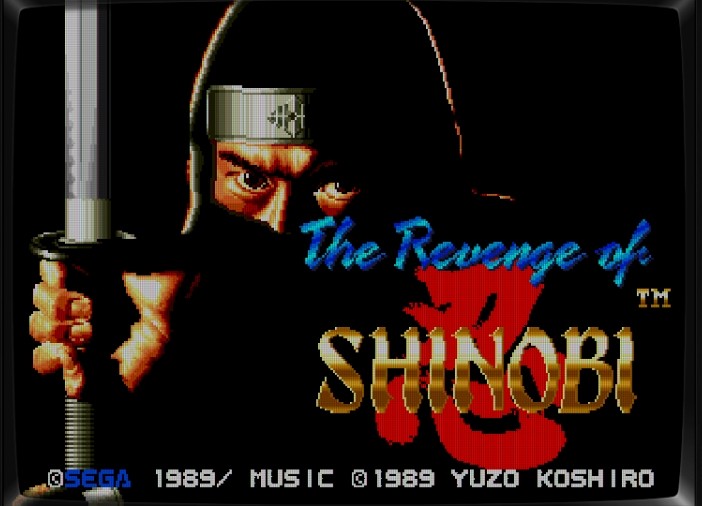
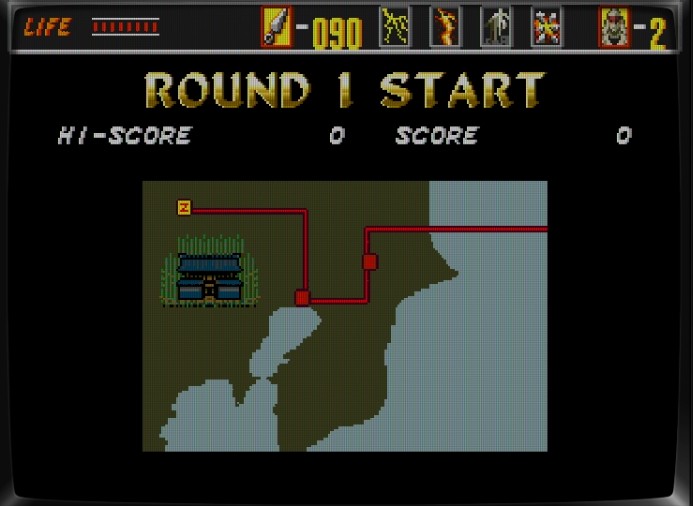
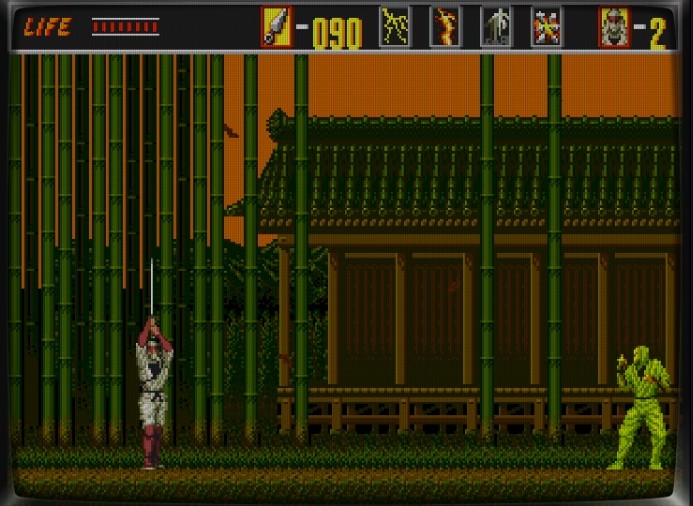
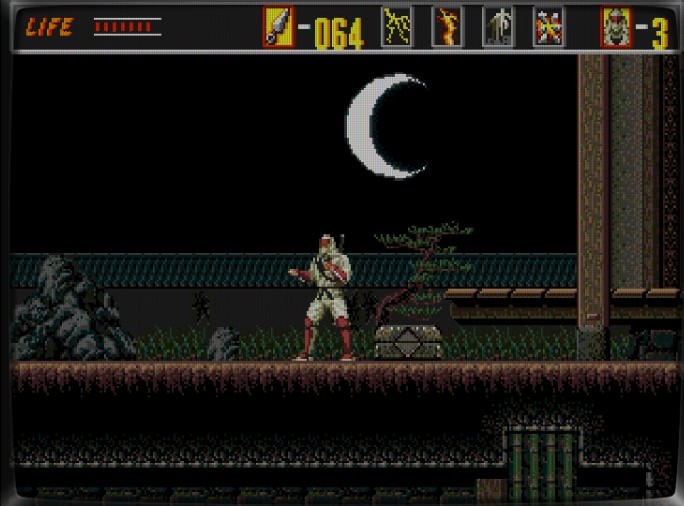
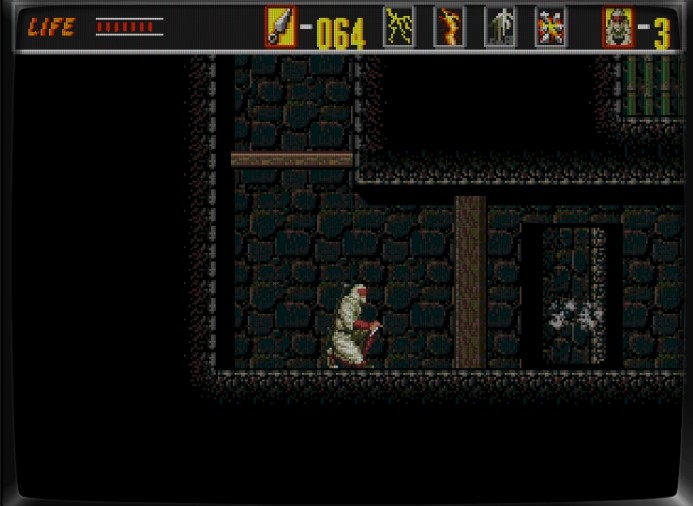
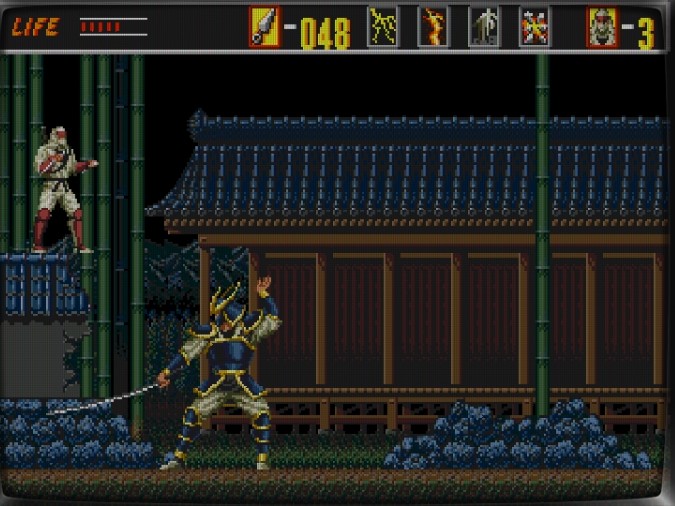
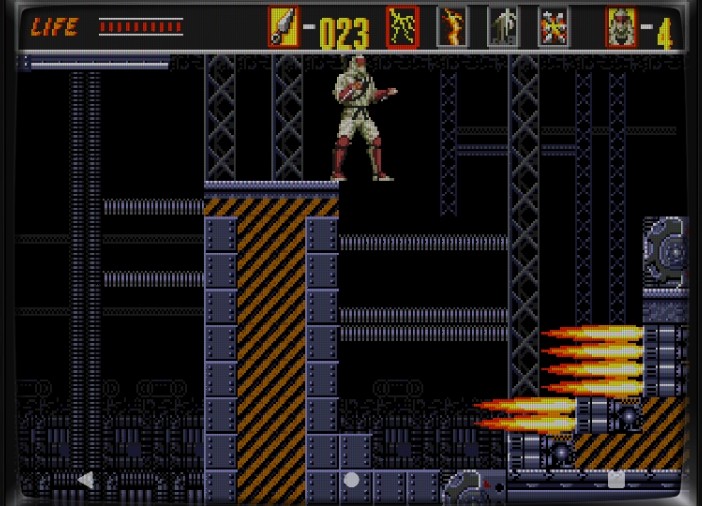
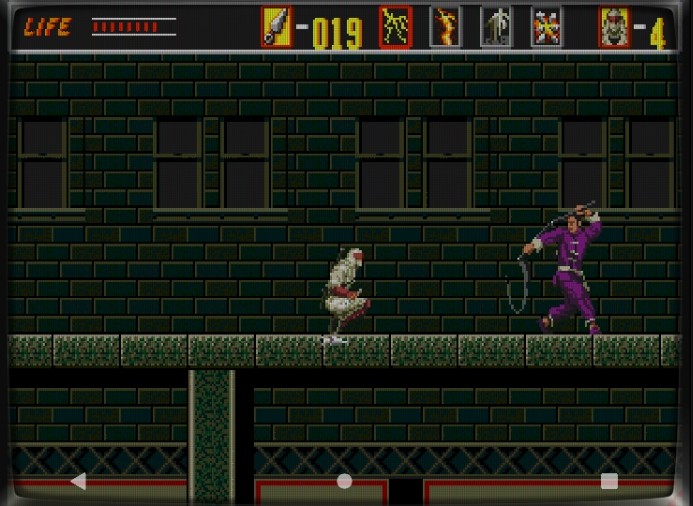
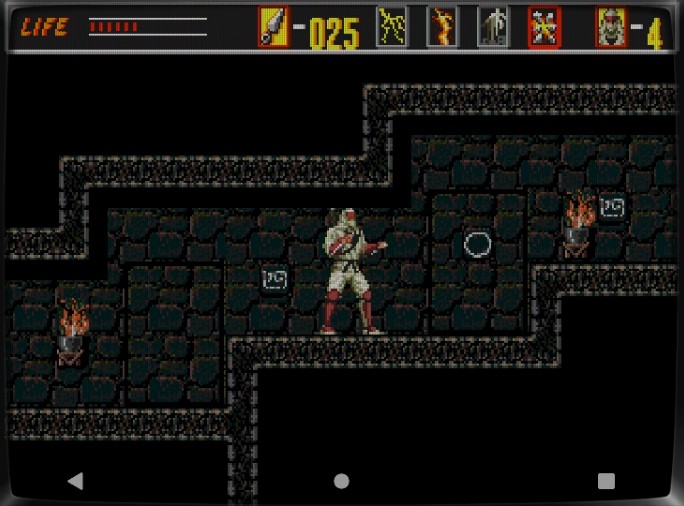
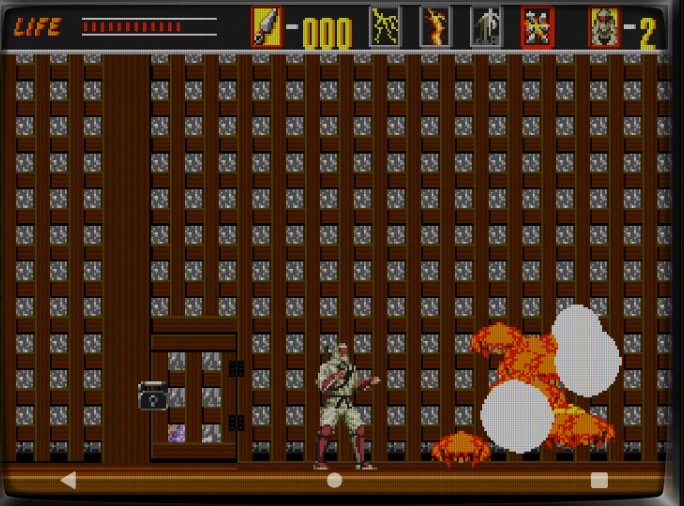
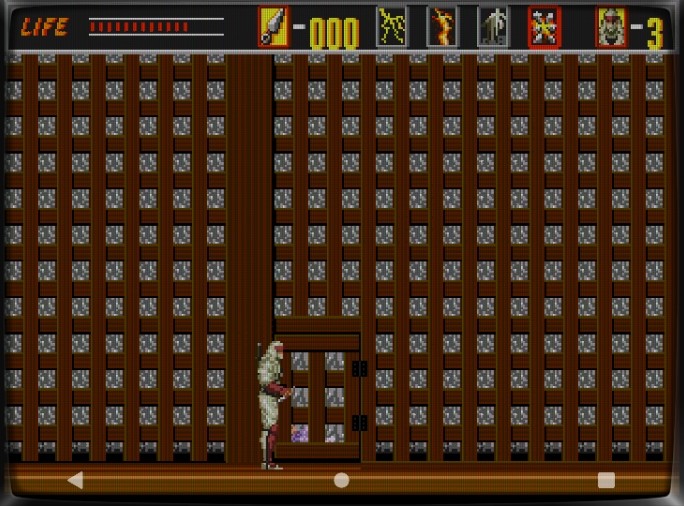
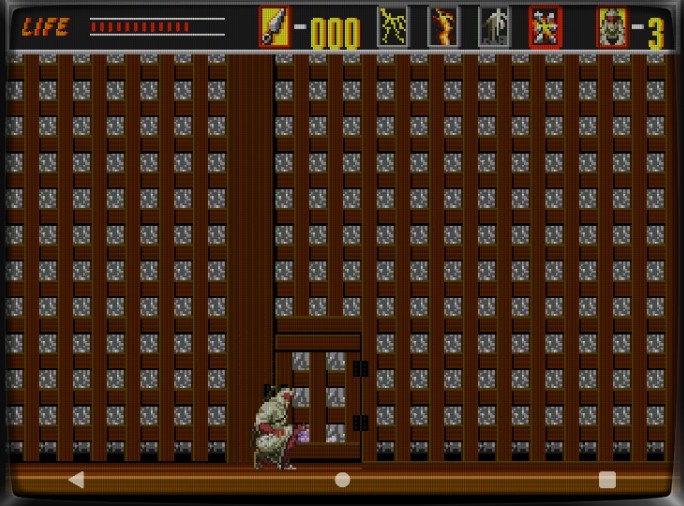
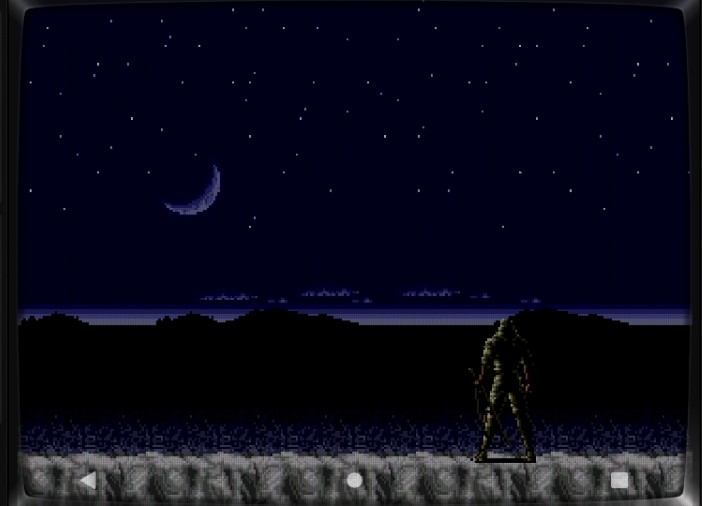
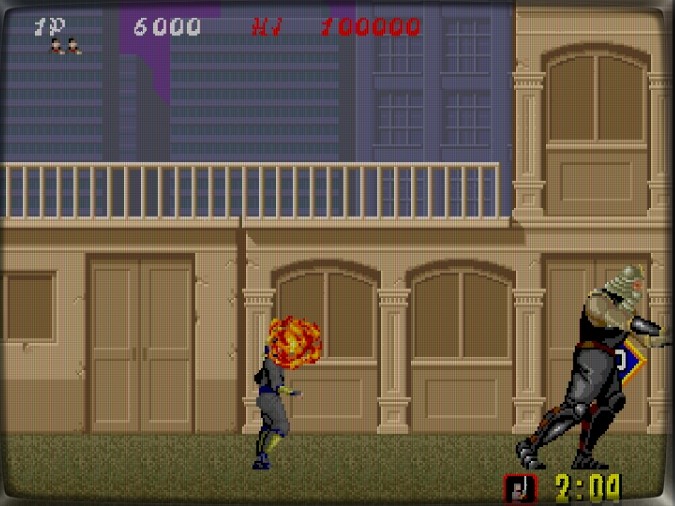
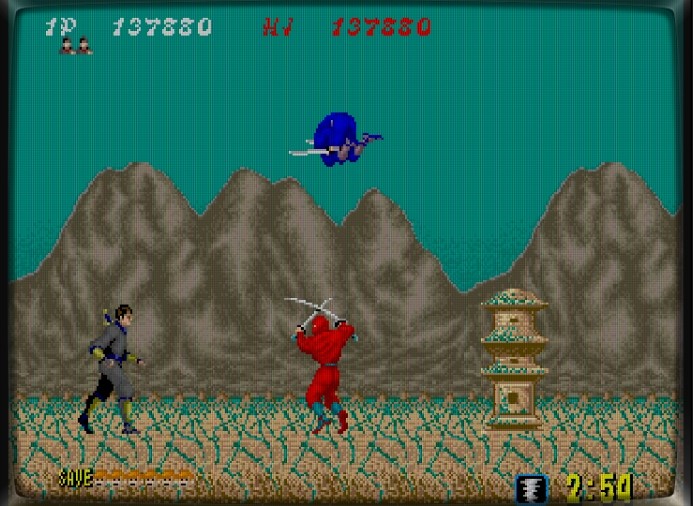
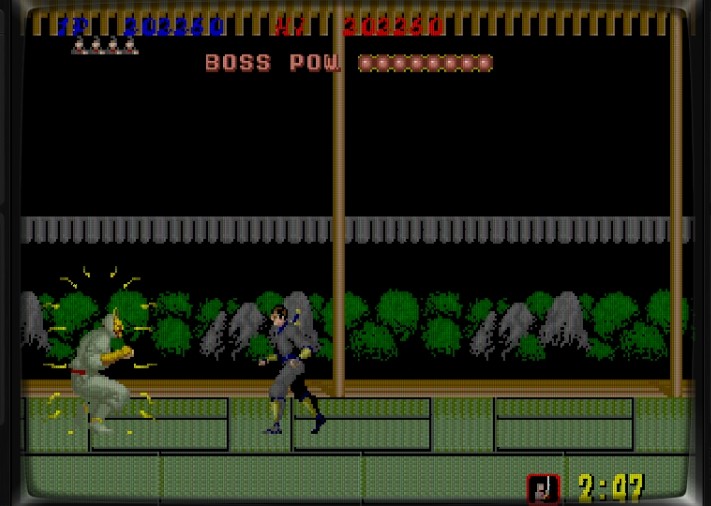
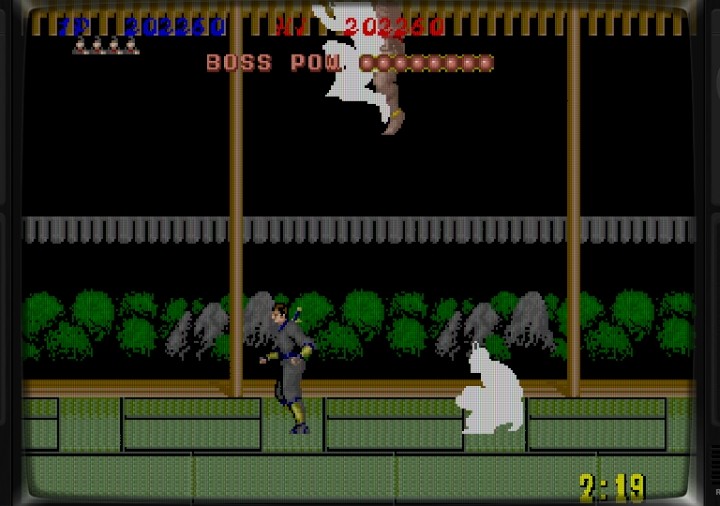
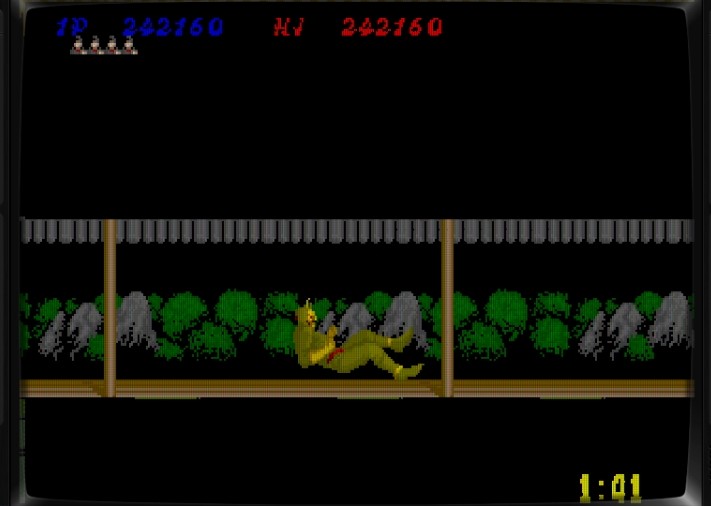
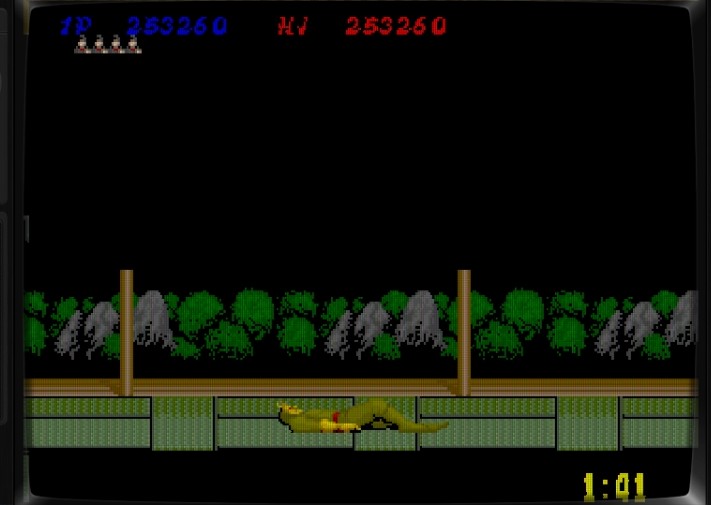
It’s The Revenge of SHINOBI, a legendary 1989 Sega title that helped define the 16-bit Mega Drive era. Known in Korea as Super Shinobi, this classic ninja adventure is a true symbol of Sega’s golden age.
Basic Controls:
A Button: Ninja Magic B Button: Attack or Throw Shuriken C Button: Jump Press Start, then use the D-pad to select your ninja spell.
Jump → Jump again: Double Jump Attack at the peak of a double jump: Multi Shuriken Throw (only works if you have enough shuriken).
Ninja Magic:
Flame Technique – Summons a blazing dragon that fills the screen, burning all enemies.
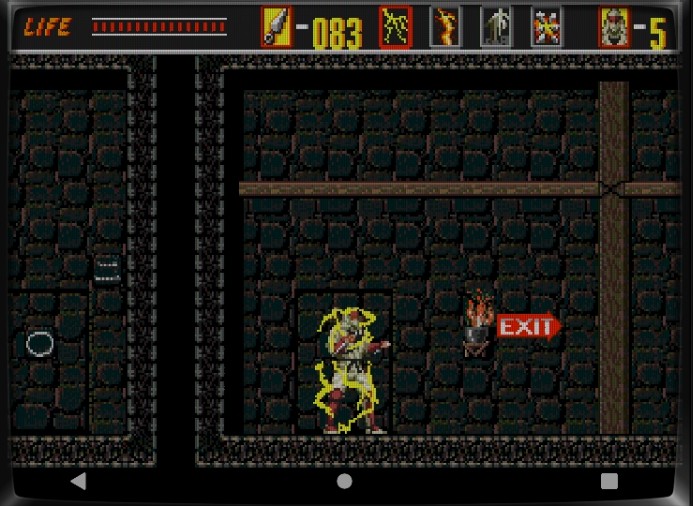
Thunder Technique – Your body becomes surrounded by lightning, making you temporarily invincible. But take a few hits, and it wears off.
Clone Technique – Boosts your jump height slightly. Honestly, I rarely use it. Seems cool, but not essential for boss fights.
Suicide Technique – Sacrifice one life to damage nearby enemies. You’ll revive instantly with full health and one magic use restored. Extremely useful for boss battles if you have extra lives!
Now, let’s begin the game.
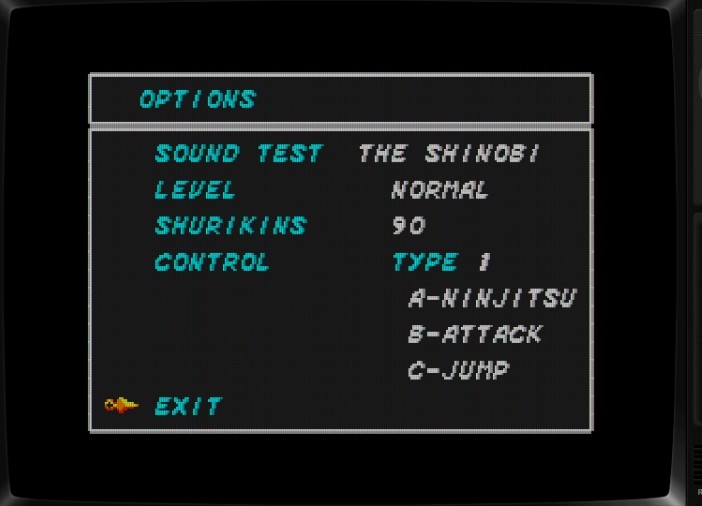
Middle-aged gamers have their pride — full 90 shuriken stock, difficulty set to NORMAL. Hold that pride high! “Normal mode” is our badge of honor.
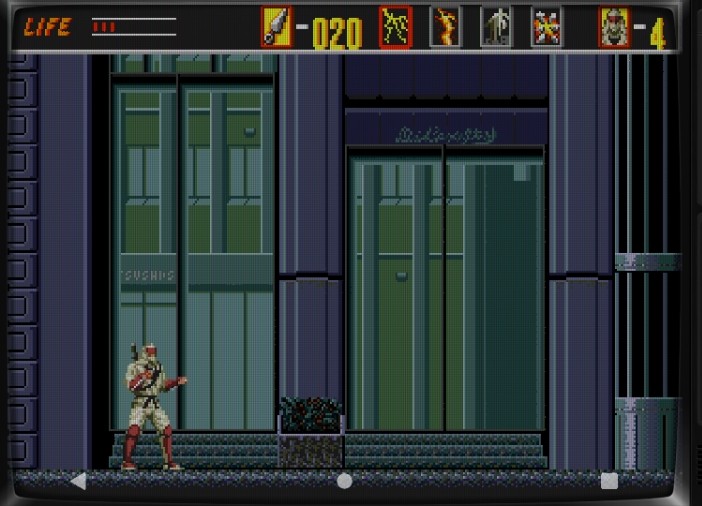
Round 1 begins. Wait, why are we fighting again? Are we saving the world… or did someone kidnap our girlfriend?
Oops, pressed the wrong button? Yep — you just wasted your ninja magic on a random grunt. Better restart.
A rock bridge? Step close and it starts moving — the arrow appears, and you go the opposite way.
Enemies swarm in waves, but we’ve got plenty of shuriken left. Fire away!
Here comes a boss in cool armor — I love that color scheme!
When he swings his sword from the wall, hit him midair with multi-shuriken. Perfect timing!
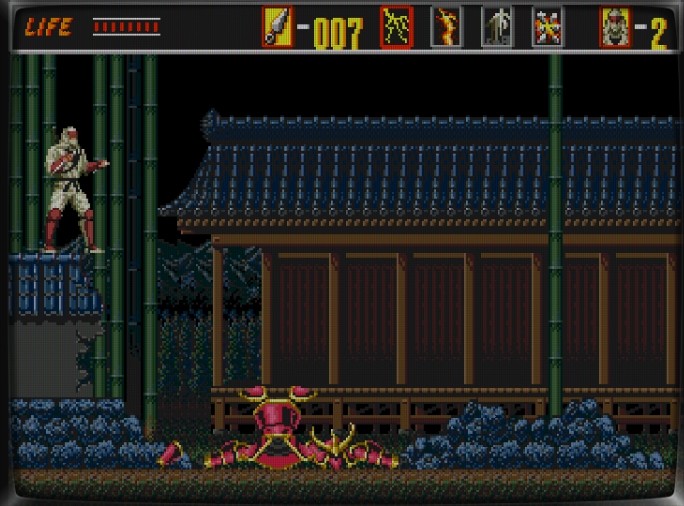
That armor’s gorgeous — changing colors like it’s AI-controlled. Man, I want one!
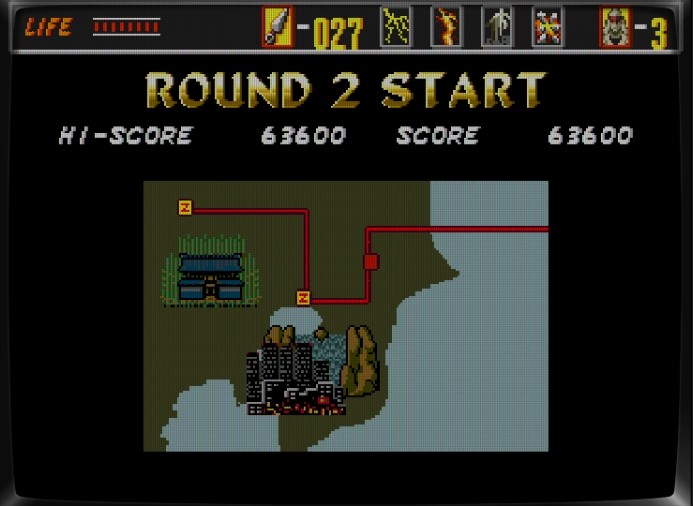
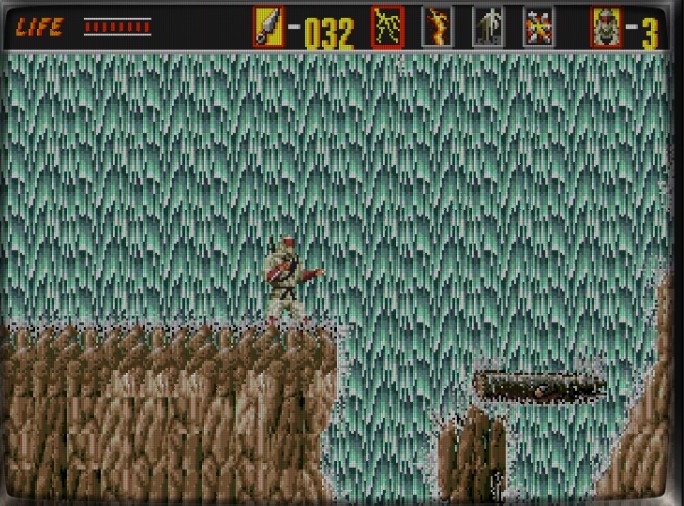
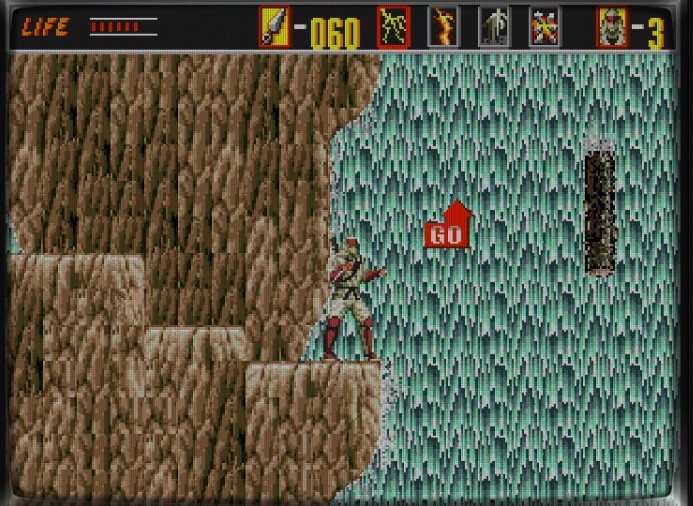
Round 2: The waterfall stage.
This is where most players hit their first wall. Don’t worry — the mighty save/load trick will carry you through.
The waterfall is beautiful… but fall off, and you’ll lose a precious life.
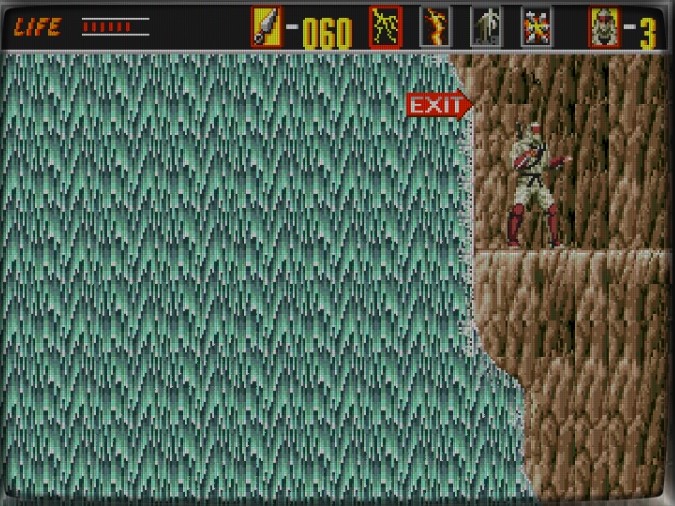
Ugh, those falling logs! You’ll need perfect double-jump timing to land safely. Trust your rhythm — if you can leave your office exactly at 6:00:00 PM, you’ve got this.
Make it across the logs, and you’ll see the exit.
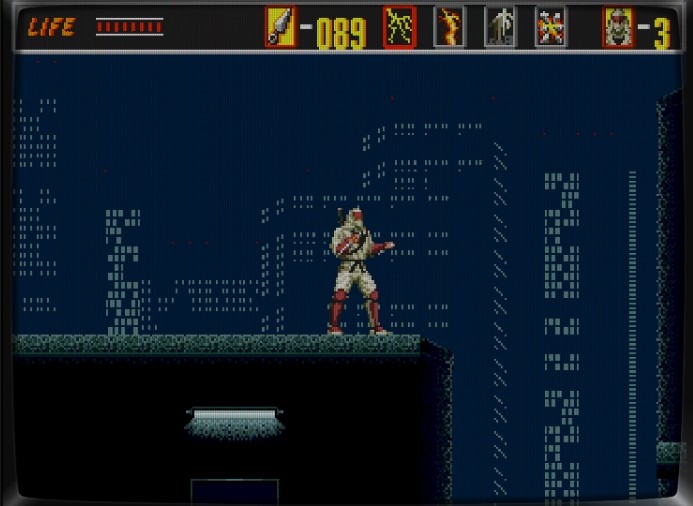
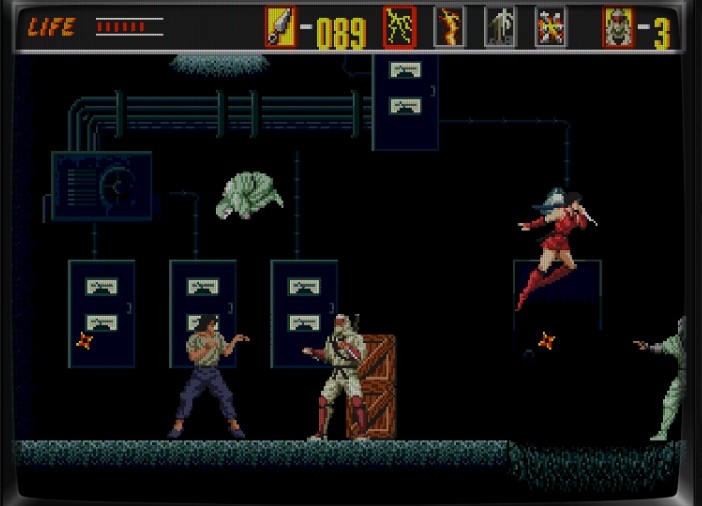
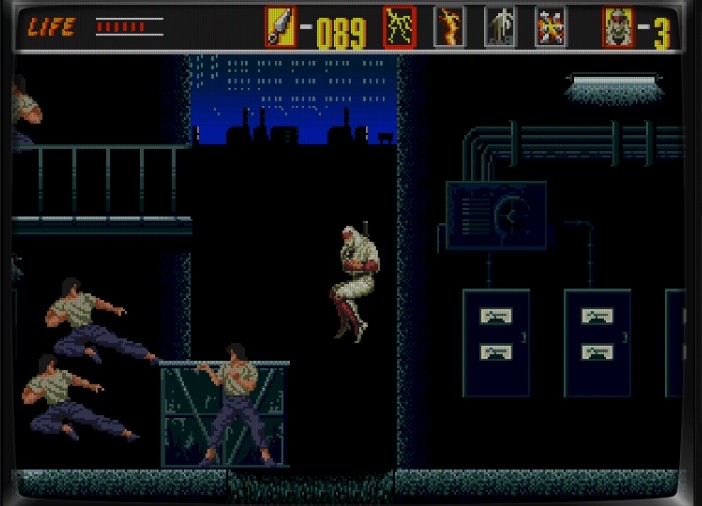
Now the city stage begins. A nun turns into a ninja, and a guy straight out of a Jackie Chan movie attacks with flying kicks!
It’s total chaos — take them down one by one, calmly and precisely. If they won’t listen, well… shuriken and sword it is.
Stop attacking me already! It hurts!
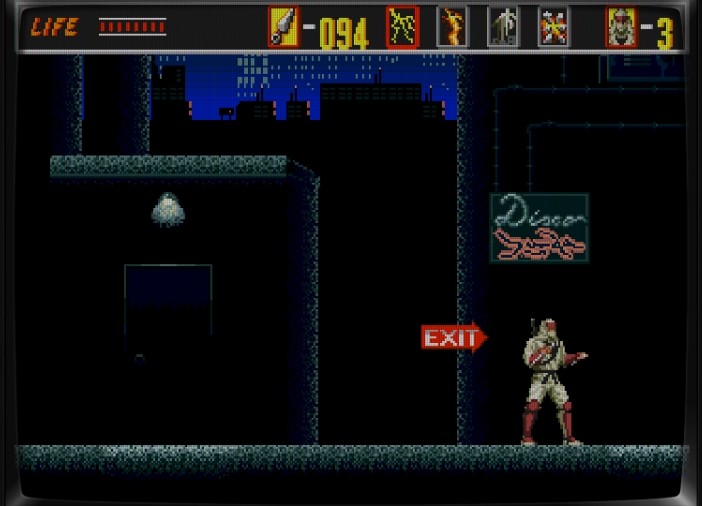
I’m exhausted… time to chill at the club.
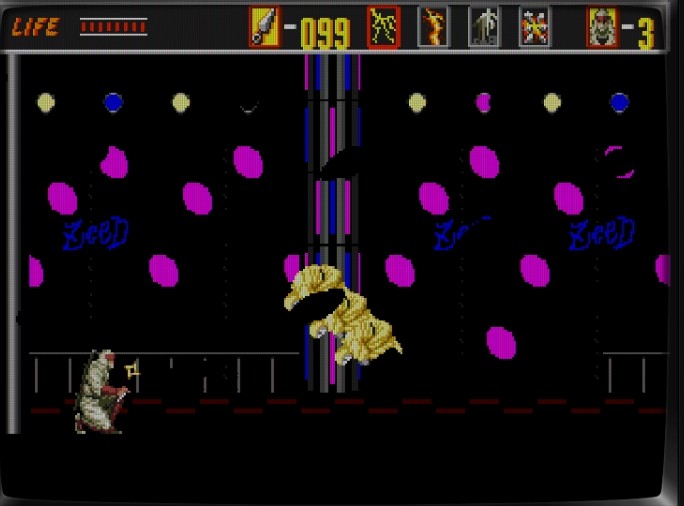
Yep, it’s a club — but the boss shows up using Clone Magic!
Take down his clones first, one by one.
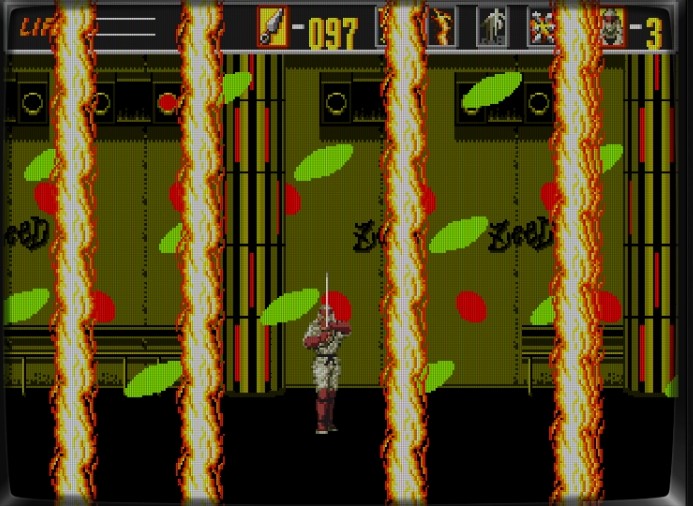
Then unleash your Flame Magic to burn off your stress!
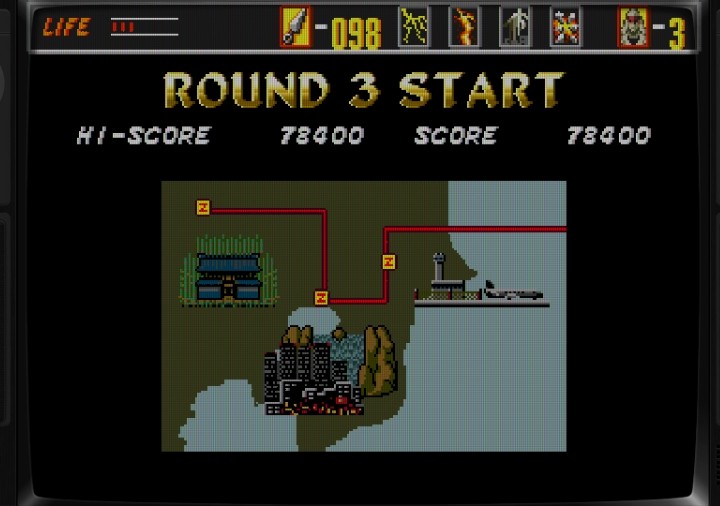
On to Round 3. The difficulty spikes here.
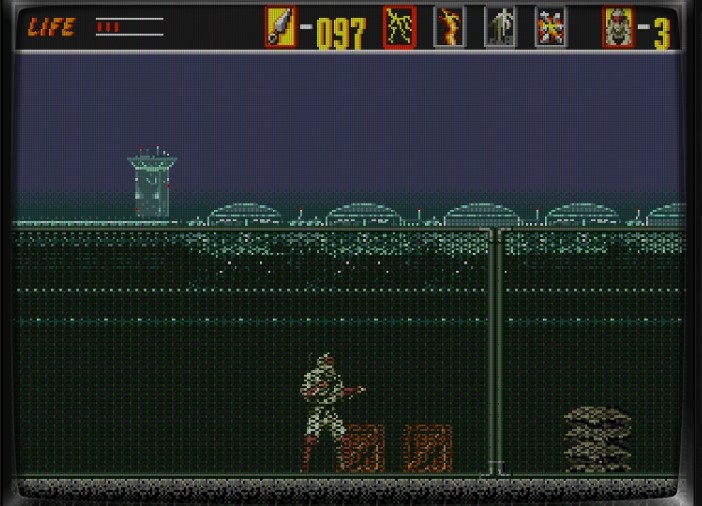
Looks like an airfield. Japanese soldiers fire guns, toss grenades, and use flamethrowers. Time to rely on our best friends: save and load.
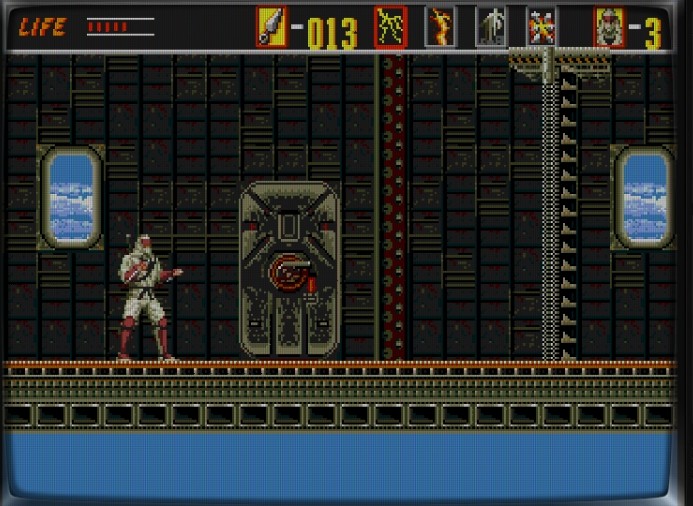
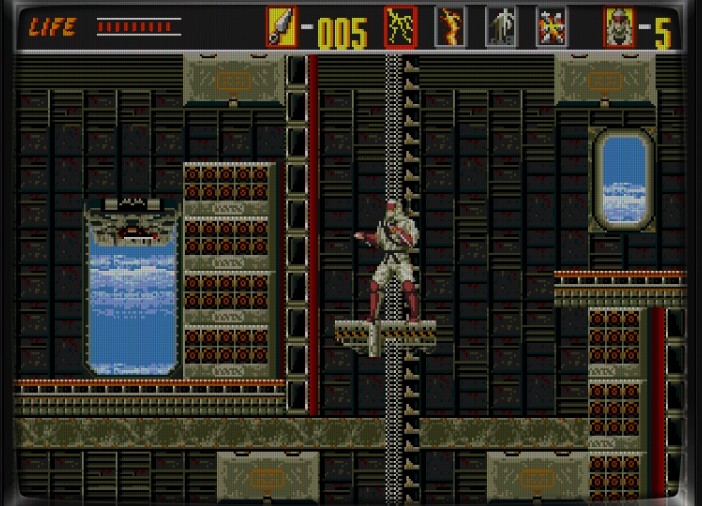
Boarding an airship now.
Why does that door keep opening? The maintenance crew’s clearly slacking. They need a 3 AM wake-up drill!
Exit ahead — wait for the door to close before passing. Your life is precious!
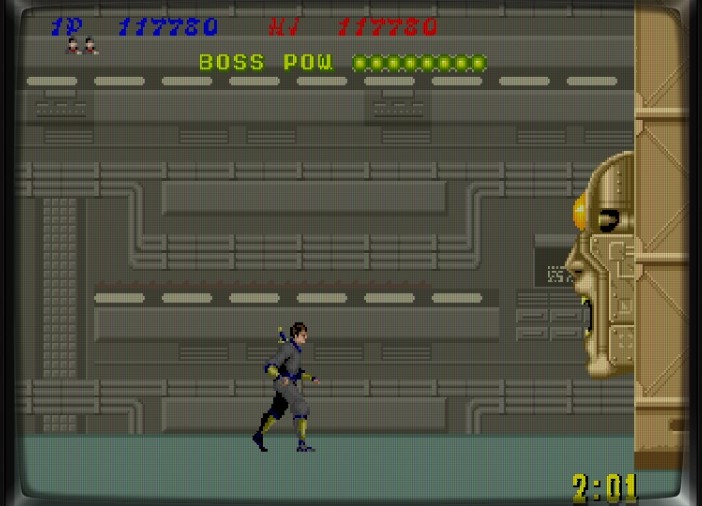
Boss time: a machine boss. Aim for the glowing vacuum-tube parts. Almost smashed my console, but held back — hardware is sacred!
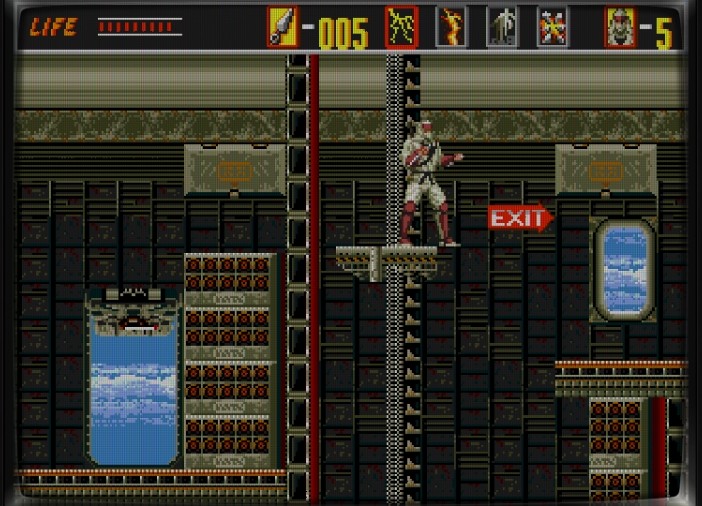
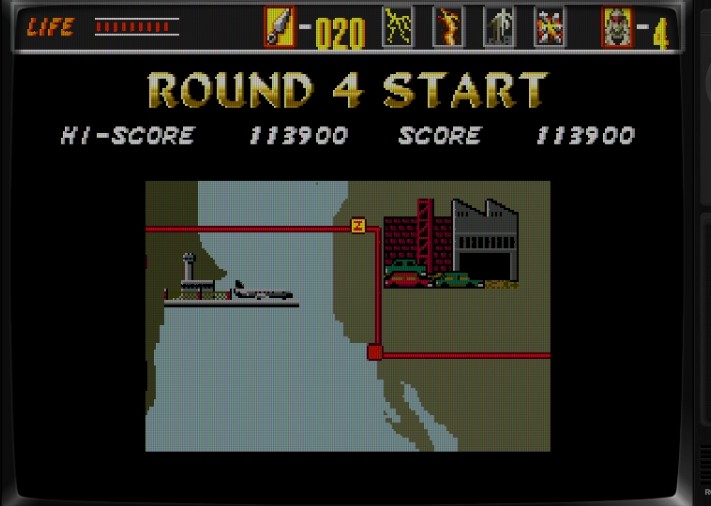
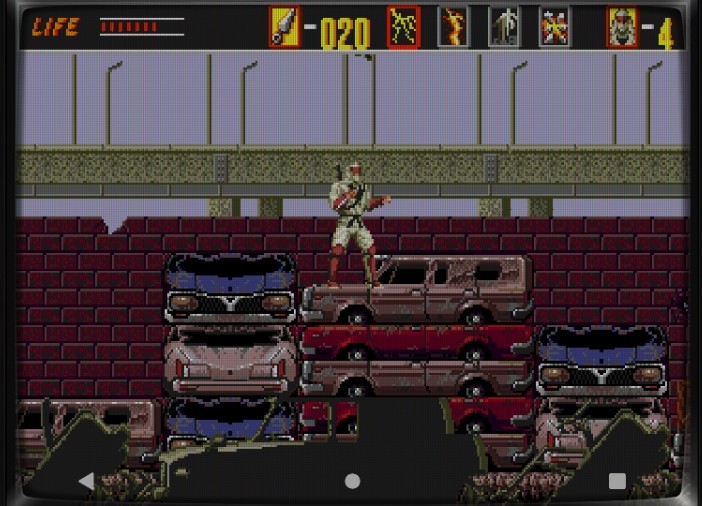
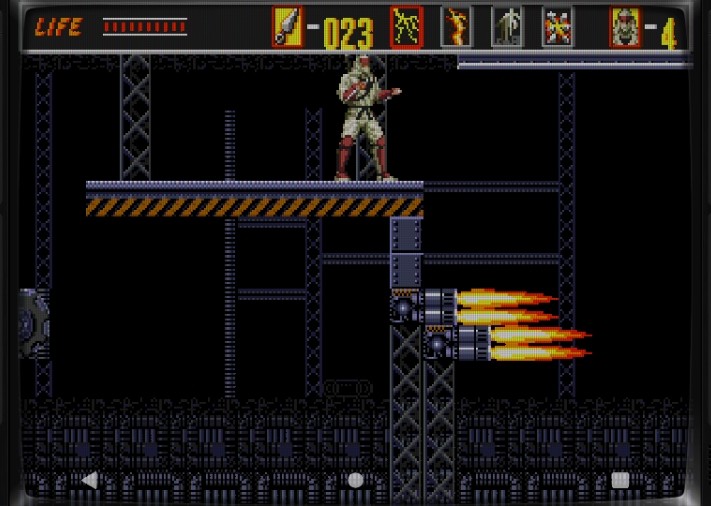
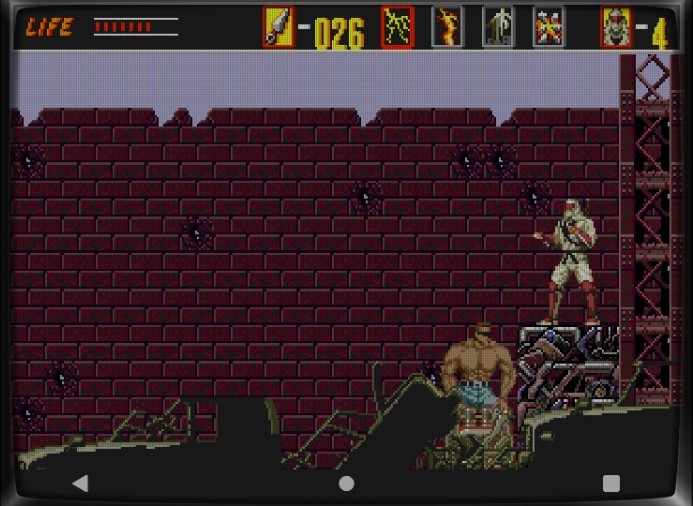
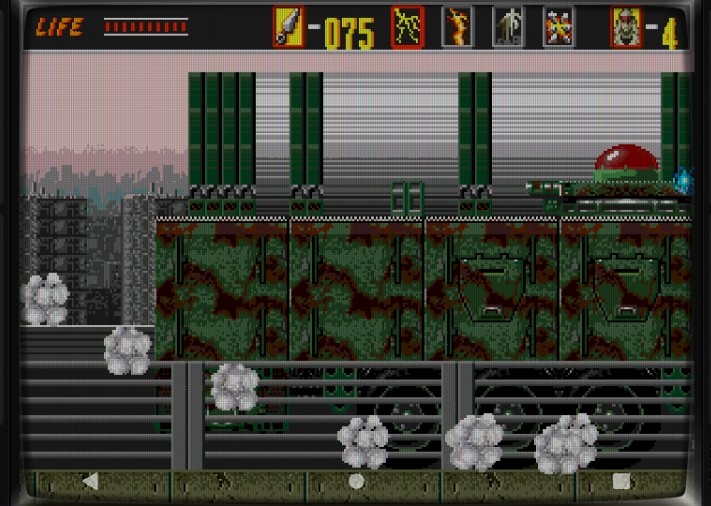
Round 4: The Waste Disposal Plant.
Look at those neatly parked vehicles — way better than our lazy mechanics. You guys deserve a bonus!
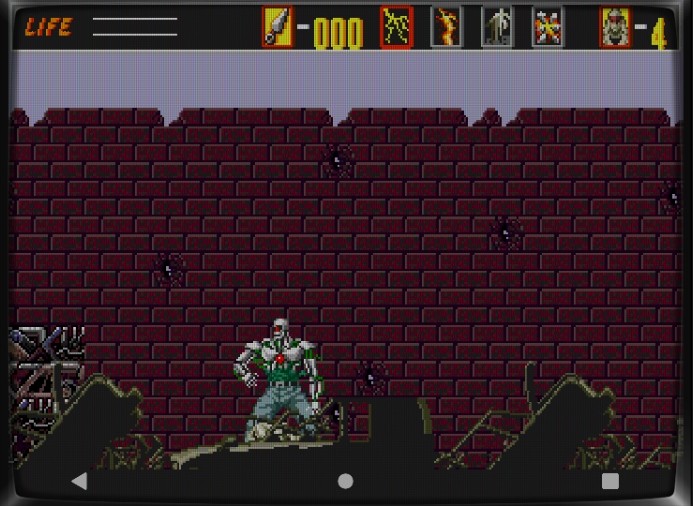
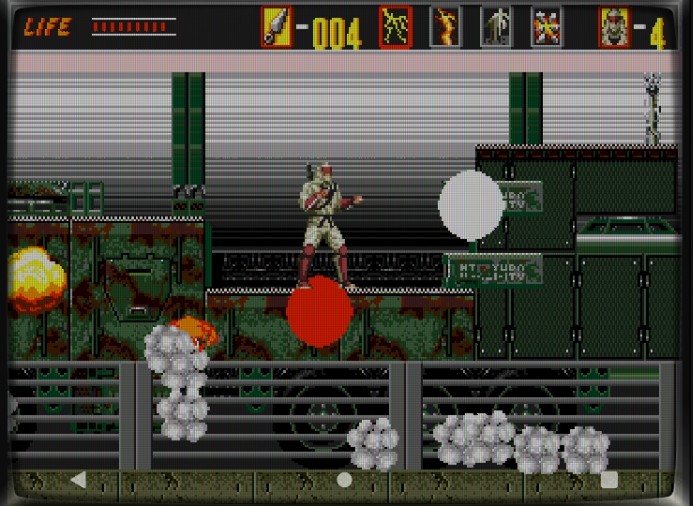
Boss fight — wait, is that… Schwarzenegger?! No way… is this Terminator?
Yep. It’s definitely the Terminator.
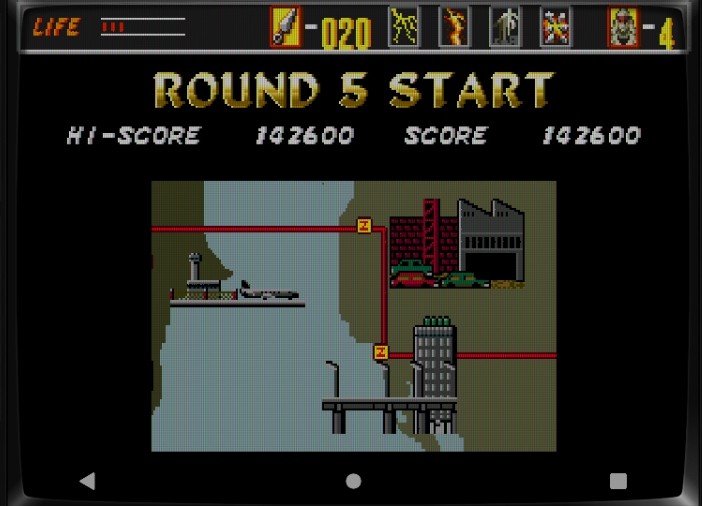
Round 5: The Skyscraper Stage.
Fight your way through the building’s enemies…
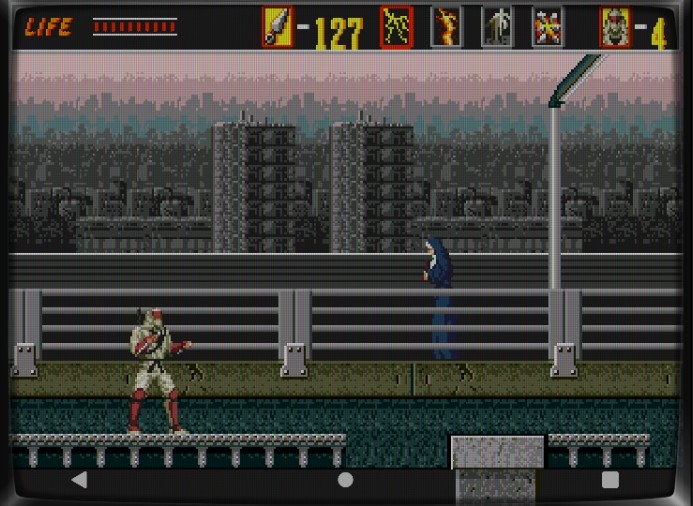
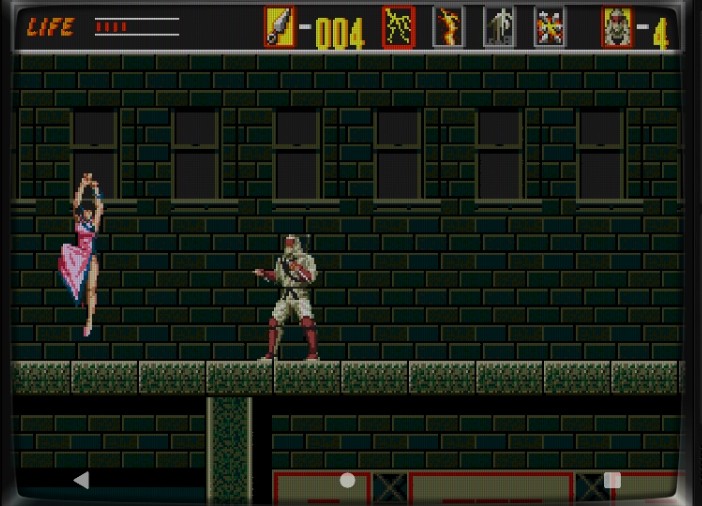
Then head out to the city streets. Wait — is that nun back again?
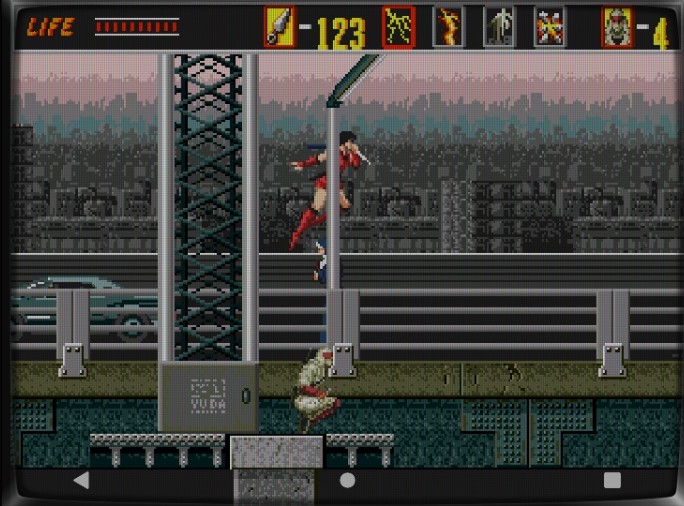
She’s no nun — she’s a kunoichi, a female ninja!
Enough already — stop attacking!
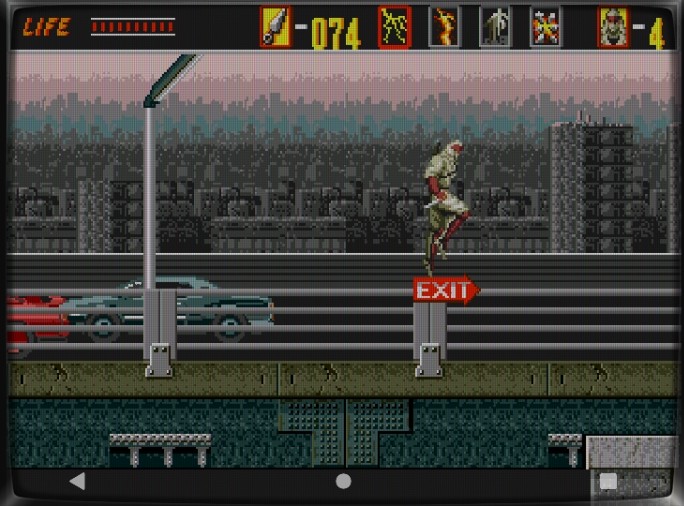
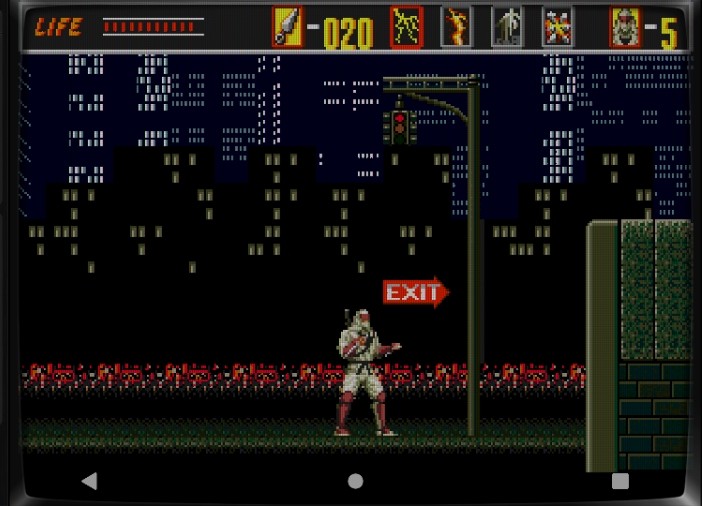
Time to make a run for the exit!
Another machine-type boss. Electric shocks, gas attacks, the works.
Hit the red button-like core. It’s all about rhythm — jump to dodge the electricity, and time your shuriken toss perfectly.
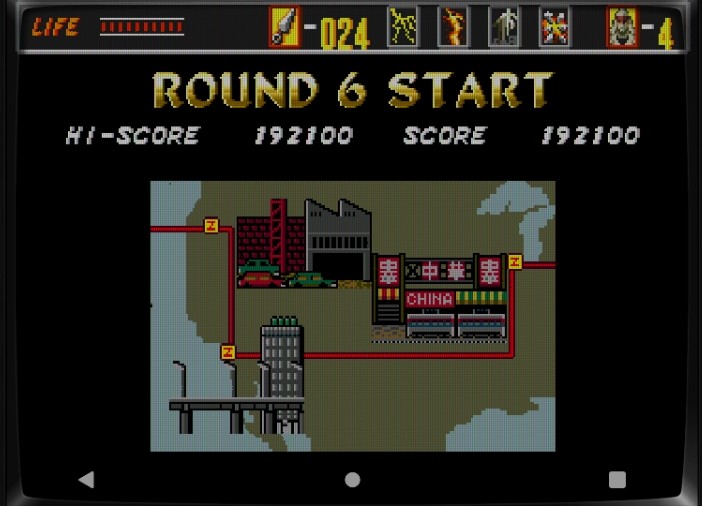
Round 6 begins.
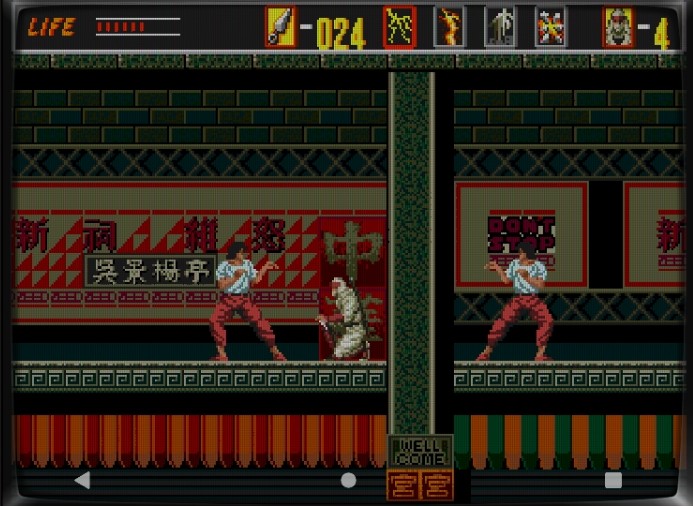
Looks like Chinatown — fittingly, the BGM is called “China Town.” I still love listening to it. The composer Yuzo Koshiro also did Streets of Rage!
That enemy blocks all shuriken. Dodge his attack, then strike up close.
Avoid the woman if you can — she takes multiple hits to go down.
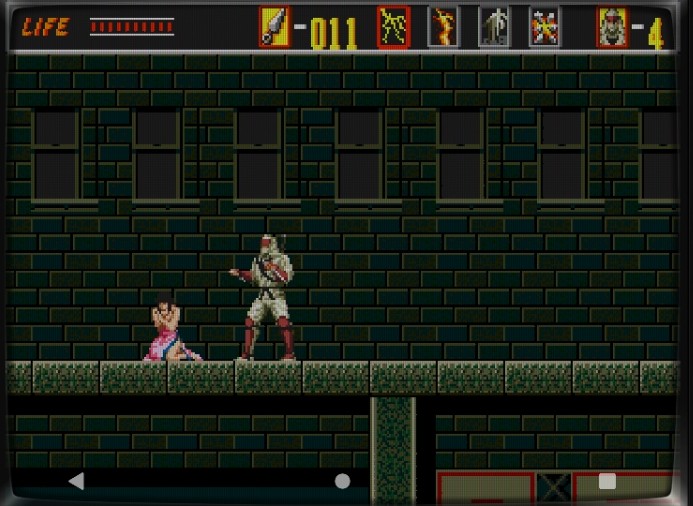
I get it, you want to protect her. But survival first — retreat if needed!
Wait, are you her boyfriend? Sorry, man. My girlfriend’s kidnapped — I’ve got my own rescue mission!
Didn’t move aside? Fine, have some shuriken! Exit’s up ahead.
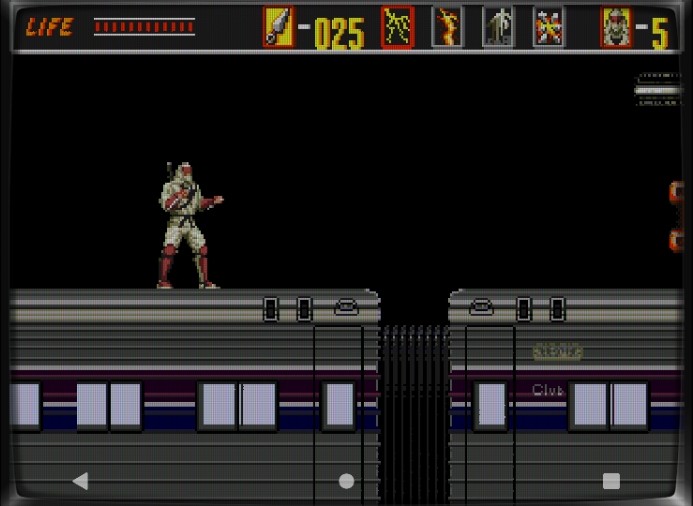
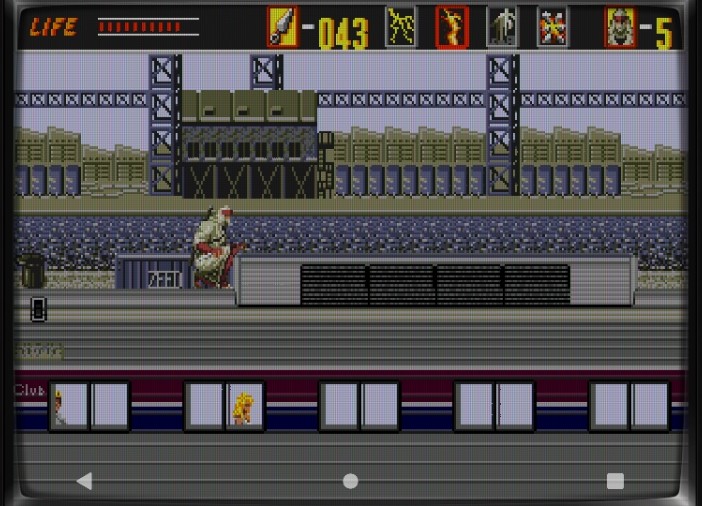
Now you’re fighting on top of a speeding train. Seriously? Yeah, definitely a kidnapped-girlfriend plot.
Still, the wind feels great up here!
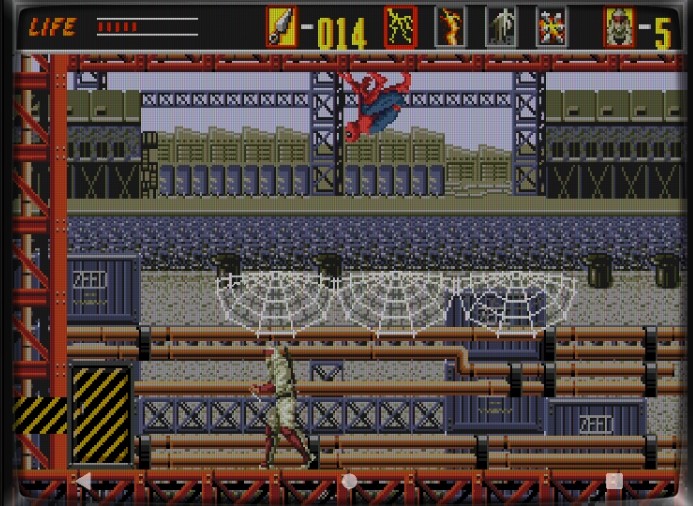
Wait… Spider-Man?! Earlier we had Terminator — now this? Guess licensing wasn’t a big deal back then!
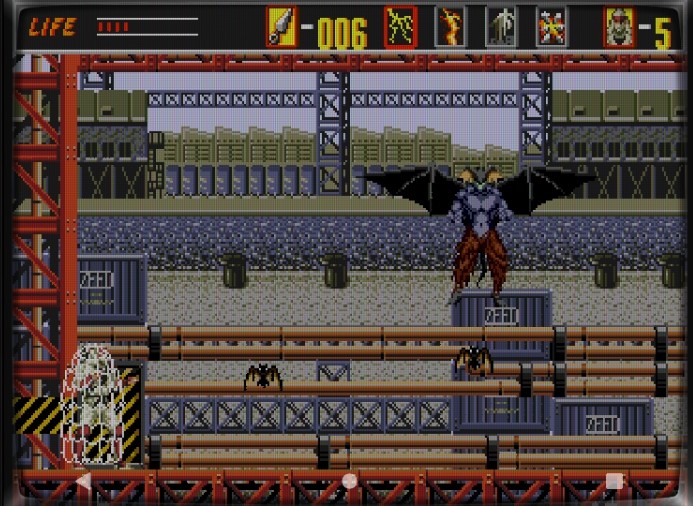
Spider-Man transforms into a bat. I thought you were supposed to be a spider! Anyway, hit and dodge, one strike at a time. Finally defeated the bat!
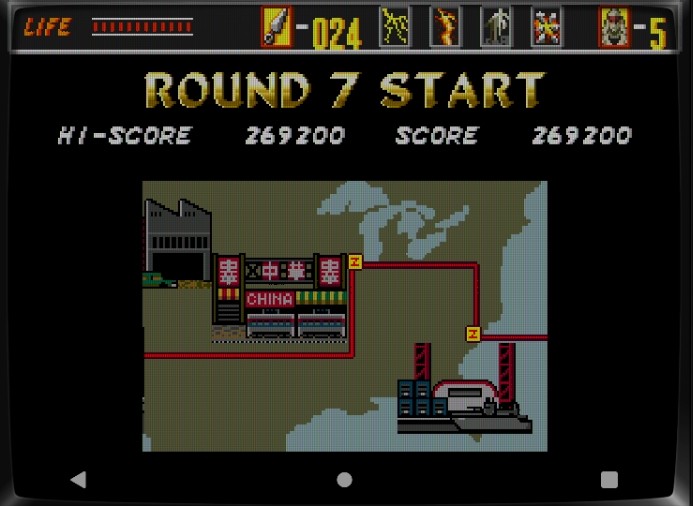
Round 7 — almost there, stay strong!
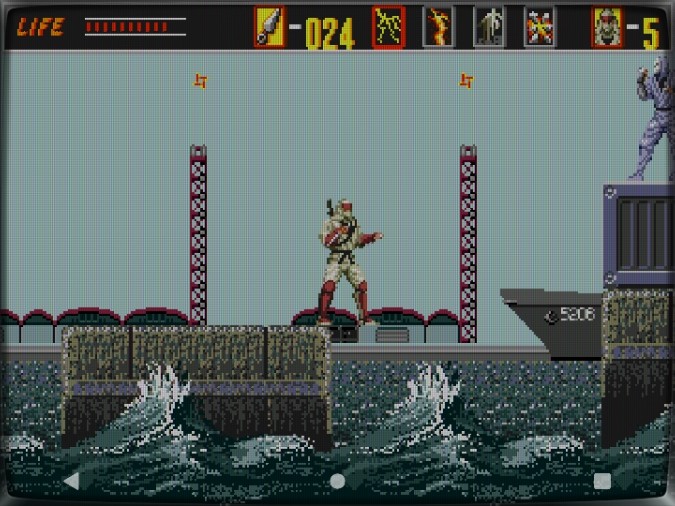
At the docks, precision jumping is key. Enemies always wait near landing spots, so throw shuriken preemptively.
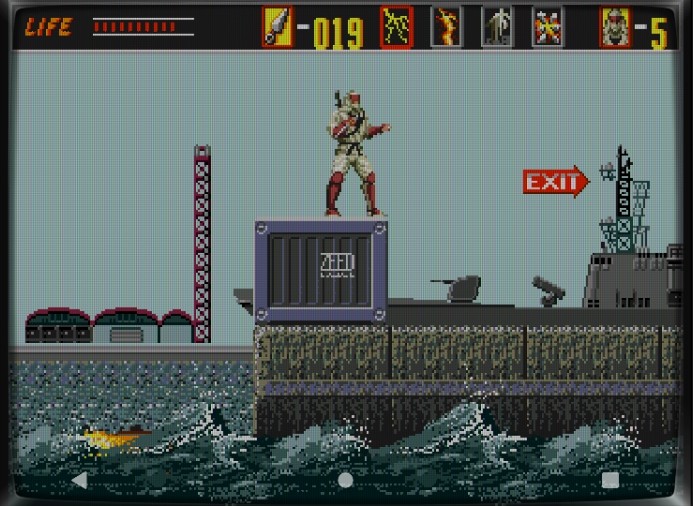
Board the ship.
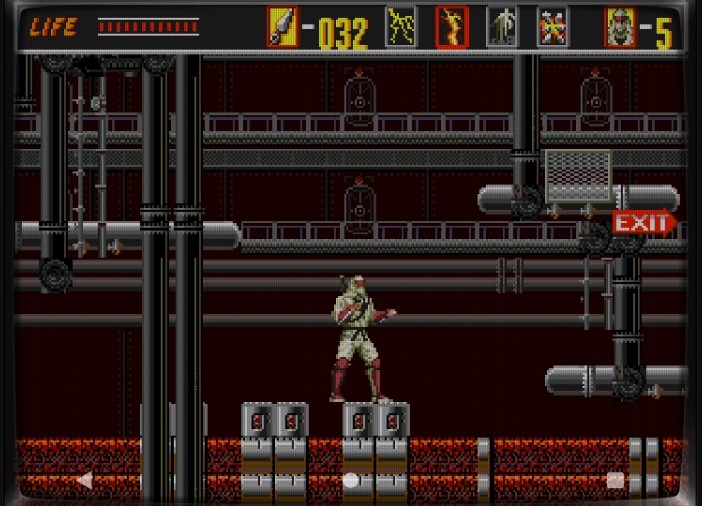
Wander through until you find the boss room.
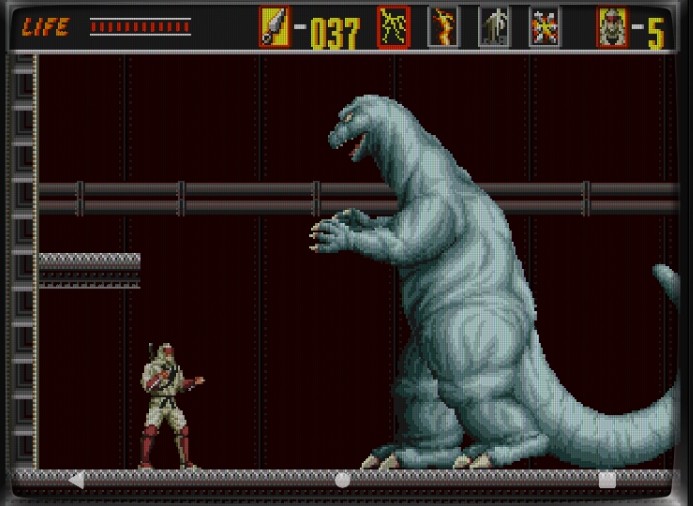
################################## Whoa… a giant dinosaur?! We’ve had Terminator, Spider-Man… and now Godzilla?
Dodge its fire breath and tail swipes — aim only for the head. You can do this!
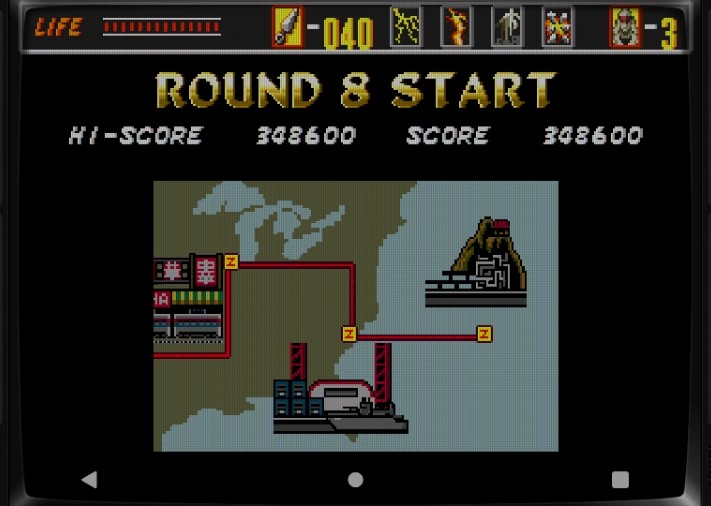
Final Stage: Round 8. Are we rescuing our girlfriend or saving the world? Maybe both.
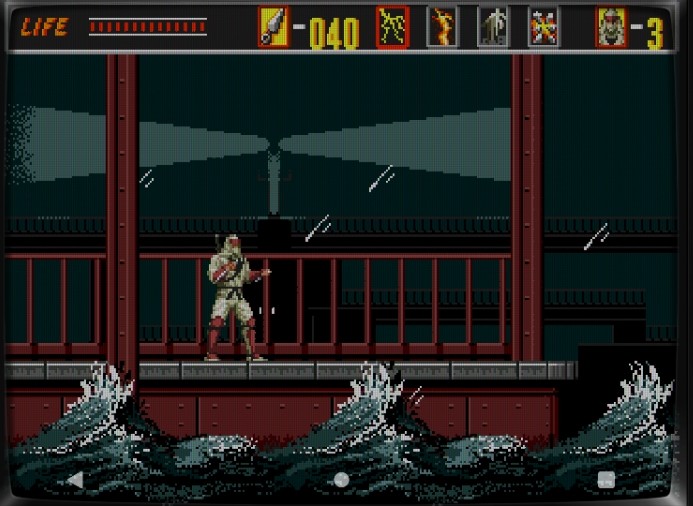
Epic waves crash in the background — true 16-bit power on display!
That cannon fire is infuriating.
Now entering the enemy base — ZEED Headquarters.
Careful — one wrong door and you’ll loop endlessly like a maze.
Each door has a kanji number. Door #4 on-screen is your target — pick wrong, and you’ll go in circles.
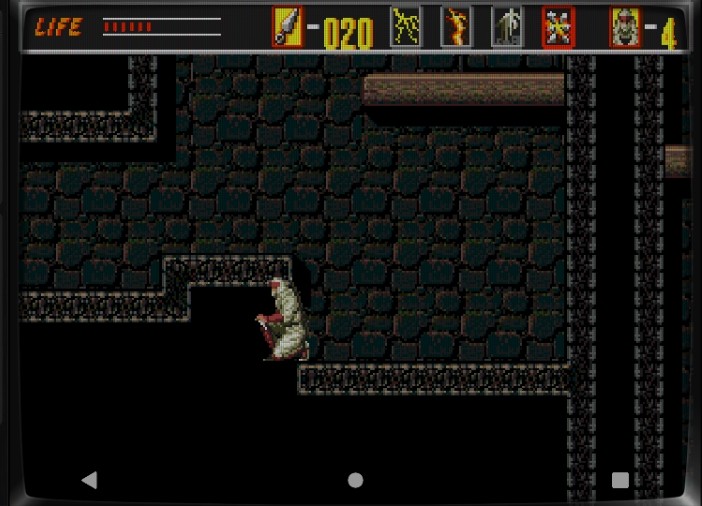
In the underground, crouch through tunnels to grab lots of power-ups. You’ll need to max out before the final boss. Activate Thunder Magic to stay powered up before entering.
Finally, the final boss chamber.
See the woman in the background? That’s your girlfriend.
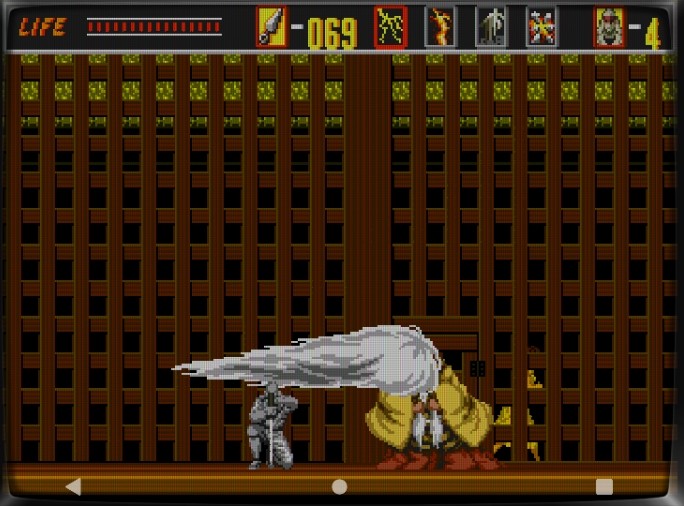
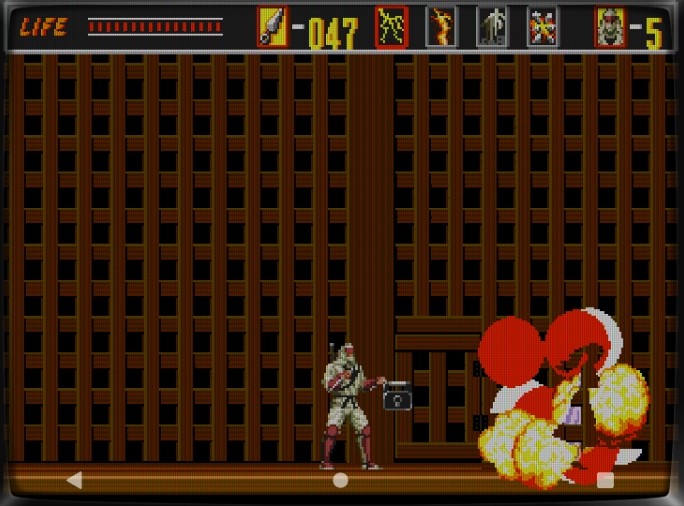
Rocks start falling — it’s a timed battle! Hit the boss only when his wig attack exposes him.
You defeated him… but your girlfriend got crushed by the falling rocks.
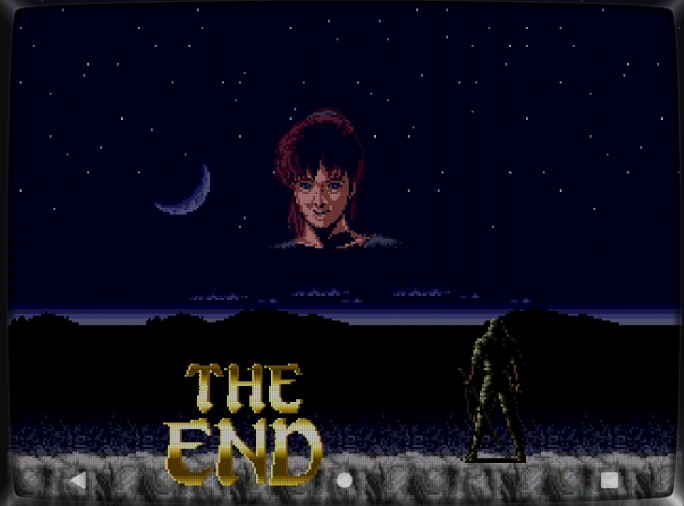
Our hero is devastated.
Ah… I couldn’t save her.
He stares silently into the distance.
A falling star crosses the sky — he remembers her. The game ends in a sad ending.
But wait! We’ve got the power of save/load magic.
Reload before the final fight — make sure you’re fully powered up.
When he attacks with the wig, counter immediately with a powered shuriken. Dodge with double jumps, maintain your power, and you’ll win in time.
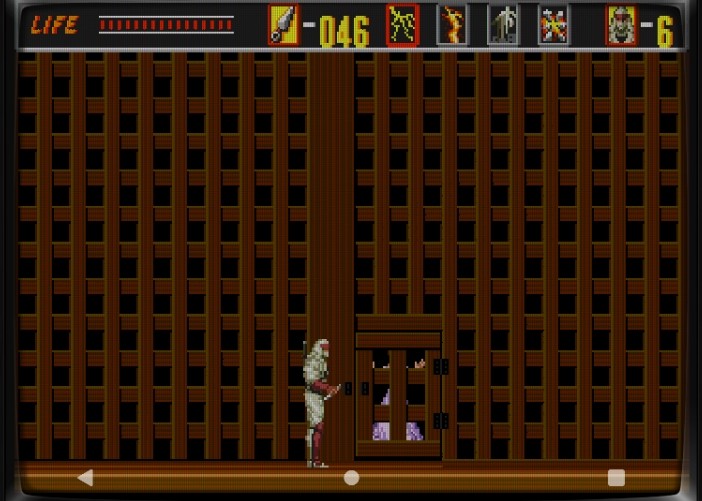
This time, you save her — before the rocks fall!
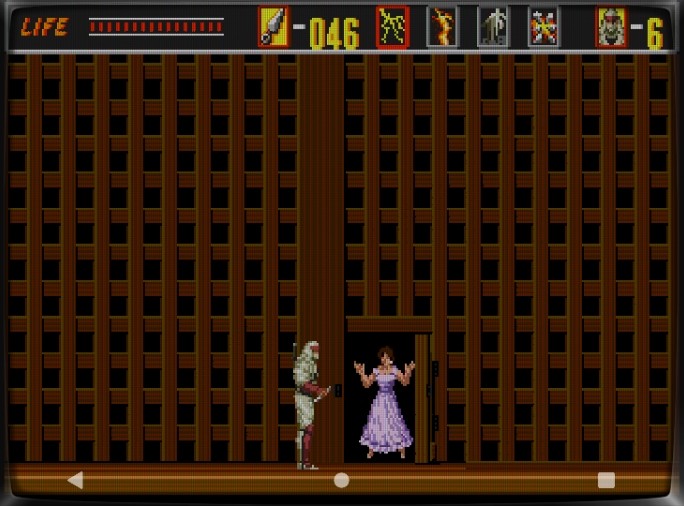
She escapes the prison and runs toward you.
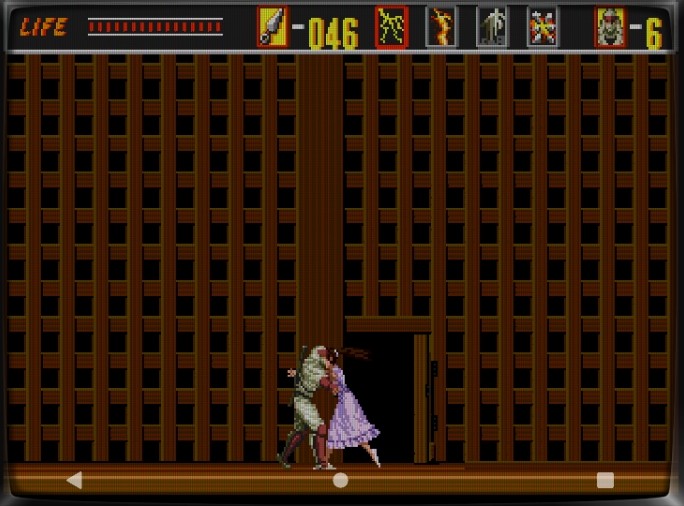
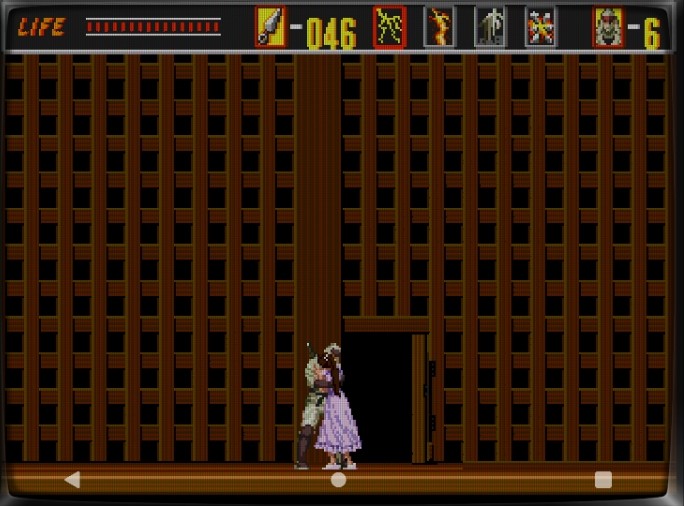
The lovers reunite in an embrace.
They hold each other close, comforting one another.
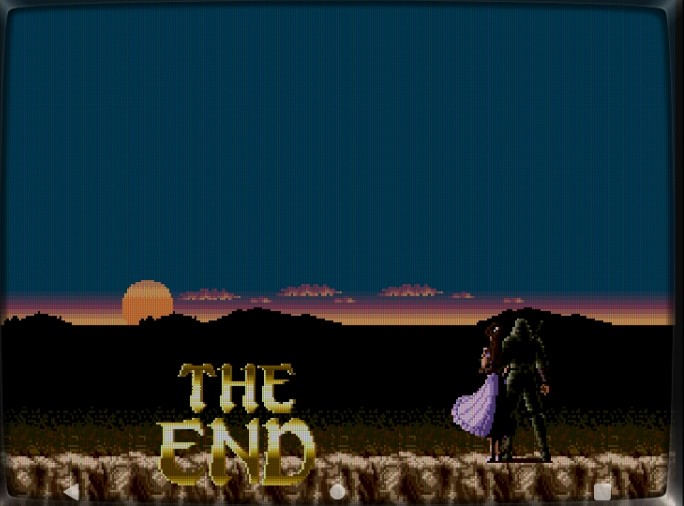
Now, they gaze at the horizon together — a true happy ending.
My hands and eyes are exhausted… but my heart is full. Time to rest, shed a tear, and move on to the next retro adventure.
Have fun, and enjoy your retro gaming life!
✅ Retro Joy Lab – Your daily dose of nostalgic energy! by Super Asurada 77
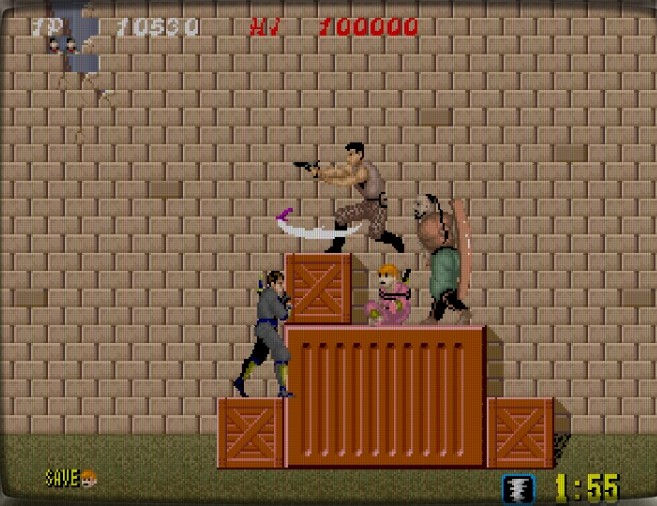
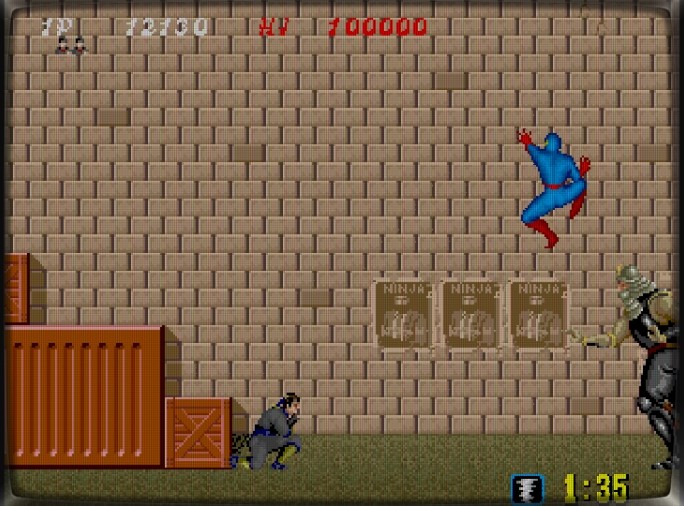
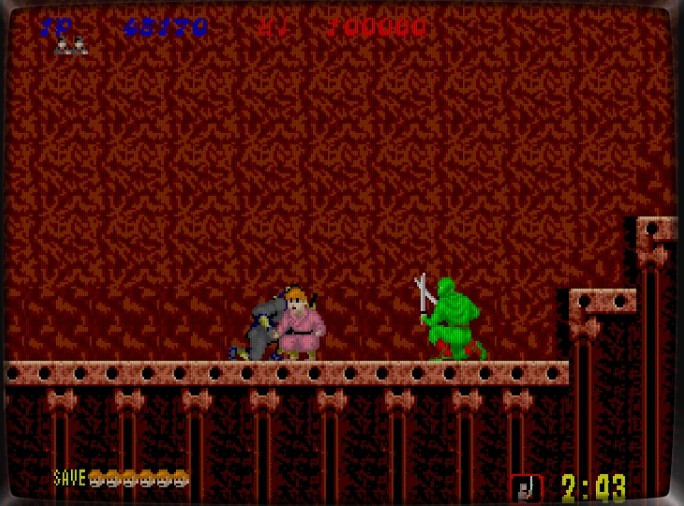
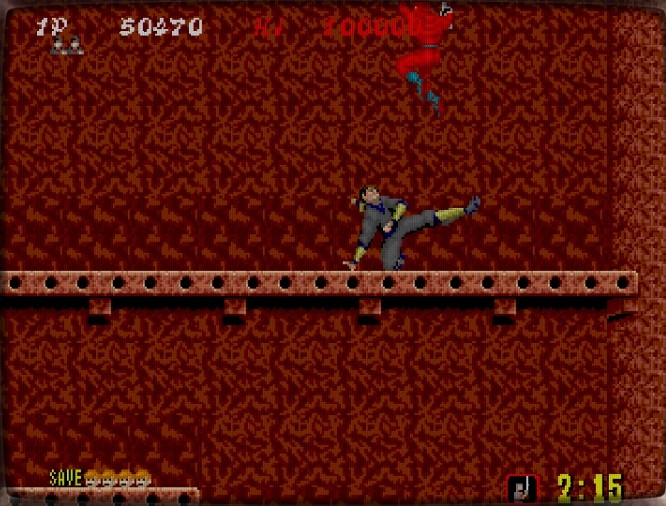
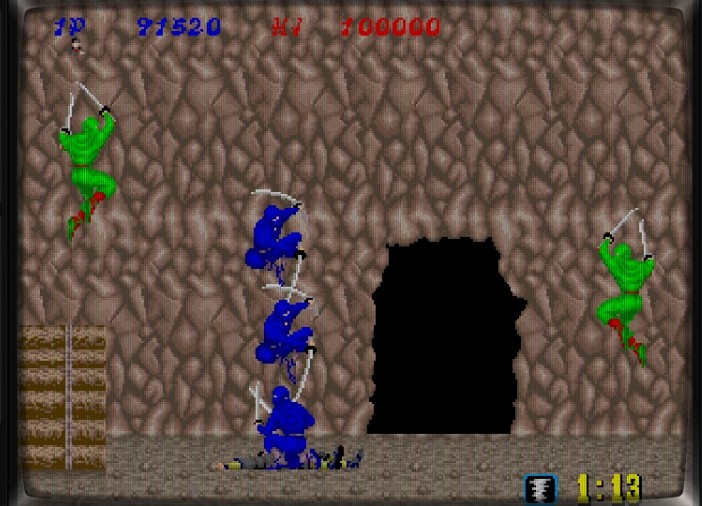
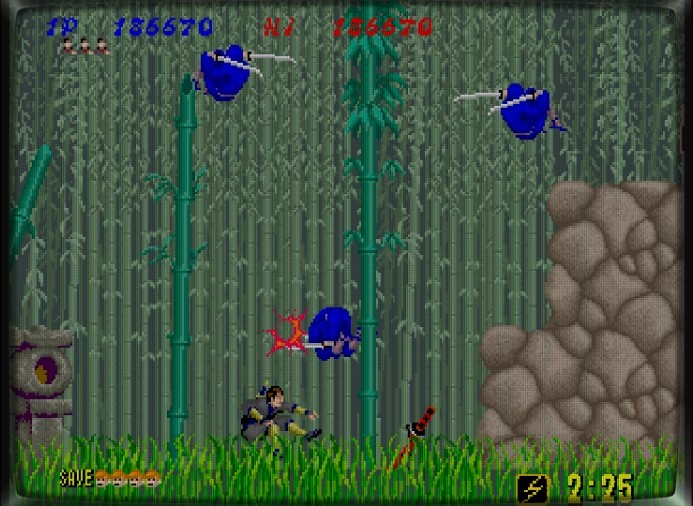
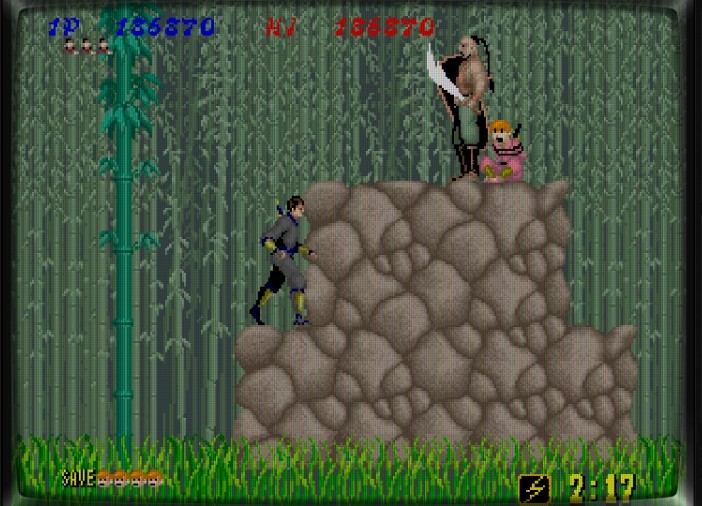
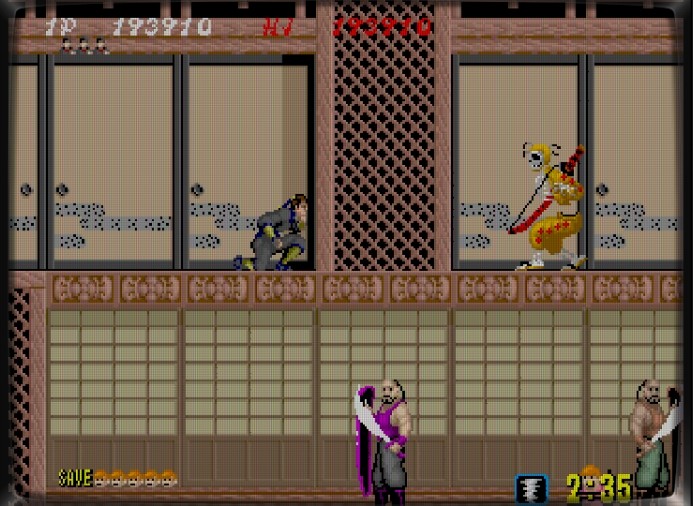
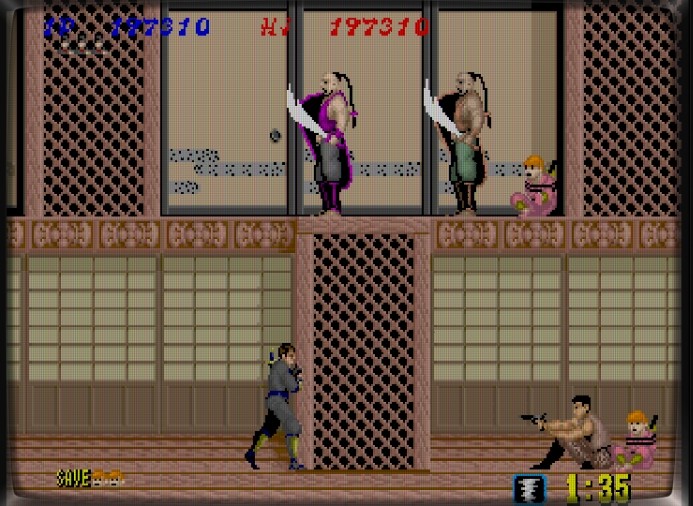
Back in elementary school, whenever I stopped by the arcade, I could always spot a game where a ninja-like hero threw shurikens across the screen.
But strangely, this ninja didn’t wear a mask — and he even fired a gun! That alone blew my young mind. When he used the clone technique, it was pure exhilaration. Of course, the game was brutally difficult. As a kid, I could barely make it past the first boss.
Now, thanks to save states and emulation magic, we can finally enjoy this classic all the way to the end.
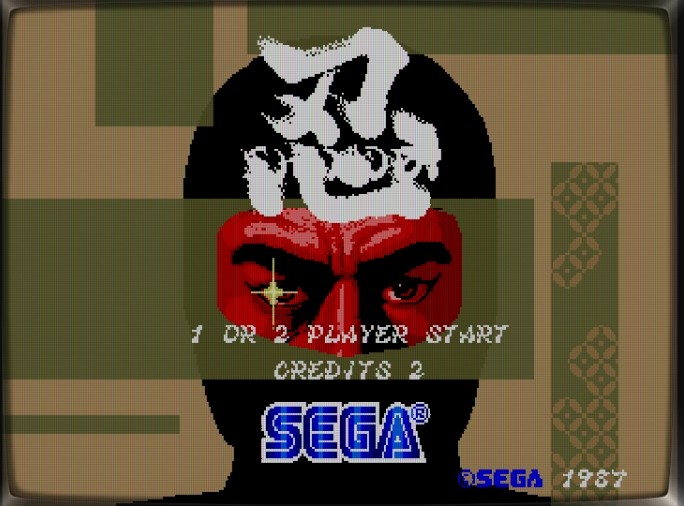
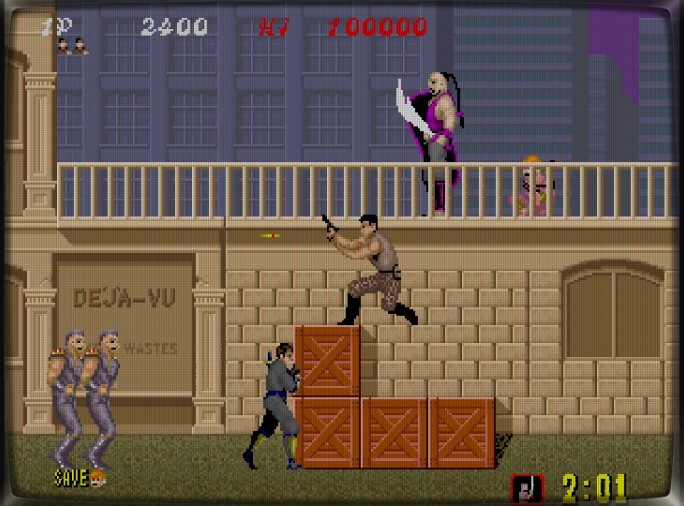
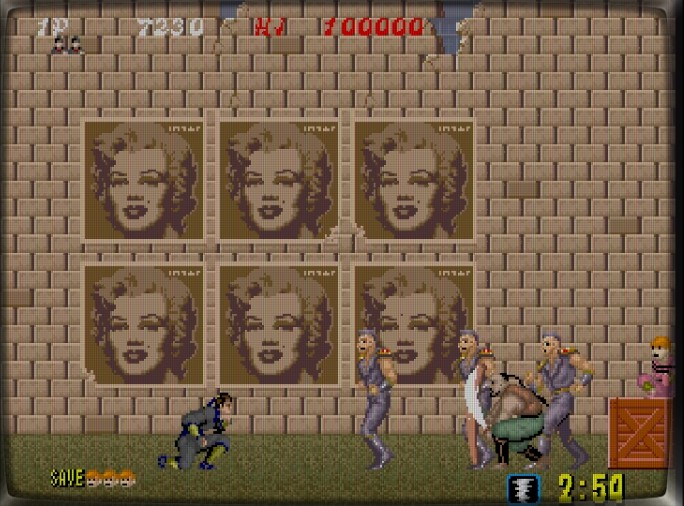
Released by SEGA in 1987, Shinobi was a defining ninja-action arcade game.
Basic Controls:
A Button – Throw Shuriken
B Button – Jump
C Button – Ninjutsu (clone technique to clear all enemies)
↑ + Jump – Climb up a ledge or wall
↓ + Jump – Drop down a level
↓ + ← / → – Crouch and move
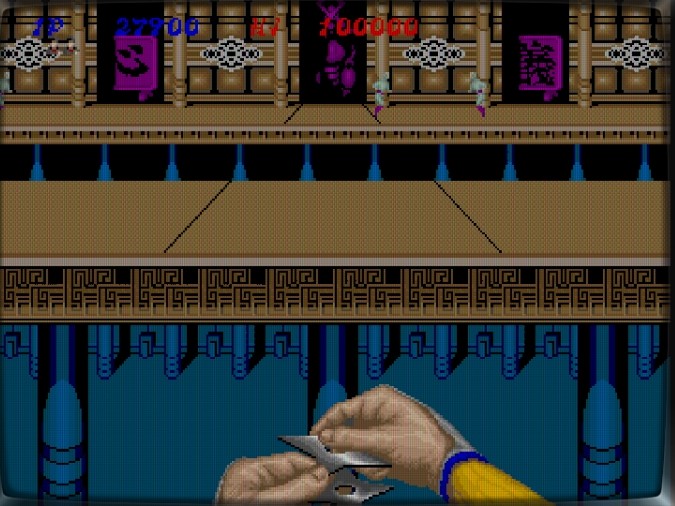
Insert a coin, and the mission begins.
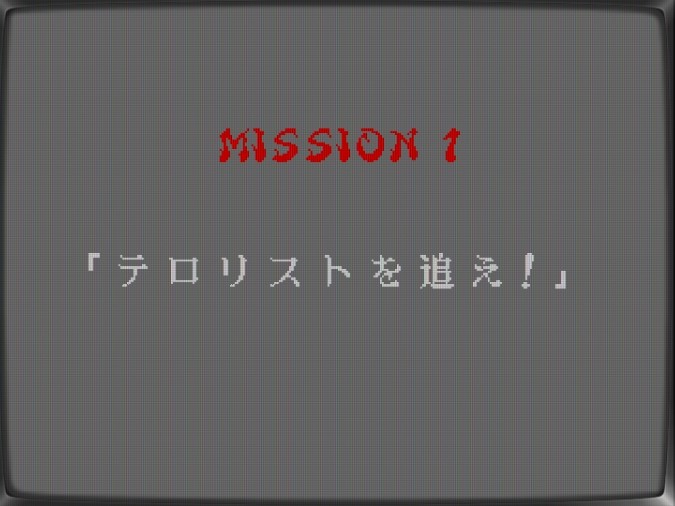
Mission 1: “Chase the Terrorists!”
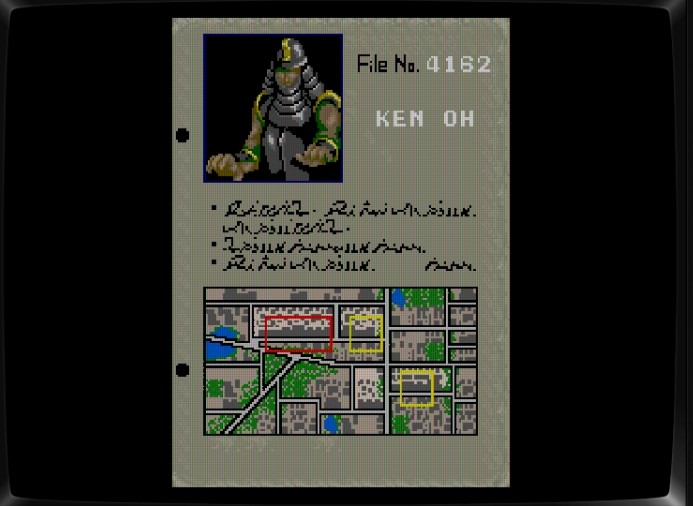
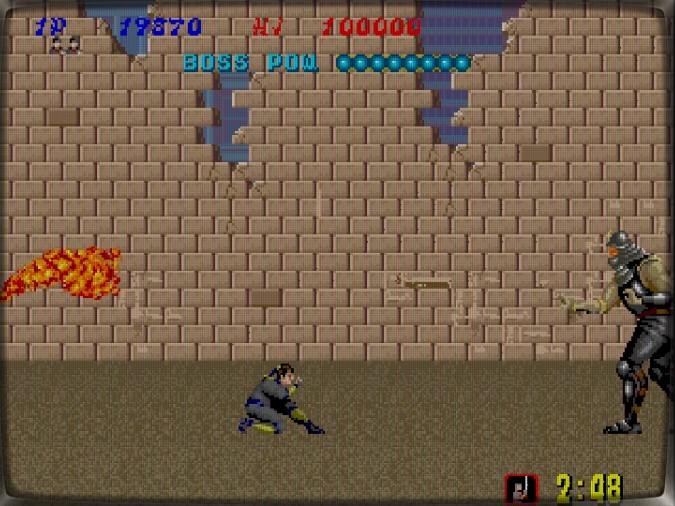
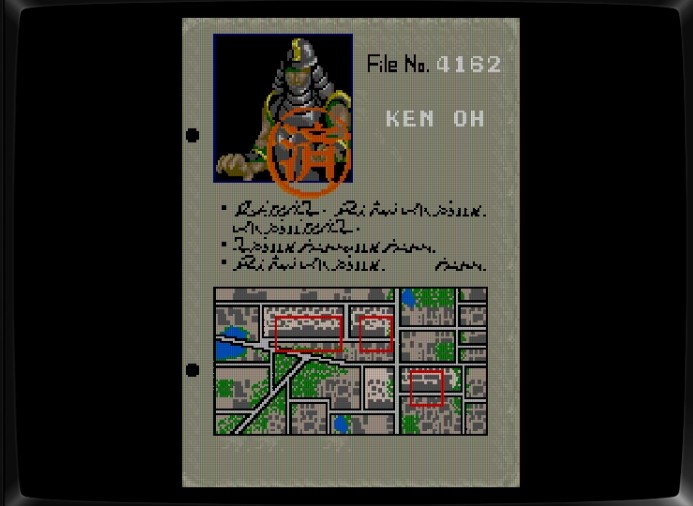
Time to face the first boss — KEN OH.
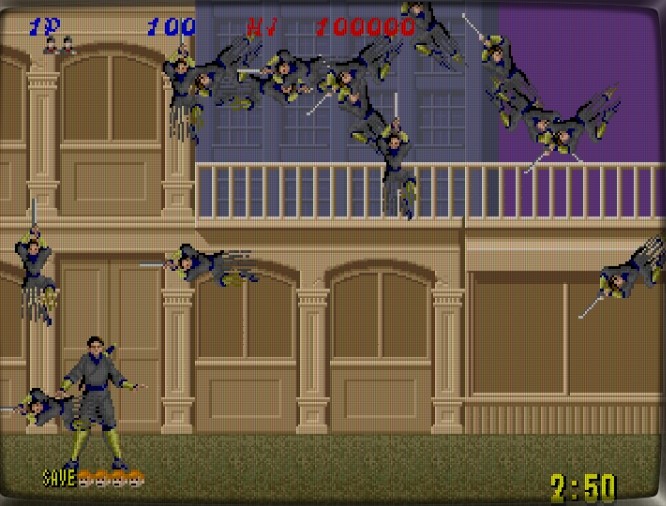
Oops! Accidentally used the clone ninjutsu too early… but that’s fine — we’ve got infinite coins now!
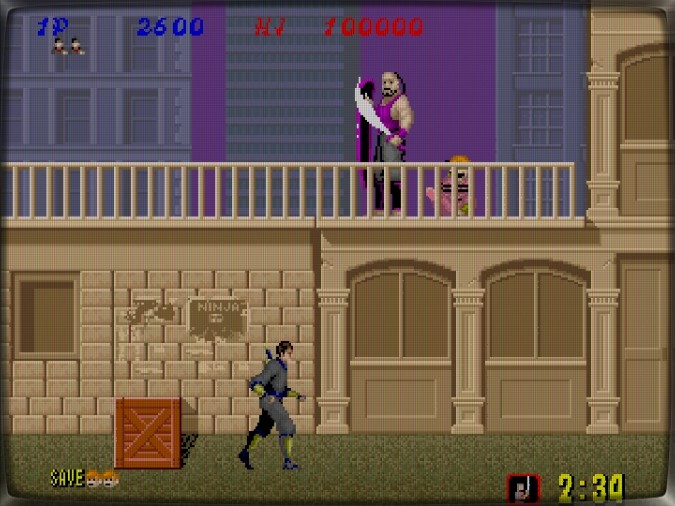
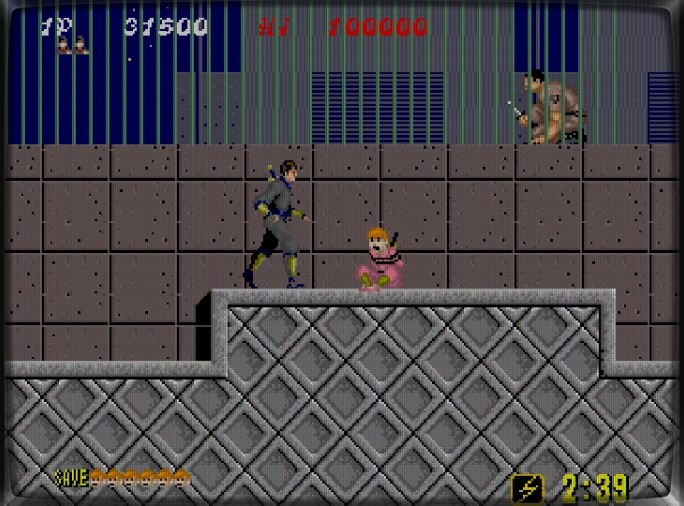
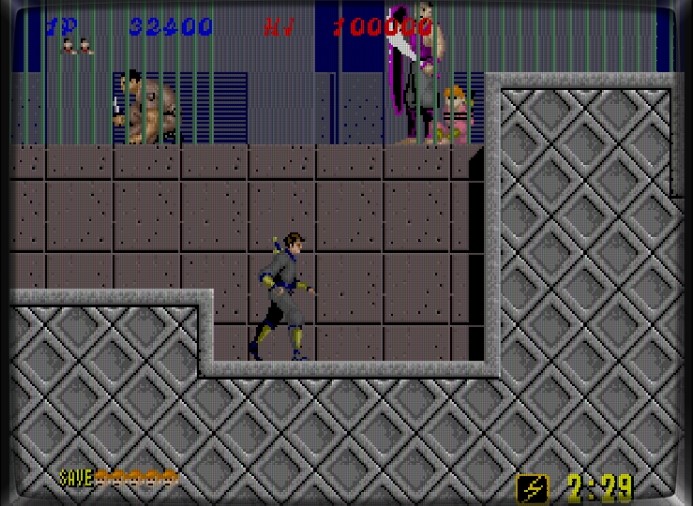
To climb a wall, press Up + Jump together. Rescue the kidnapped children before heading to the boss.
The boss launches fire attacks and retreats quickly.
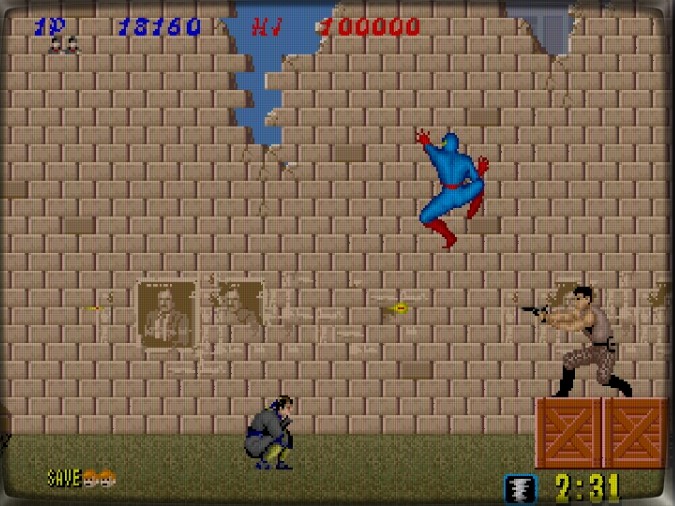
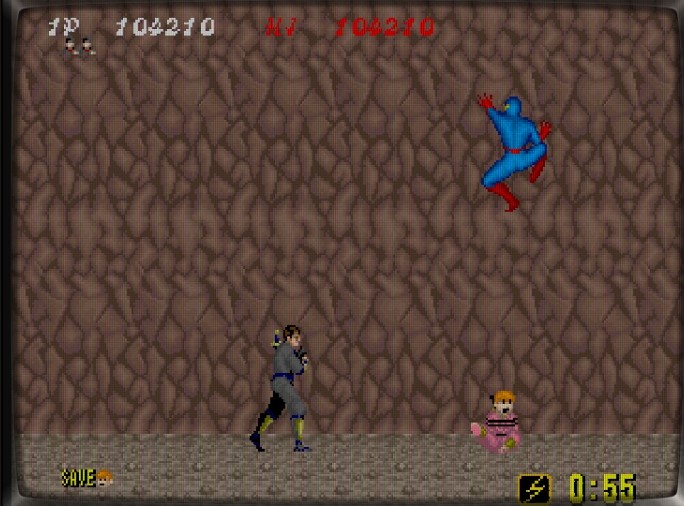
Wait, is that Spider-Man?! Back then, nobody cared about licensing. If you could draw it, it was fair game!
You find yourself surrounded — mentally, you already have a perfect strategy… but your hands betray you.
Enemies charge like something straight out of Fist of the North Star.
You think you’ll dodge and counter perfectly — but reality says otherwise.
The boss escapes again! Let’s go after him.
Avoid the flames and strike when there’s an opening. You know the pattern — now it’s just about execution. Use your save and load technique, modern ninja!
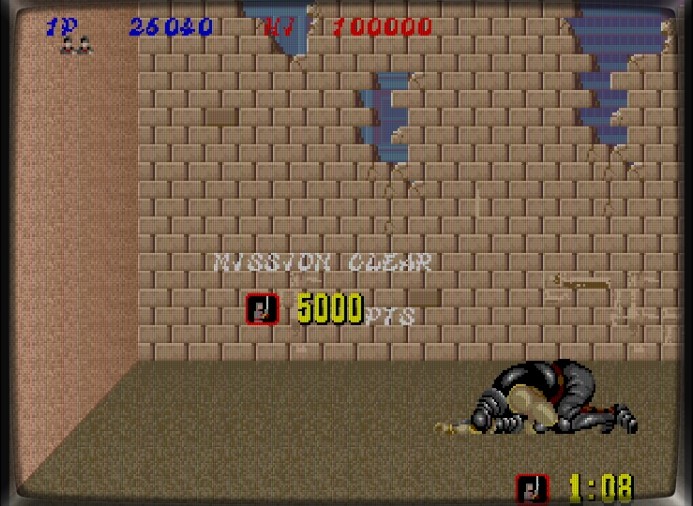
At last, the boss kneels before you.
Mission 1 is complete!
Bonus Stage
You’ll probably fail every time — and that’s okay. Don’t risk your life over small things!
“Nice ninja pose!” … FAIL! 😂
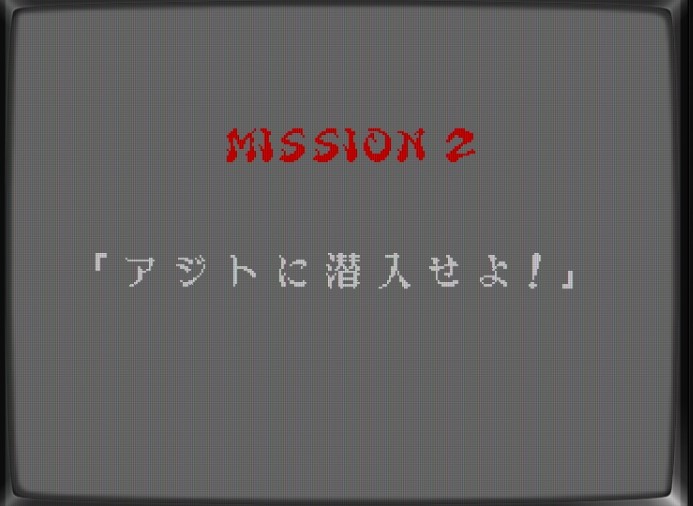
Mission 2: “Infiltrate the Hideout!”
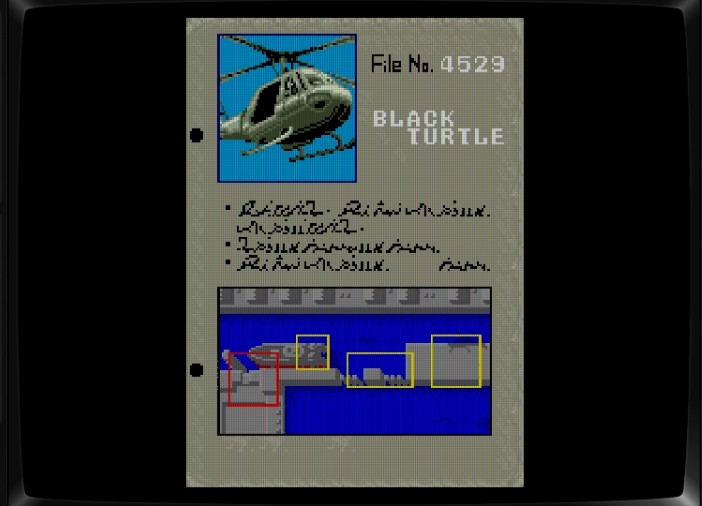
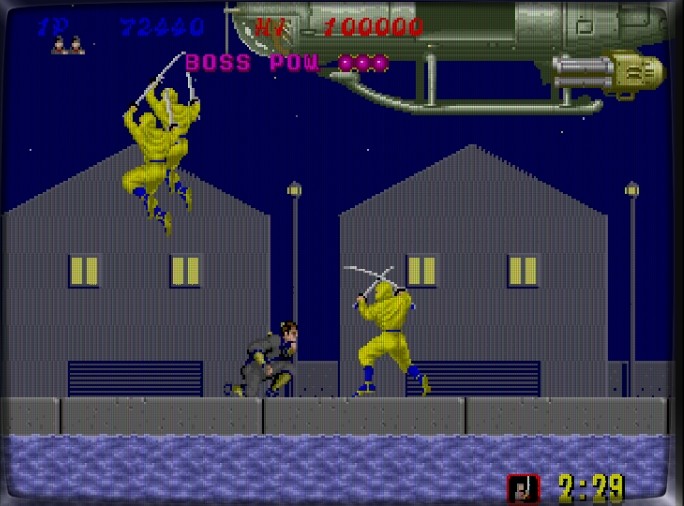
Is that Black Turtle? The boss is a helicopter?! Guess that makes sense — a “dark turtle” that flies.
Press Up + Jump to move across walls.
The same enemy placements continue to appear.
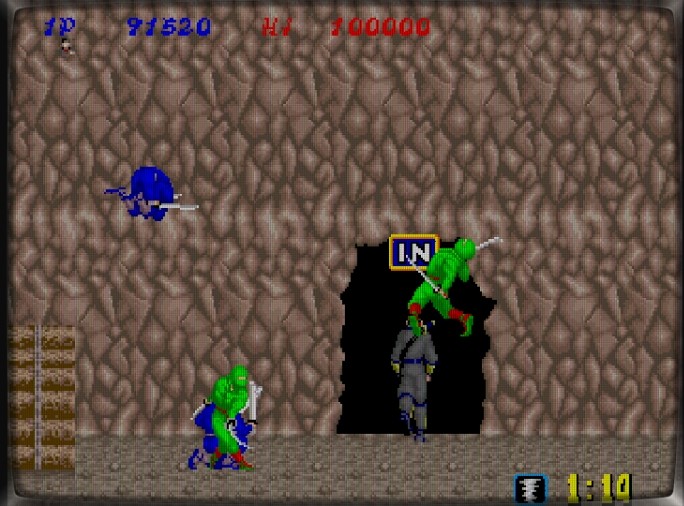
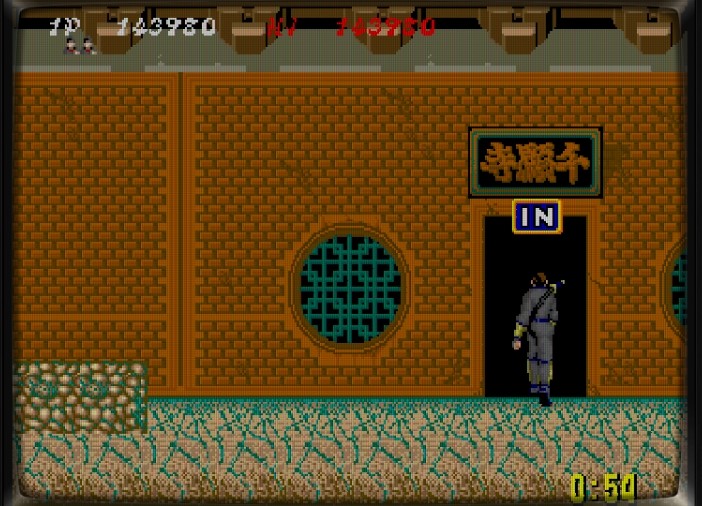
Enter the black door.
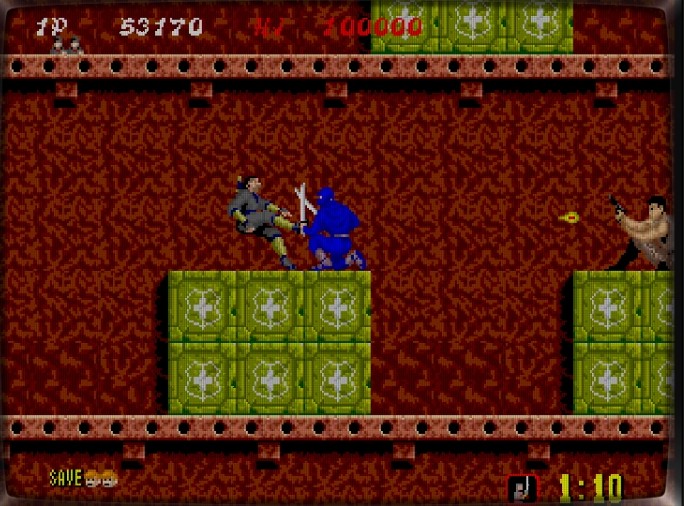
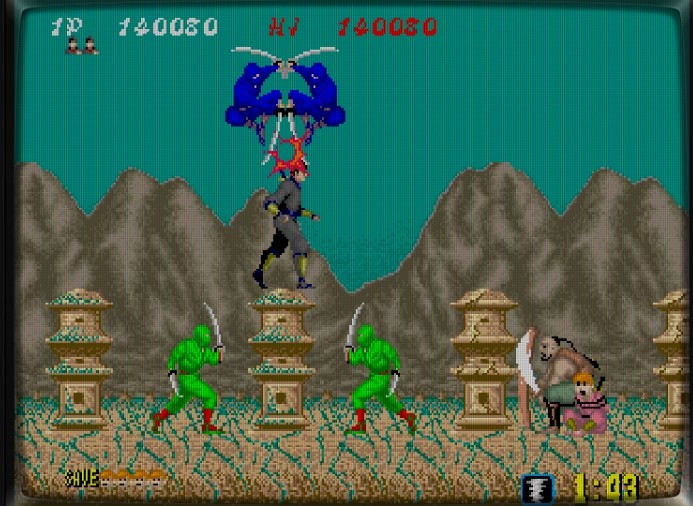
Now, color-coded ninjas attack — one hit and you’re dead.
Green Ninja!
Red Ninja!
Blue Ninja!
Head into the next black door.
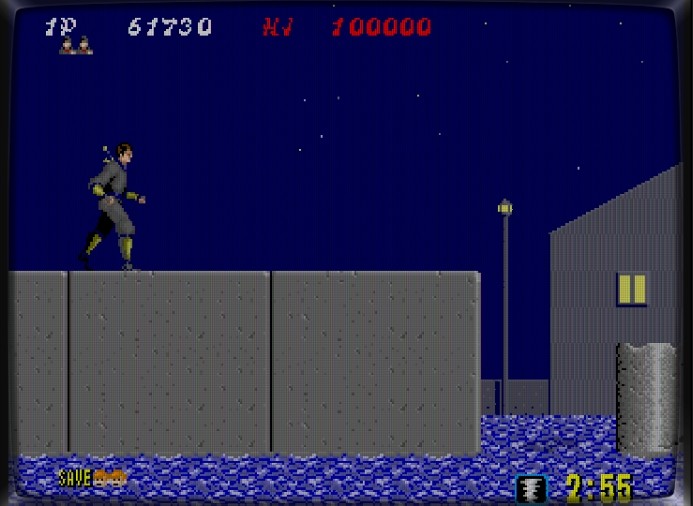
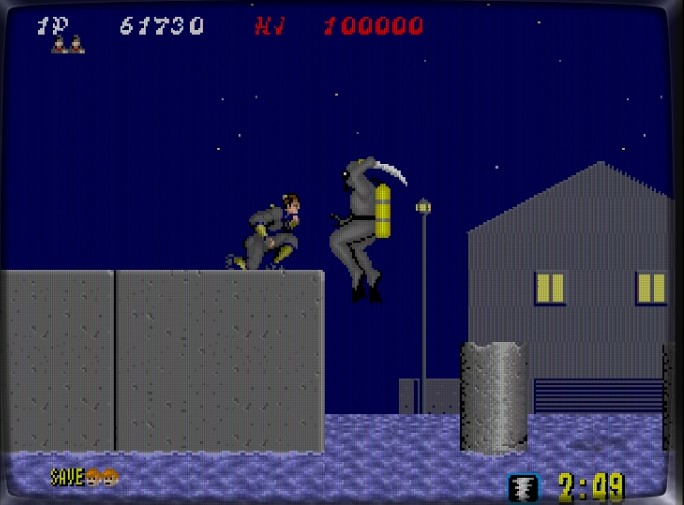
We’re at the harbor — looks familiar? A similar stage appears in The Super Shinobi.
Enemies jump out from the water.
Projectiles from below, bullets from above — chaos!
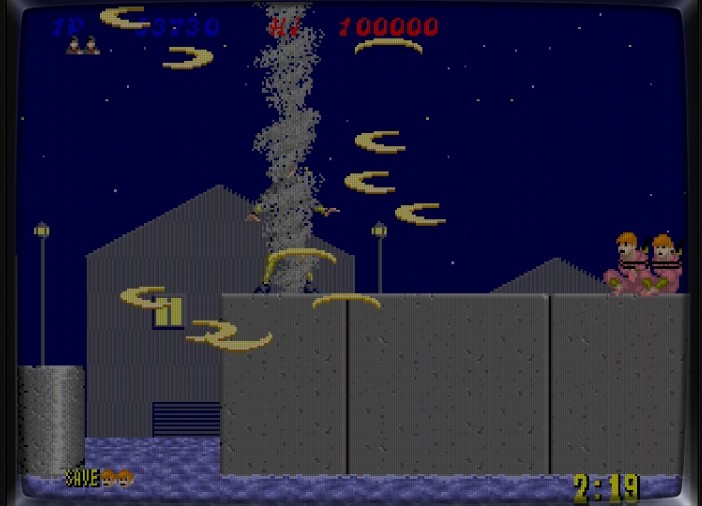
Forget it. Time for ninjutsu! Boom — everything wiped clean! Refreshing and satisfying!
Now to destroy the Black Turtle.
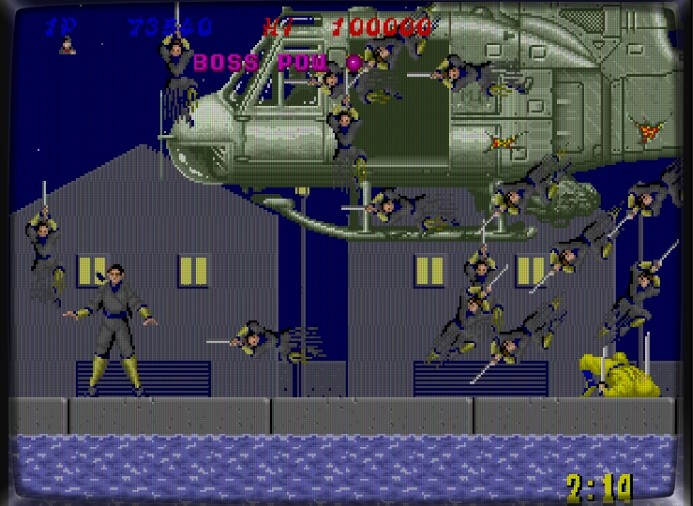
Helicopter plus ninjas equals nightmare difficulty. Use save/load often. Attack the front of the chopper.
Ninjutsu unleashed! Total destruction!
The Black Turtle explodes
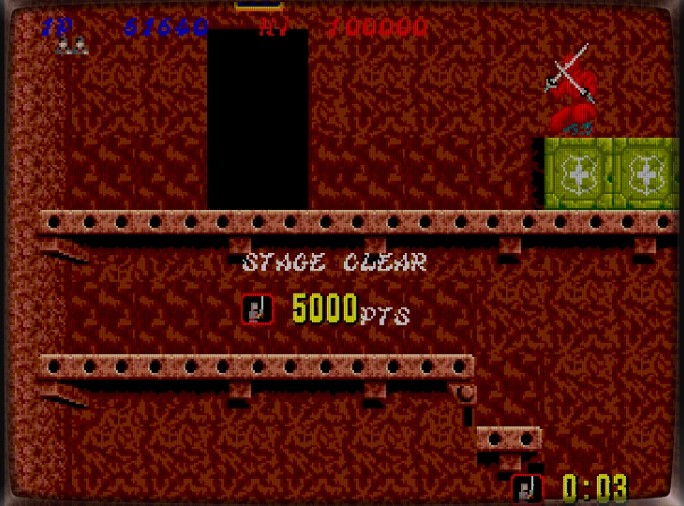
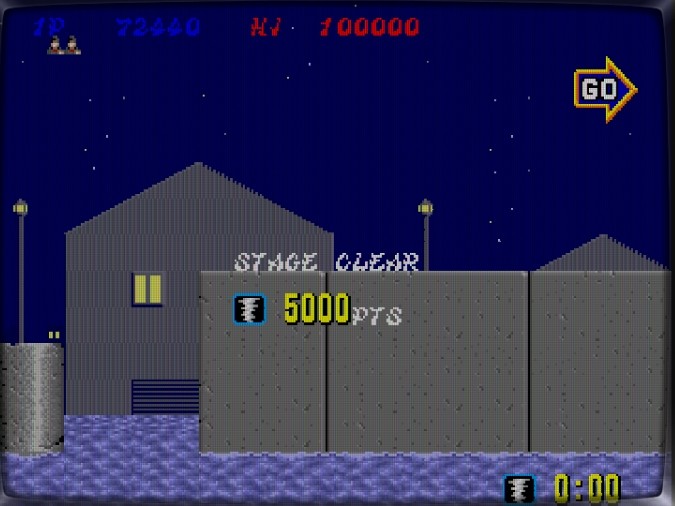
Mission 2 cleared!
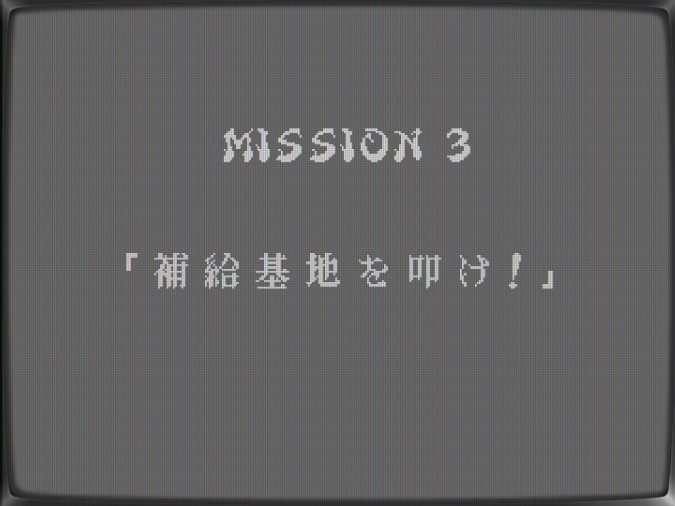
Mission 3: “Attack the Supply Base!”
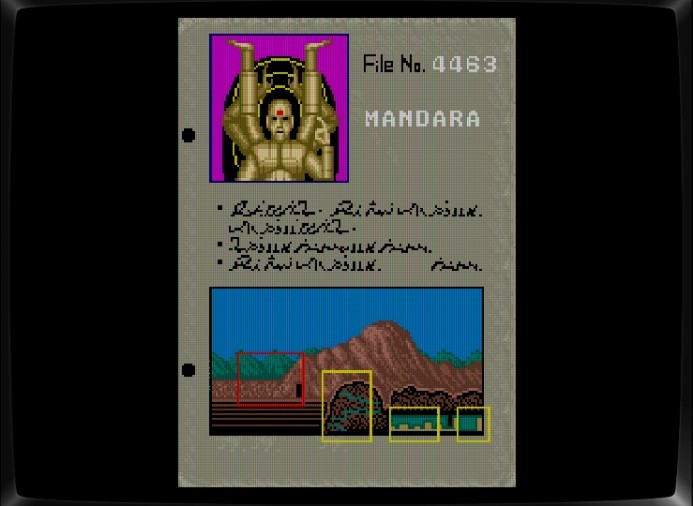
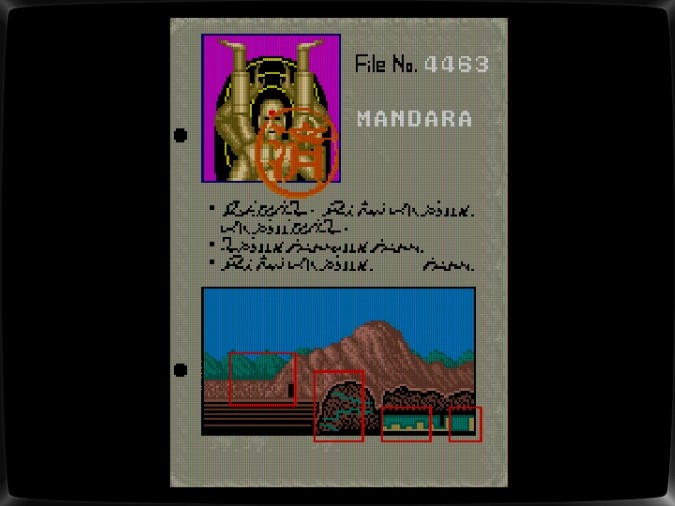
The boss: Mandara
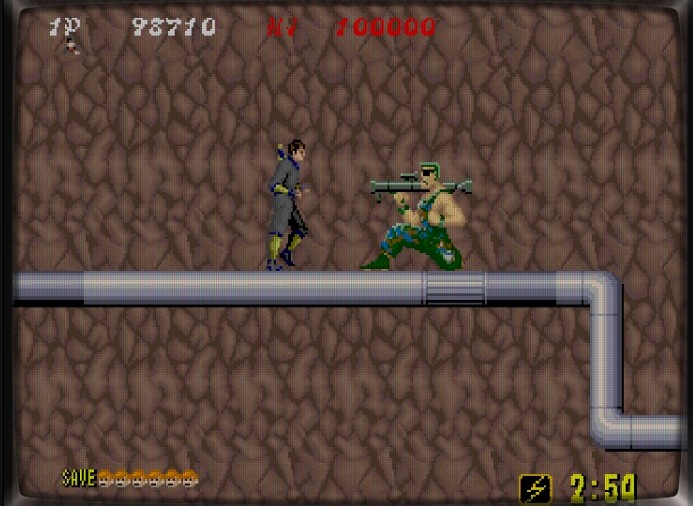
Bazooka soldiers appear first.
Then mortar fire — don’t jump blindly, or you’ll regret it.
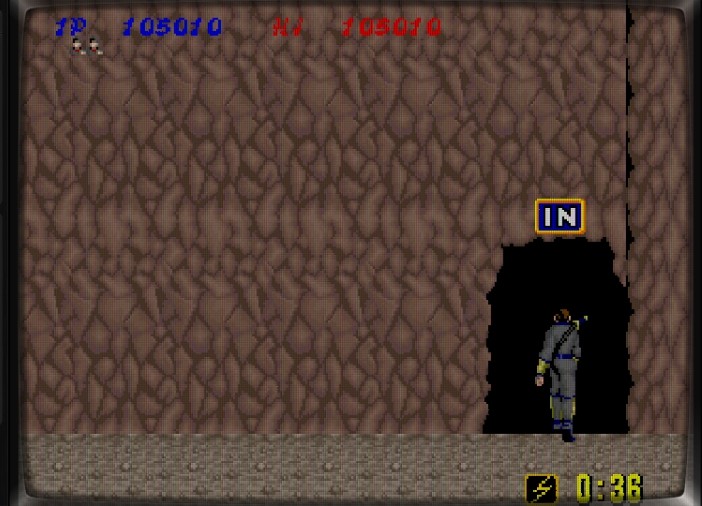
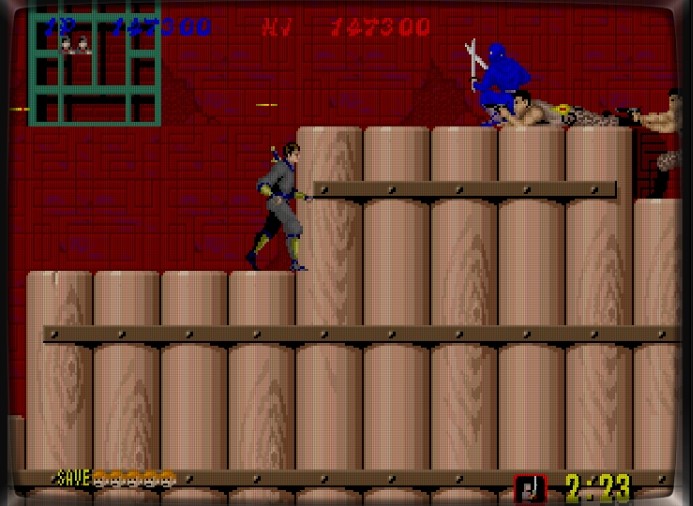
Hordes of ninjas attack. Ignore them and head straight into the cave.
Casually walking into the cave like a pro.
Arnold cameo? Hang in there, buddy.
Spider-Man returns. Licensing budget = 0.
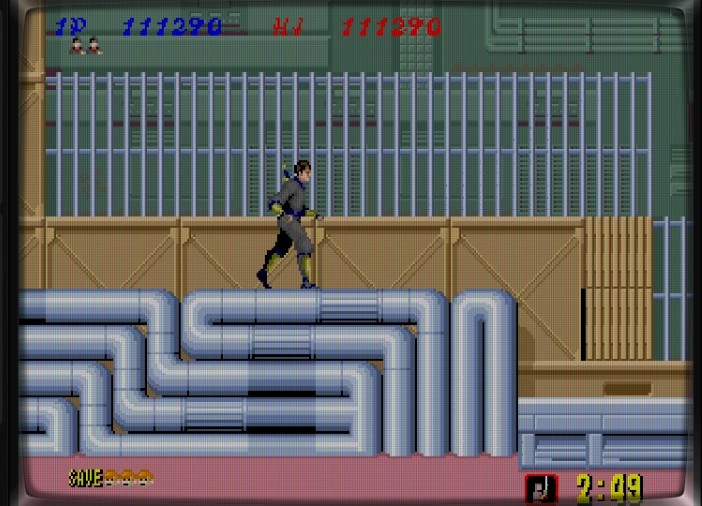
More cave interiors
this villain clearly has deep pockets.
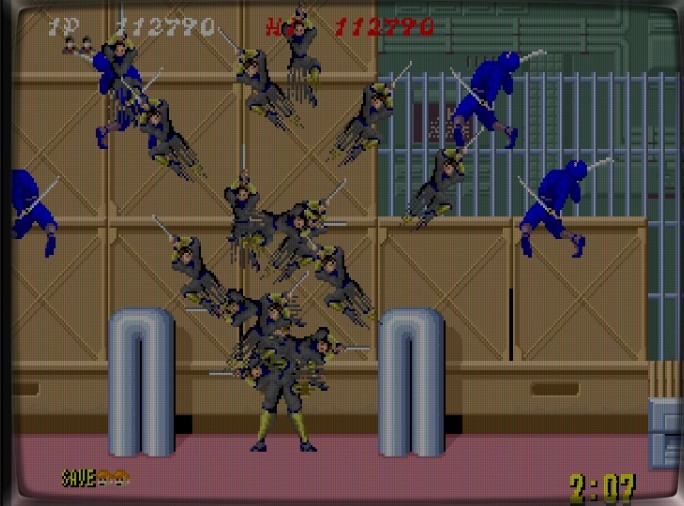
Blue ninjas gang up — use your clone ninjutsu!
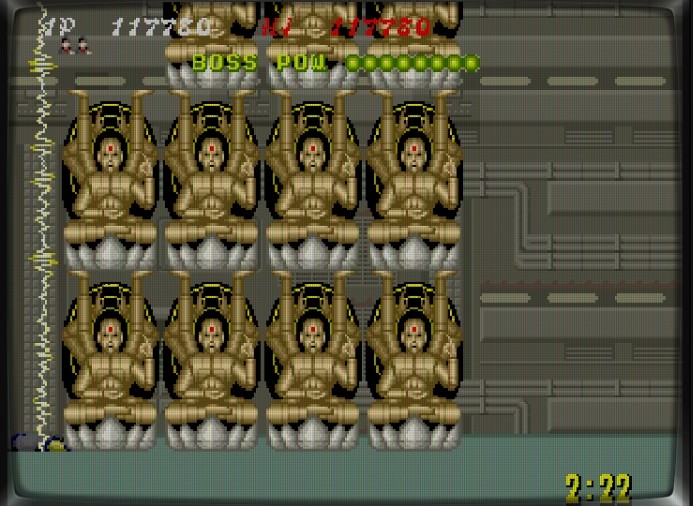
Wait, not one — an army of Mandara statues! Destroy them quickly or they’ll trap you. Aim carefully, or they’ll just spin in place.
Touch the electric barrier and it’s instant death.
Finally, the giant Mandara head appears. Dodge the fireballs and throw shurikens at its forehead.
Mandara destroyed — Mission 3 complete!
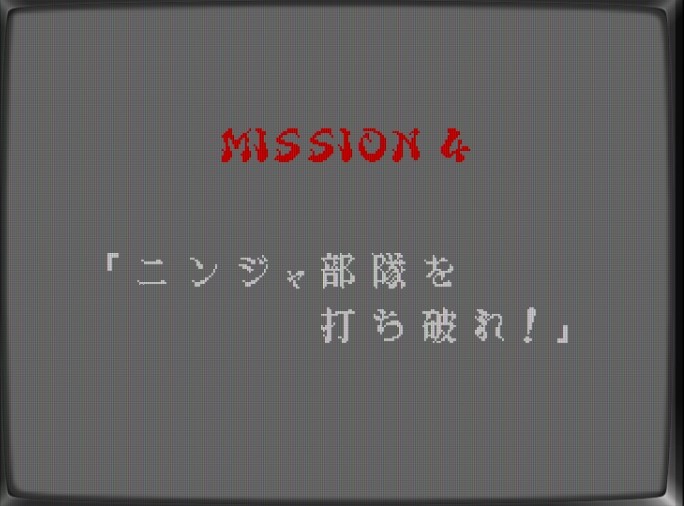
Mission 4: “Defeat the Ninja Force!”
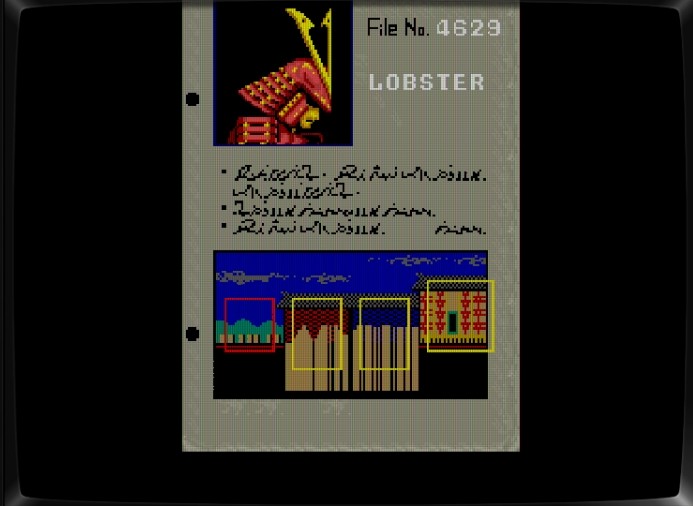
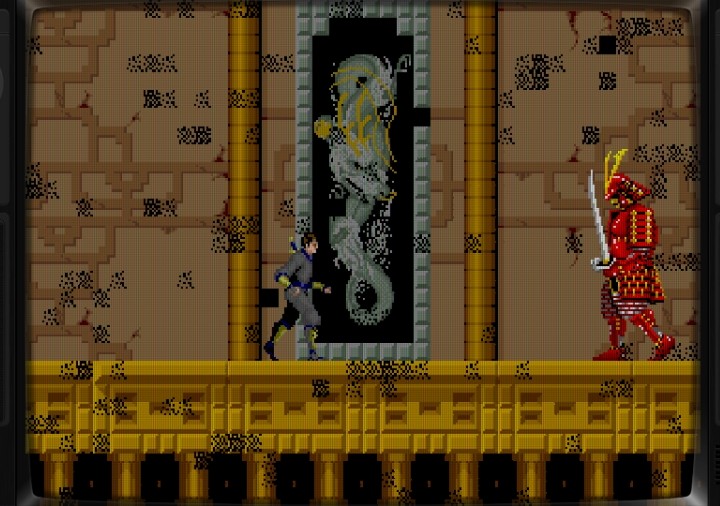
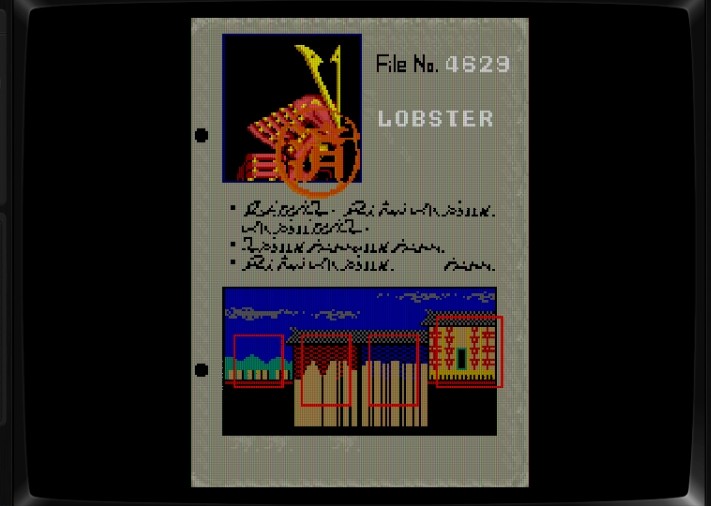
The boss: Lobster, the armored samurai.
Wave after wave of colorful ninjas — chaos again!
Their teamwork is so good, it’s almost admirable… almost.
Enter the gate to face Lobster.
His attack pattern is simple, but undeniably annoying.
Then come these strange flying bird-like enemies — odd design, yet thankfully they’re not too tough to handle.
Now it’s time to face Lobster, the armored samurai boss.
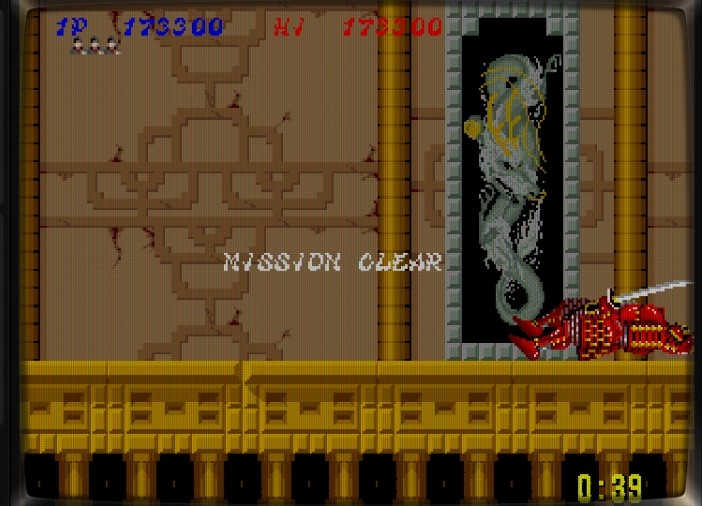
When his sword drops, throw shurikens at his helmet.
Repeat until he falls. Easy to say — harder to do!
Mission 4 cleared!
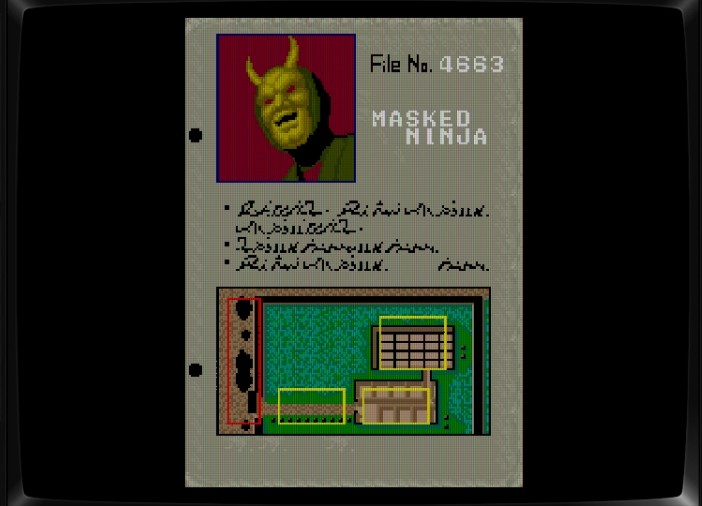
Final Mission: “Defeat the Masked Ninja!”
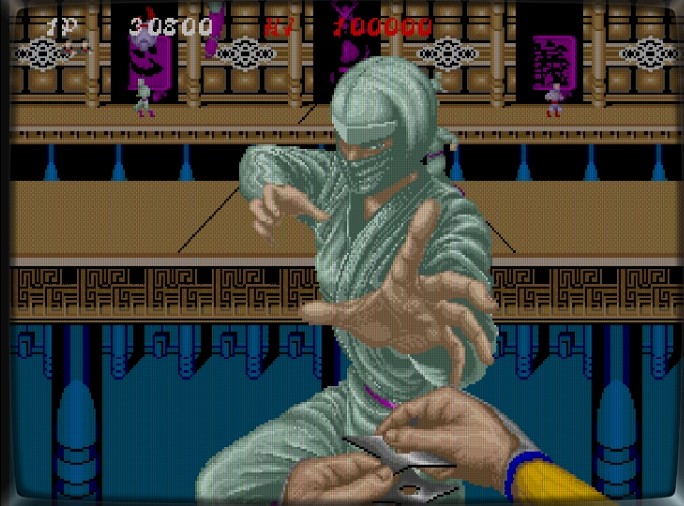
It’s a masked ninja — mysterious, intimidating, and clearly the final obstacle standing in your way.
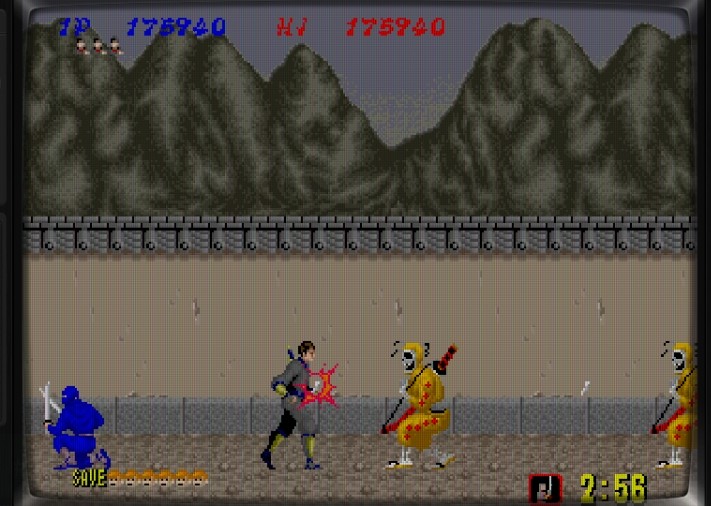
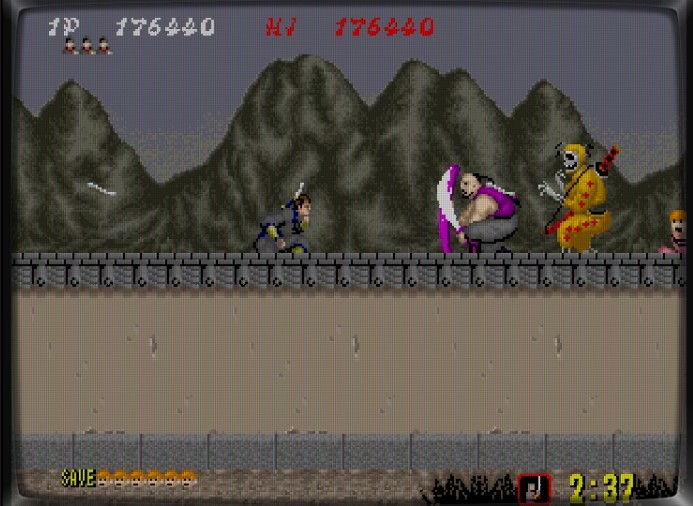
Skeletons throwing bones? Check.
Once again, if you try to follow the perfect strategy running through your mind, you might die instantly. So remember — make full use of the save-and-load technique to survive!
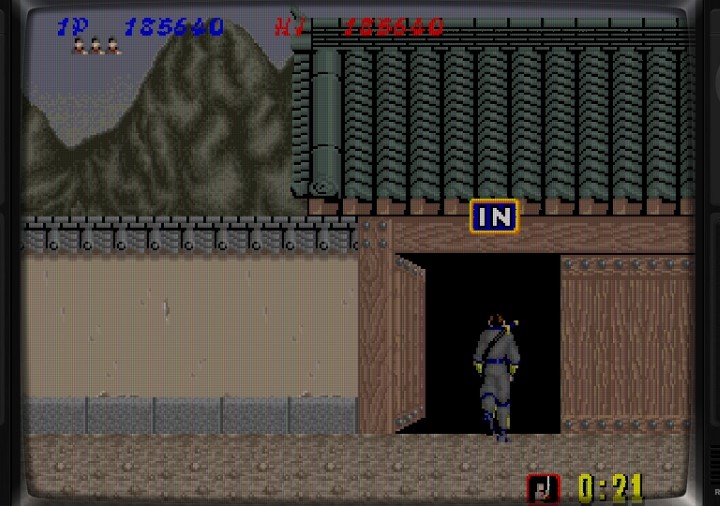
Head through the entrance to face the final showdown.
Blue ninjas again… my least favorite.
And those ponytail guys — I hate their swords even more.
Still, I press on — I’m going through that entrance no matter what.
Every room feels like a trap.
The enemy coordination is unreal. Despair sets in… but we push on!
Finally, the masked ninja appears. His first move: deadly electric shock — dodge it!
Then comes the clone barrage. Keep throwing shurikens nonstop — survival depends on it. Reminds me of that nightclub boss in The Super Shinobi II. Same spirit, same chaos.
At last, the final boss is defeated.
Stay down, ninja — the game’s over!
The End
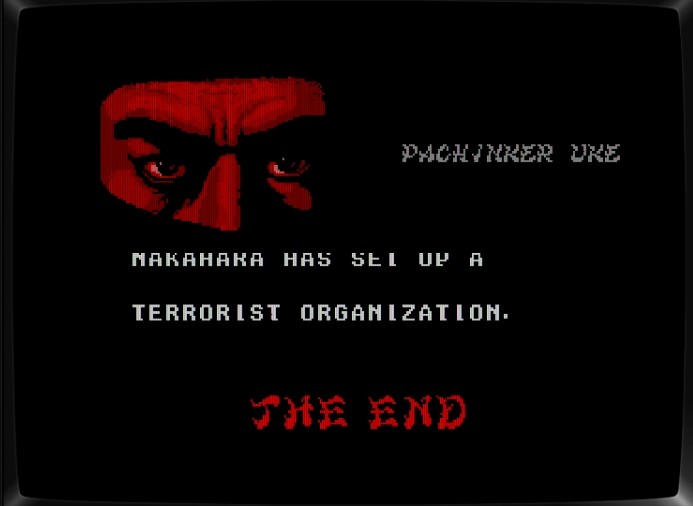
Nakahara went on to form the terrorist group ZEED — the very organization we fight in The Super Shinobi.
And that’s how the original Shinobi ended — leading to the sequels The Super Shinobi and The Super Shinobi II.
So, enjoy your retro gaming session, and remember — save states are your true ninjutsu!
✅ Retro Joy Lab – Your daily dose of nostalgic energy! by Super Asurada 77
During my daily commute, I often play retro games on the Trimui Smart Pro. However, connecting wired earphones every time became inconvenient, so I decided to pick up the Retroid Pocket 4 Pro for its excellent Bluetooth audio support.
Design & Build Quality
Unlike the Retroid Pocket 3+, the Pocket 4 Pro uses a different texture — it’s slightly rough to the touch instead of glossy smooth. While this helps grip a little, long gaming sessions can still feel uncomfortable without an additional grip accessory.
Multimedia & Connectivity
The device supports Wi-Fi streaming, so you can watch Netflix or YouTube on the go. However, since most subway Wi-Fi networks are unstable, expect occasional buffering or interruptions. Keep in mind that this model does not support SIM cards, so you’ll need Wi-Fi access for all online services.
Everyday Use
When walking through transfer stations, I sometimes listen to music through Alsong while carrying the device. Of course, please don’t walk while playing games or staring at the screen — safety first!
Bluetooth Audio Experience
Bluetooth earphone performance was excellent — almost no latency or dropouts. The Trimui Smart Pro also supports Bluetooth, but with noticeable lag and frequent disconnections. In contrast, the Retroid Pocket 4 Pro delivers a stable, smooth experience — perfect for wireless gaming during commutes.
Size & Weight
Here’s a comparison: the device above is the Odin 2, which looks massive next to the Pocket 4 Pro. After playing on the smaller Pocket 4 Pro, switching to the Odin 2 feels like entering a wide open space.
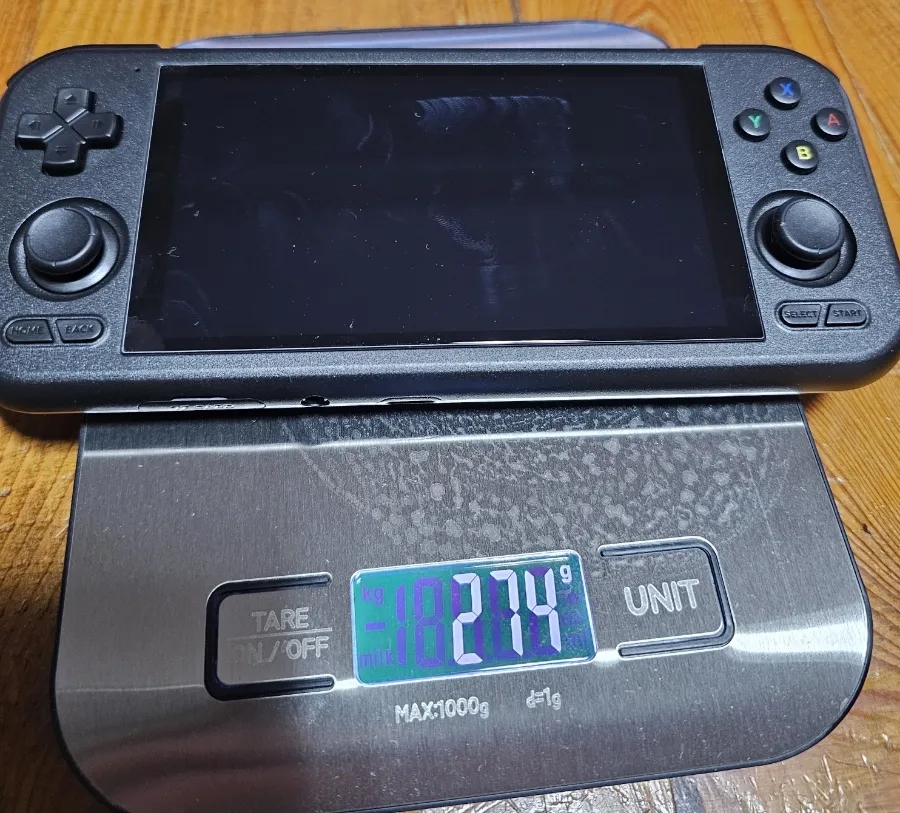
The Odin 2 is larger and heavier — weighing 426 g, while the Pocket 4 Pro weighs 274 g. It’s heavier than compact handhelds under 200 g, but still light enough for extended use without much fatigue.
Buttons & Ports
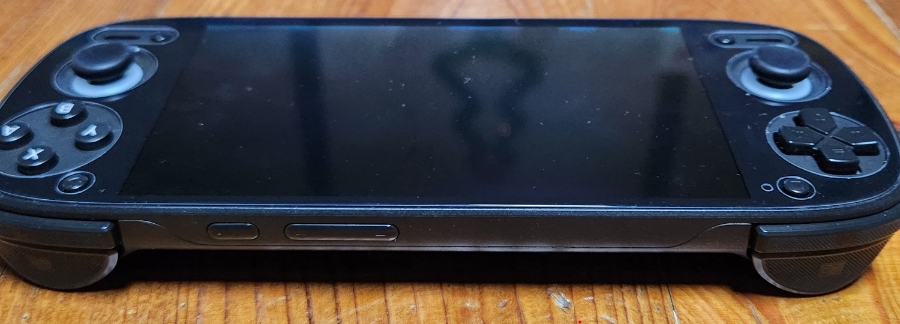
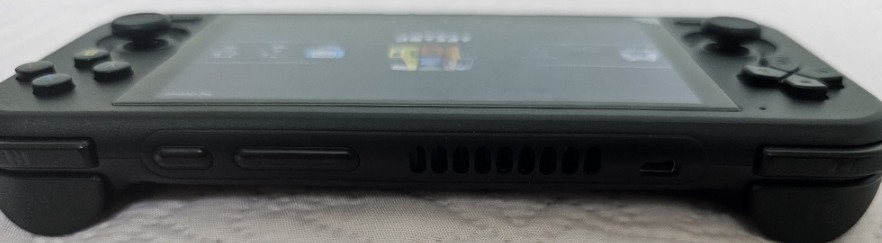
The top edge houses the power and volume buttons. The L2/R2 triggers are analog type, offering smoother control.
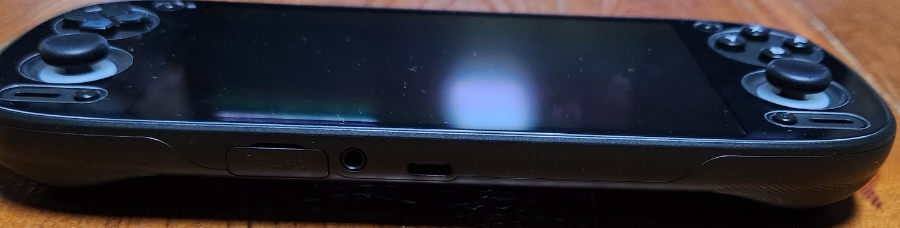
At the bottom, you’ll find the USB-C charging port and 3.5 mm headphone jack. Always use a fast charger — a 5 V 1 A or 1.5 A charger can overheat or even fail, so stick with proper high-output chargers.
Gaming Performance
The Retroid Pocket 4 Pro handles most emulators impressively. With the exception of some PlayStation 2 titles, it runs NDS, PSP, and all older systems flawlessly.
PS2 Emulator Test
I used Vulkan renderer at 2× resolution.
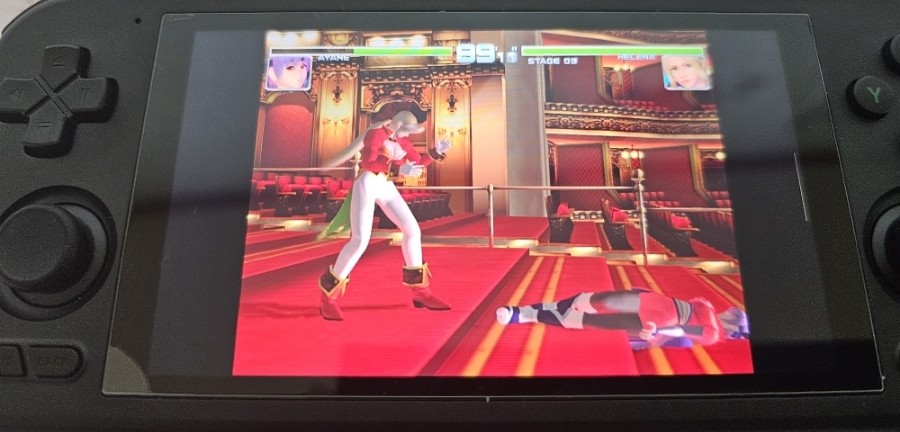
Dead or Alive 2: runs perfectly smooth at 2×.
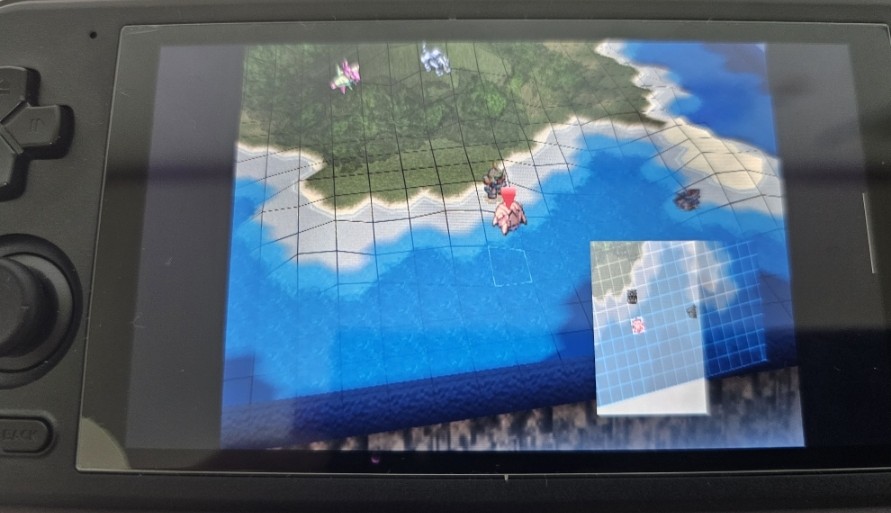
Super Robot Wars Impact: smoother than on Odin Lite — menus and battle screens stay responsive even at 2×.
Tekken 5: flawless at 2×.
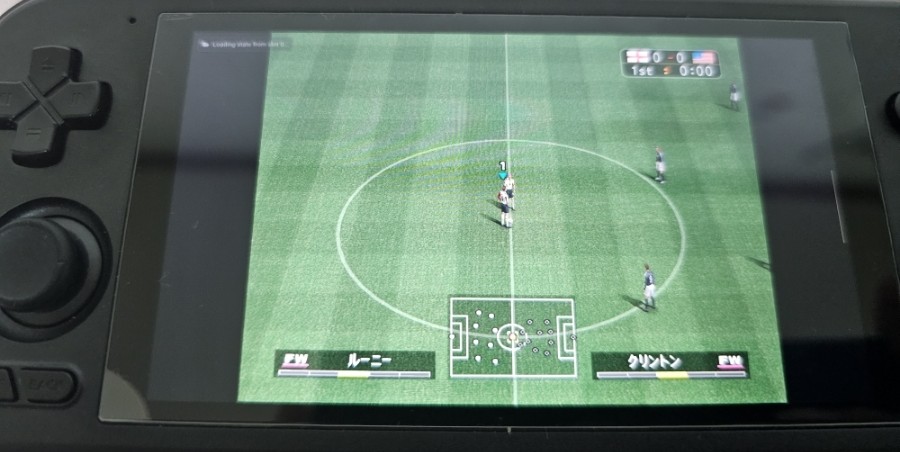
Winning Eleven 7 International: no slowdown at 2×.
Onimusha 2: solid 2× performance.
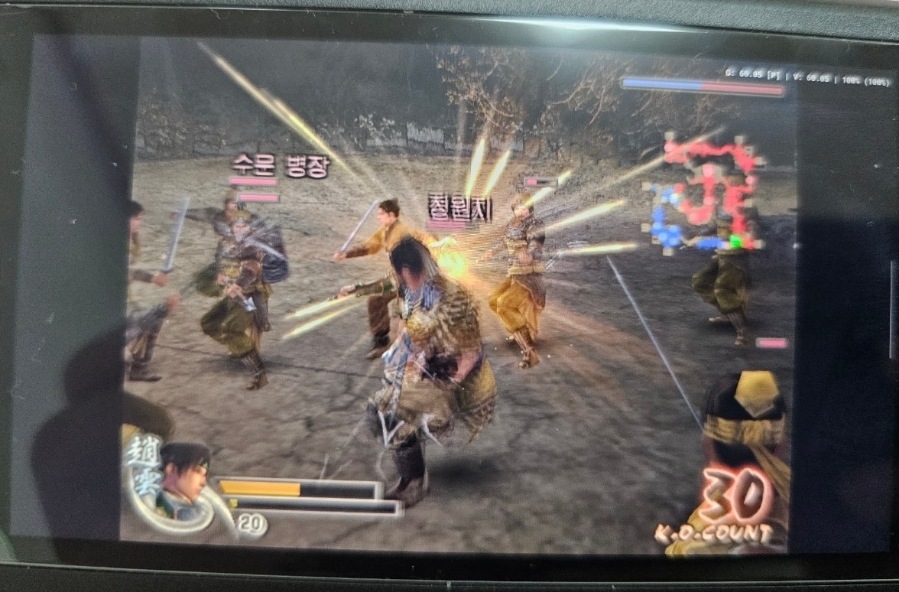
Dynasty Warriors 4: plays great at 2×.
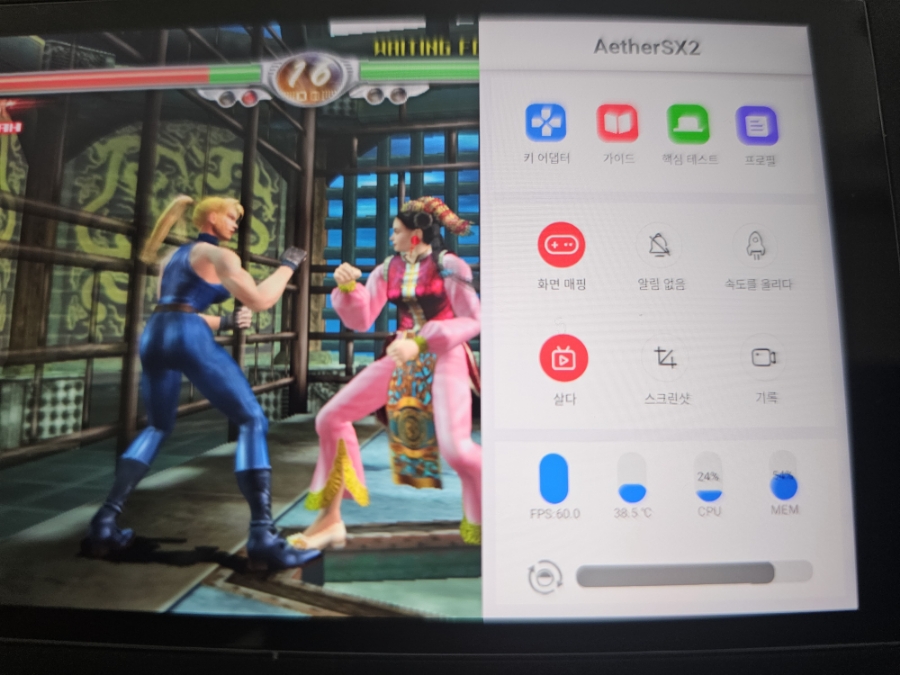
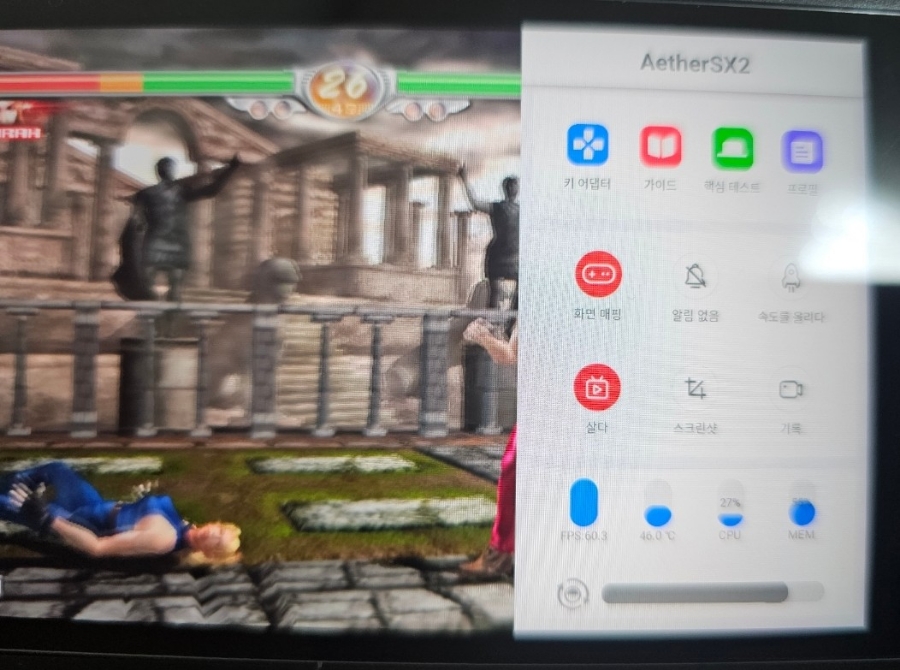
Virtua Fighter 4: stable at 2×.
Temperature & Heat
At the start of PS2 emulation, internal temperature measured 38.5 °C (after some prior testing).
After over 30 minutes of Virtua Fighter 4 at 2× resolution, it rose to 46 °C, which feels warm but not uncomfortable to the touch.
Tougher Titles
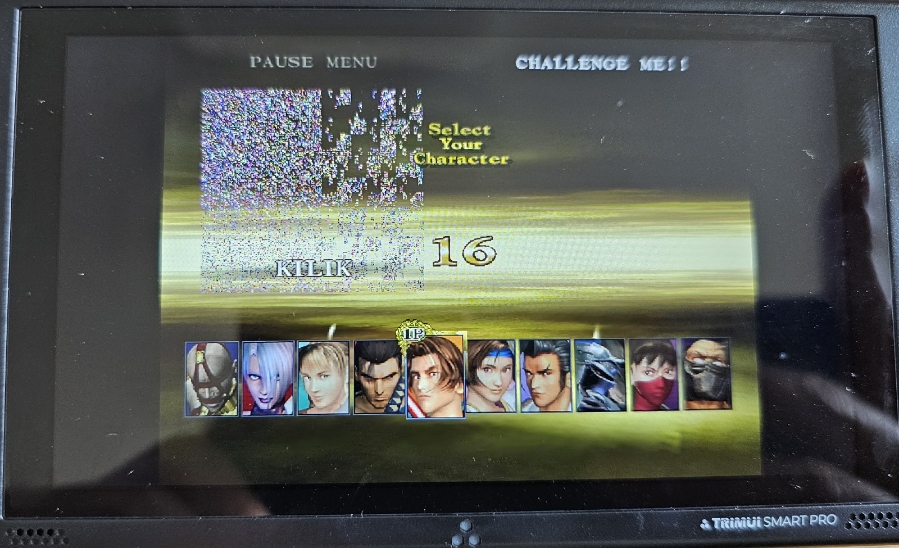
Soul Calibur 3: struggles even at 1× on Vulkan; switching to OpenGL helps a little, but slowdown remains.
Soul Calibur 2: lags at 1× on Vulkan, yet runs smoothly at 2× when switched to OpenGL.
Kunoichi: stutters even at 1×, regardless of renderer.
For comparison, even the Odin Lite struggles with these titles, while the Odin 2 handles them effortlessly at 3× resolution — truly a powerhouse.
Overall Impressions
For commuters seeking a portable console that supports Bluetooth earphones and offers solid emulation up to PS2 level, the Retroid Pocket 4 Pro is a fantastic choice. You can occasionally stream Netflix or YouTube and even listen to music on the same device — all in one compact package.
However, the 4.7-inch display might feel small for users with aging eyes, and some PS2 games still show frame drops. The D-pad is placed above the analog stick, which is great for retro gaming but awkward for those who prefer analog control. Grip comfort is limited out of the box, but can be improved with an aftermarket grip (at the cost of added weight).
Final Thoughts
I initially considered using the Retroid Pocket 2S for commuting, but its 3.5-inch screen and lower PS2 performance made it unsuitable. Upgrading to the Pocket 4 Pro has been the perfect solution — compact, capable, and comfortable for daily subway gaming.
So if you happen to spot a tall middle-aged guy playing retro games on a Retroid Pocket 4 Pro during rush hour — that might just be me.
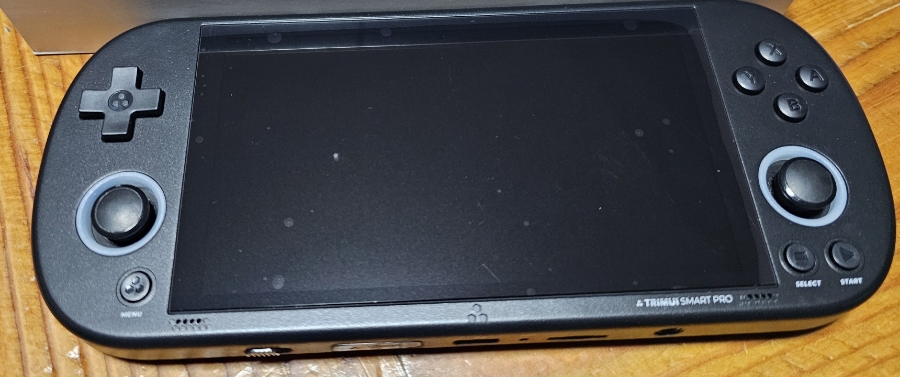
Let me introduce the Trimui Smart Pro, a 4.96-inch horizontal retro handheld priced under ₩100,000 (≈ $70–80 USD).
It’s a great alternative for anyone who finds 3.5-inch screens too small — but keep in mind, that extra size comes with extra weight.
At over 200 grams, this handheld feels noticeably heavier during long sessions — you’ll start to feel it in your wrists after a while.
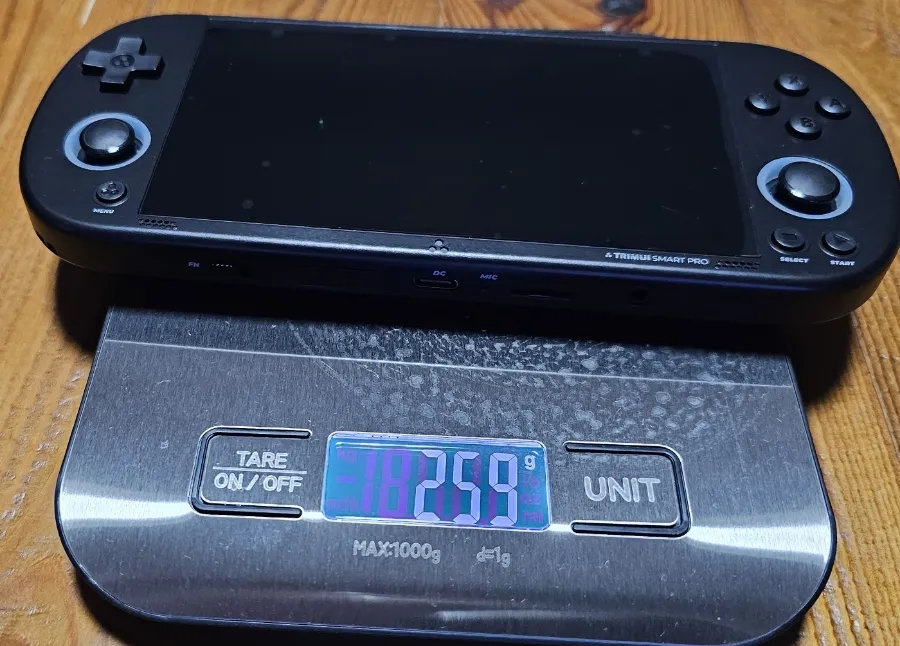
According to my digital scale, it weighs 259 grams, likely due to its large-capacity battery.
Build quality is solid — even a bit premium-looking. The D-pad placement at the top is perfect for retro titles, and the button feel is responsive and pleasant.
However, the analog sticks are basic — functional, but nothing special. There’s no R3/L3 support, but that’s fine since most retro games don’t use them anyway.
The stereo speakers sound surprisingly good for this price range.
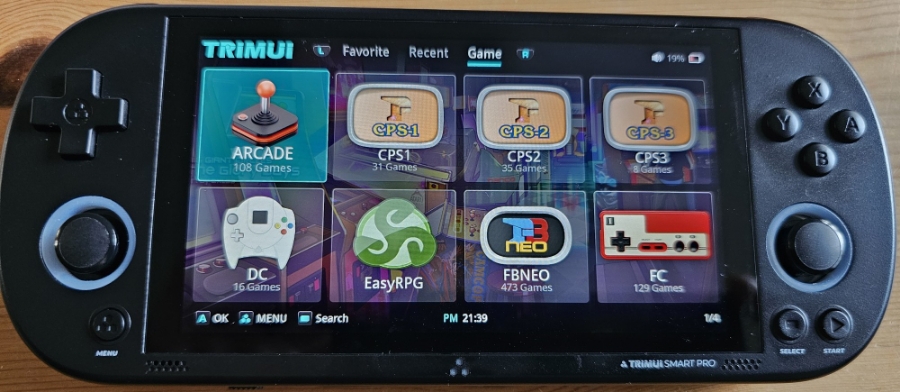
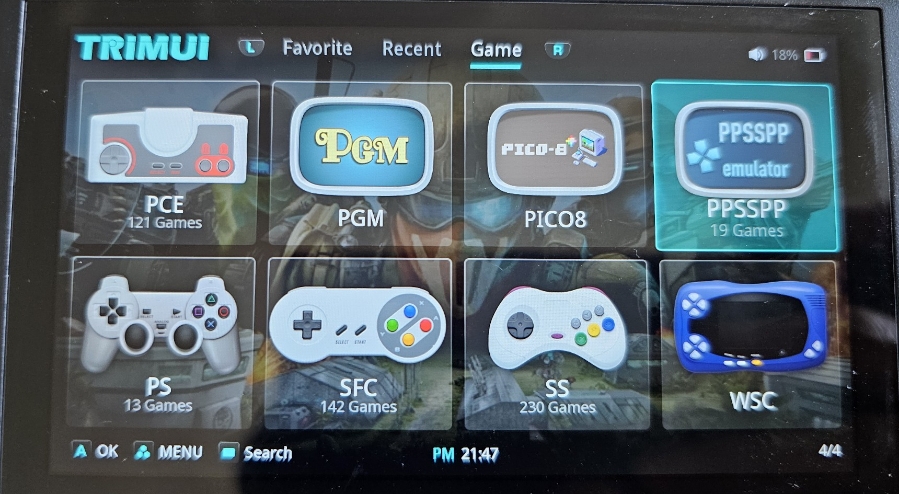
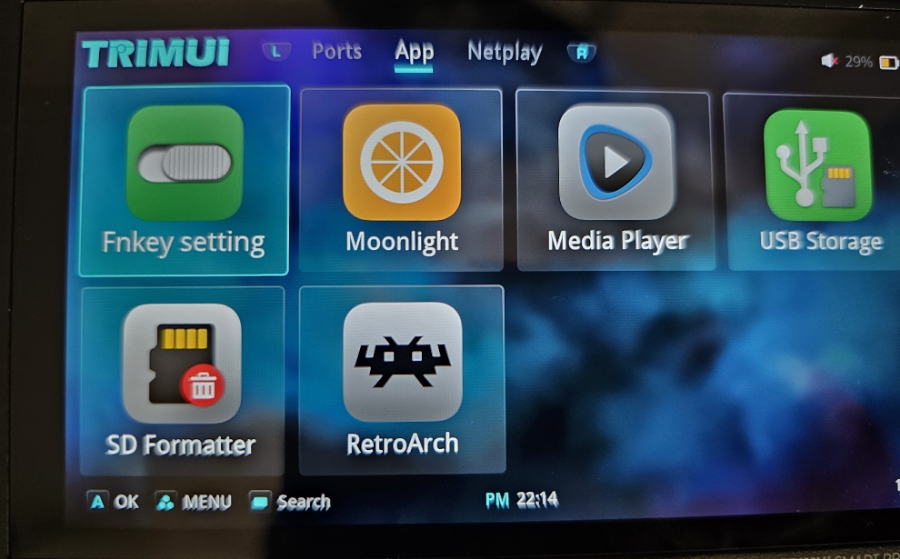
It runs on the manufacturer’s own custom OS.
The interface is simple and intuitive — press the menu button to return to the game list, browse through system folders, and launch games quickly.
However, you can’t select emulator cores per game, which is a bit disappointing.
Also, while USB-C earphones technically work, I wouldn’t recommend them — the experience is inconsistent.
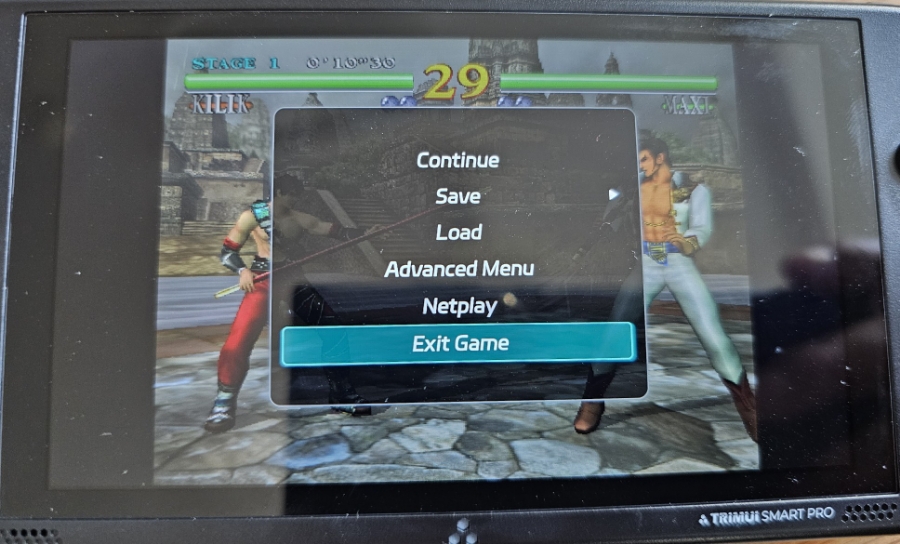
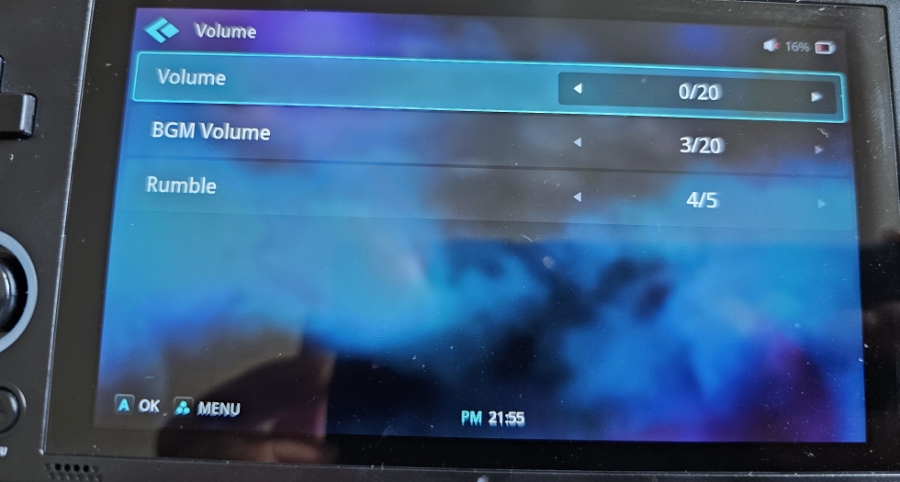
One major flaw: Even if you lower the BGM or system volume, the speaker still plays loud audio.
The hardware volume buttons don’t properly control the sound level — so it’s better to just use 3.5mm earphones.
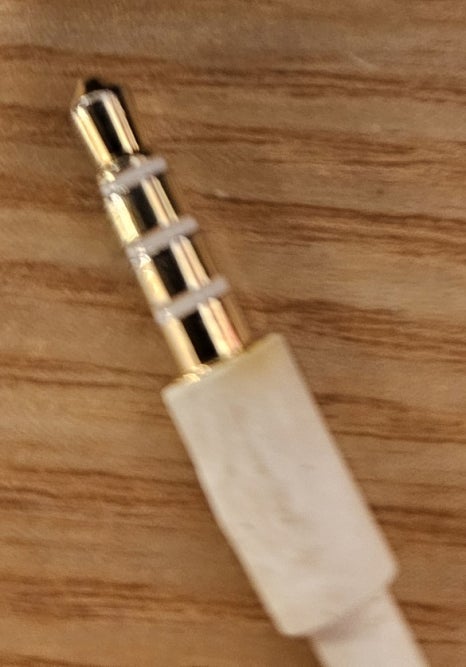
Thankfully, both 3-pole and 4-pole earphones work fine — even those with microphones produce clean stereo output.
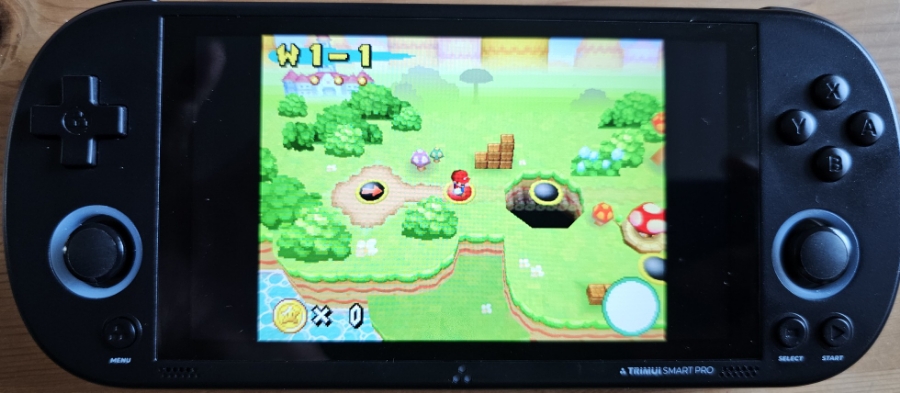
It runs NDS games beautifully.
Unlike the RG35XX H, which lacks 3D rendering options, the Trimui Smart Pro displays NDS visuals as intended.
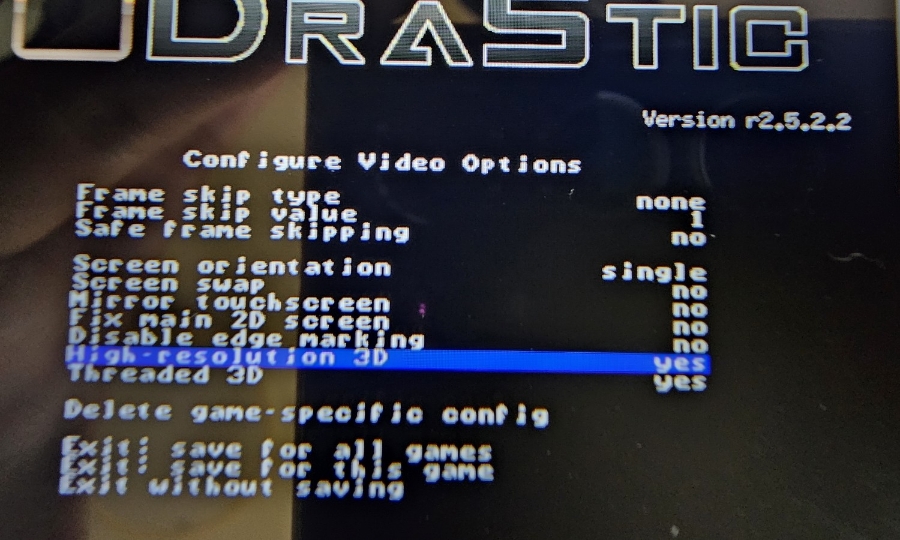
If you enable “3D High Resolution = Yes”, you’ll get sharper graphics — though on weaker devices, that can cause lag.
The Trimui Smart Pro (and RK2023) handle this without slowdown, thanks to slightly stronger CPUs.
By default, High-Resolution 3D is set to Yes, so you’ll enjoy crisp, detailed visuals right out of the box.
For PSP games, use the PPSSPP emulator — it’s much smoother and faster than the stock PSP app, which loads and saves painfully slow.
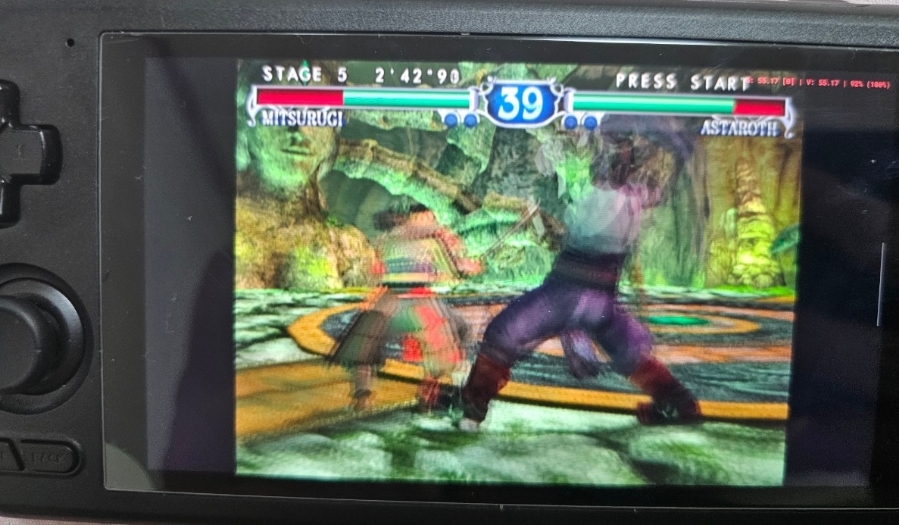
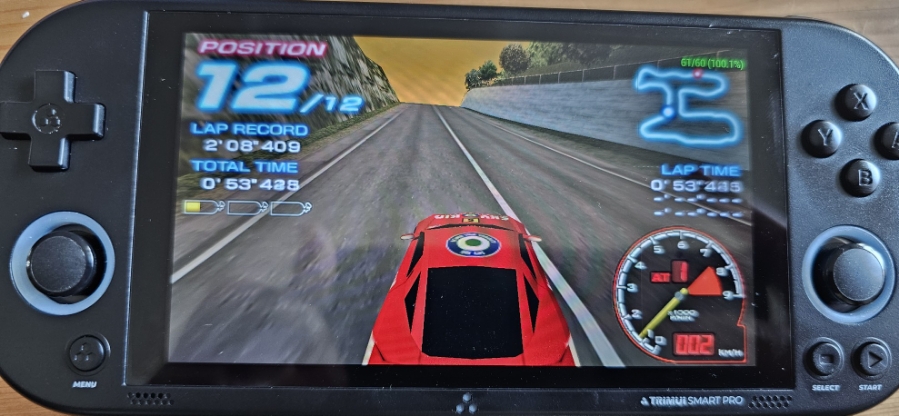
Ridge Racer on PSP can reach 60 FPS after tweaking a few options (disabling visual effects).
The only tradeoff: when boosting, the screen effect that normally gives a “speed of light” feel becomes less intense — but gameplay stays fluid.
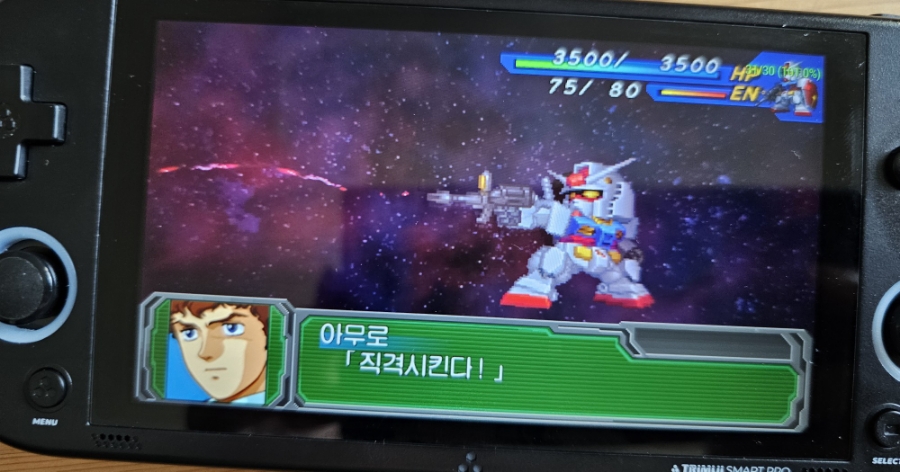
Super Robot Wars A Portable runs great at 2× resolution — a real treat for tactical RPG fans.
Some Dreamcast games have minor graphical glitches depending on the core used…
…but gameplay remains smooth and enjoyable overall.
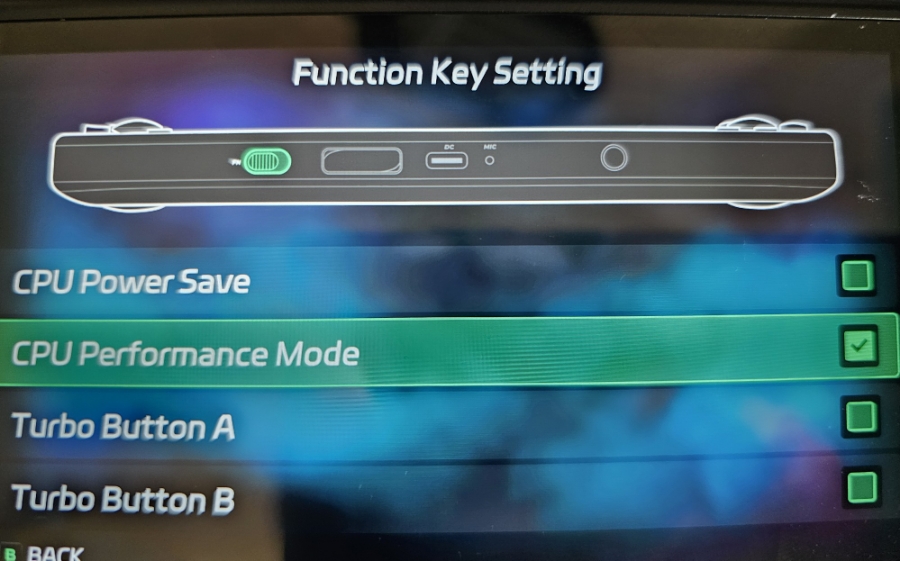
Inside the “Fukey Setting” menu:
Enable CPU Performance Mode for a small speed boost.
After enabling it, slide the FN switch to the right while gaming — you’ll notice slightly better performance. Just be warned: the device gets warm after long sessions.
For charging, use a 5V 2A charger. The manual doesn’t clearly specify this, but based on testing, it’s the safest option.
⚠️ Do not use 9V, 12V, or hybrid 5V/9V fast chargers — they can permanently damage the board.
Final Verdict
If you can handle the 259g weight, the 4.96-inch screen offers a bright, comfortable view and handles PS1 and NDS titles effortlessly.
PSP games are playable with some settings tweaks, though the console does get warm during long sessions.
For gamers seeking a large-screen handheld under $80, the Trimui Smart Pro is a fantastic value — as long as you don’t mind a bit of heft.
Enjoy your retro gaming life! 🎮 — Super Asurada 77
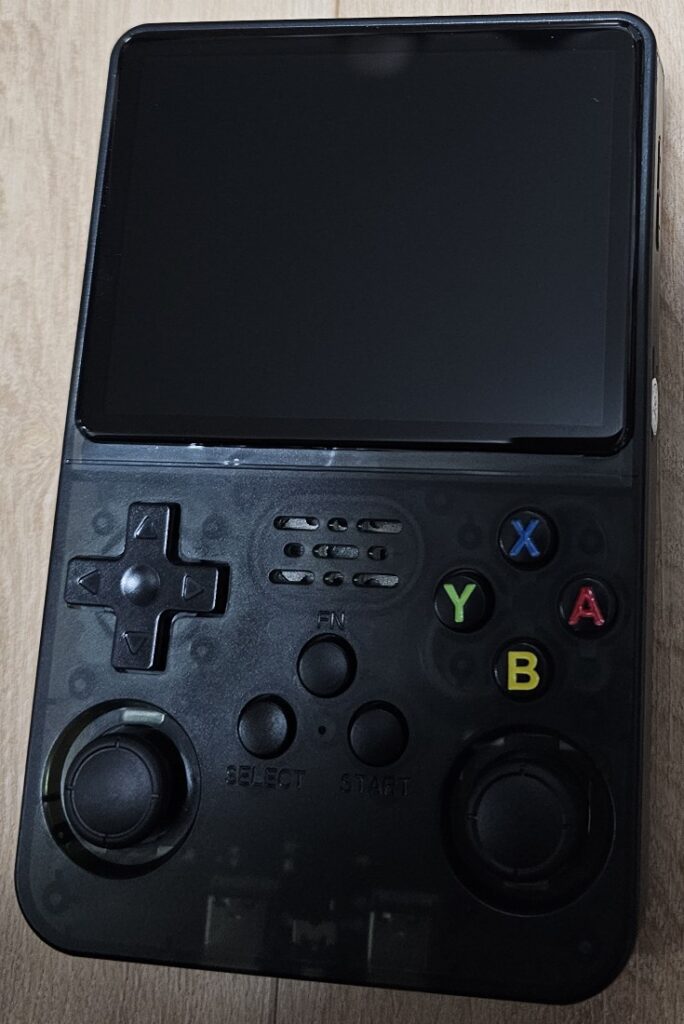
Let me introduce the R36S, a budget-friendly handheld console that’s earned a reputation for being one of the best value retro gaming devices out there.
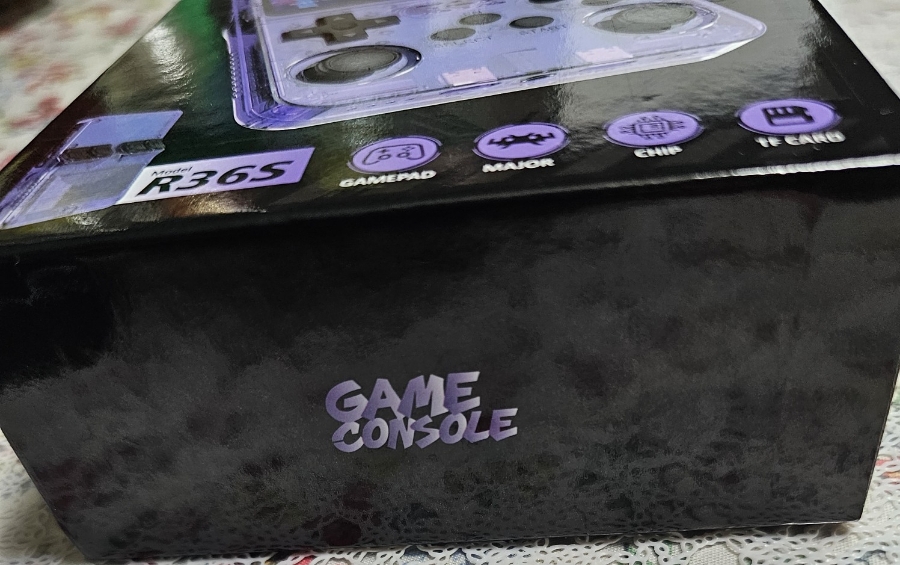
The box and manual don’t show any manufacturer name — not even a logo, except for a small “GAME CONSOLE” mark on the device. A mystery brand, but that’s part of its charm.
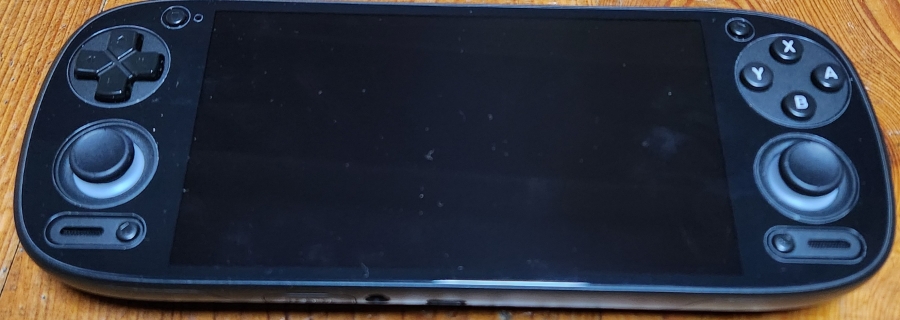
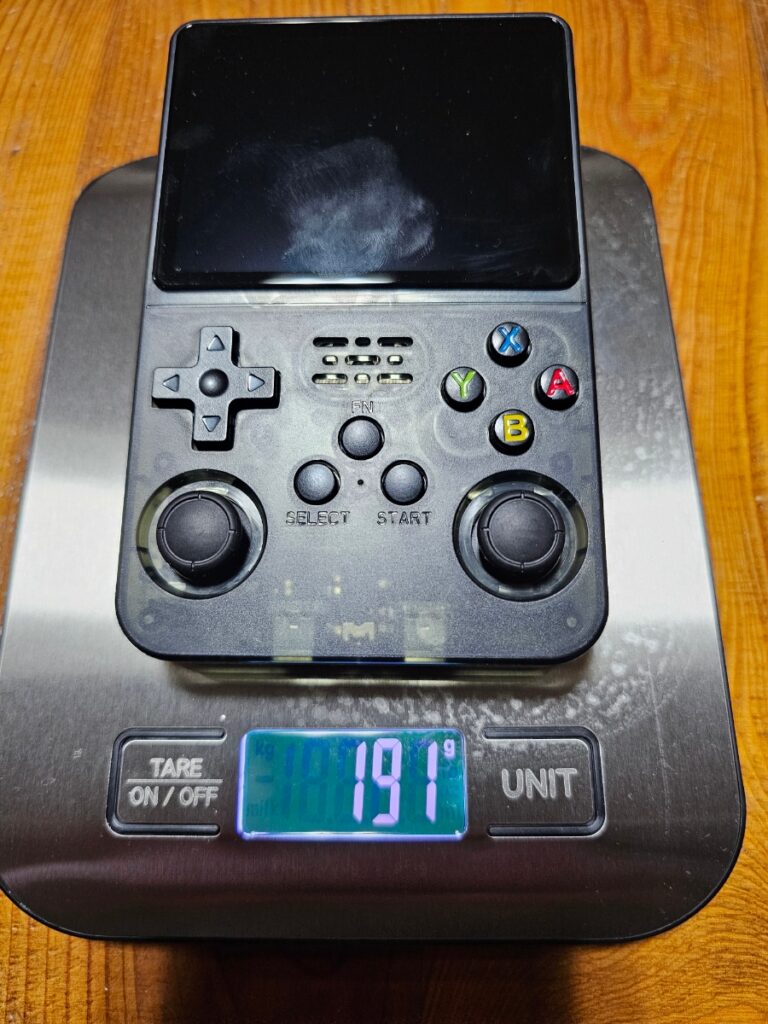
It weighs just 191 grams, about the same as a typical smartphone — light and easy to hold. For comparison, the XU10 weighs around 200 grams.
Don’t expect premium build quality though — this is a budget device through and through.
The plastic below the screen looks like it still has a protective film stuck under it — not the best finish.
The D-pad and ABXY buttons have high resistance, which can make long sessions tiring.
That said, newer batches of the R36S have improved D-pads, and Street Fighter II inputs like Hadouken and Shoryuken now come out smoothly.
It has only one mono speaker, and honestly, the sound quality is poor. But at under ₩40,000 (≈ $30 USD), just having a speaker is a small miracle.
The R1, R2, L1, and L2 buttons make loud clicking noises — so if you play on public transport, be prepared for a few annoyed glances.
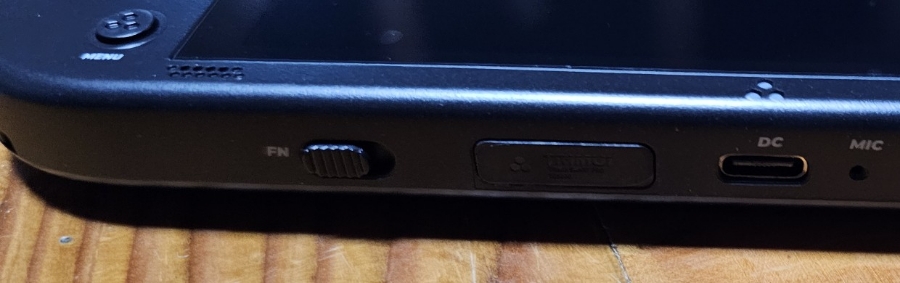
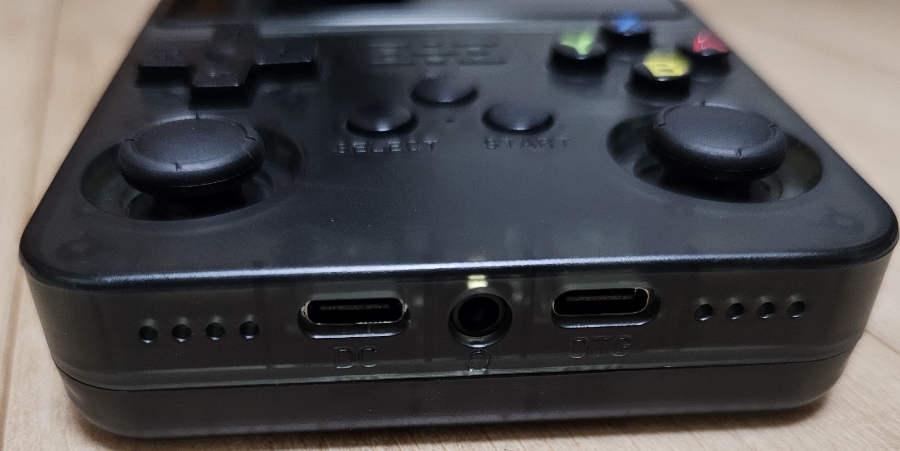
The DC port is actually a USB-C charging port.
A few safety tips:
Always charge with a 5V 1.5A or 5V 2A charger with proper certification (KC or UL).
Do NOT use 9V fast chargers or 5V/9V mixed chargers — the board may burn out.
Avoid 5V 1A chargers — they can overheat or even catch fire.
Turn off the console before charging, and never charge overnight.
If you ignore these rules, your console might end up smoking and fried.
If you use a 4-pole earphone (with a mic), one side of the audio may not work. Use a 3-pole non-mic earphone instead — that solves the issue.
The screen is very bright and sharp, almost too bright — staring at it for too long can cause eye strain, and the LED backlight can be harsh in dark rooms.
Performance-wise, it handles PS1 and below perfectly fine. Dreamcast games technically run, but with heavy stuttering. NDS games show noticeable frame drops.
The device’s short width also makes it less comfortable to grip for long sessions.
The controls and OS layout are typical of Linux-based retro handhelds — nothing fancy, but familiar.
So why do I still call it the best budget handheld?
Because for under $30–35, you can comfortably play arcade, 8-bit, 16-bit, and even PS1 games while lying on your bed or couch.
Pros
Super cheap price
Bright and clear display
Great for short sessions of PS1 and earlier titles
Cons
Stiff D-pad and buttons cause finger fatigue
Overly bright display can hurt the eyes
Narrow horizontal body makes it uncomfortable for long play
Poor mono speaker quality
Loud shoulder button clicks
If you’re considering a vertical-style handheld, I’d suggest adding just ₩10,000 (~$7 USD) more and getting the XU10, which feels sturdier and more comfortable overall.
Still, for pure affordability, the R36S remains unbeatable.
Enjoy your retro gaming life! 🎮 — Super Asurada 77
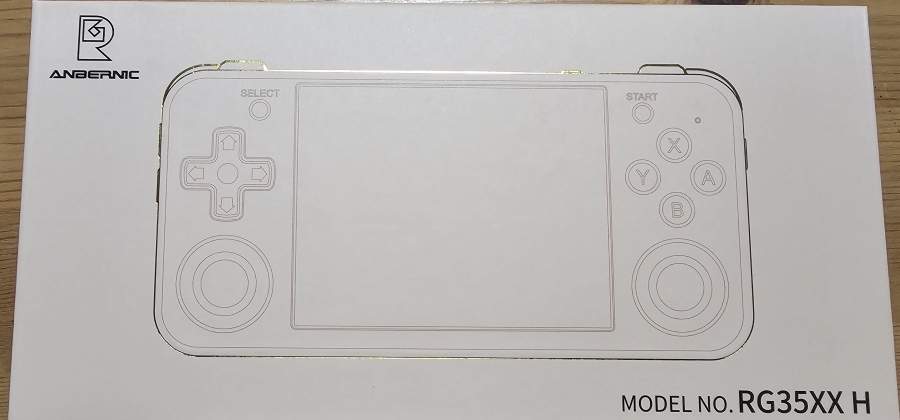
Today, I’m reviewing the Anbernic RG35XX H, a 3.5-inch retro handheld that delivers stereo sound and weighs only 185 grams — a true lightweight champion in portable gaming.
I originally used an Odin 2, but at over 400 grams, my wrist started to ache during long gaming sessions. So I went on a quest for something lighter — and that led me to the RG35XX H.
While playing mostly Famicom, Mega Drive, GBA, and PS1 titles on my Odin 2, I realized I didn’t need all that power. I just wanted a small, efficient handheld that runs PS1 and below flawlessly.
After comparing several models — RK2023, XU10, and R36S — I came to a few conclusions:
The RK2023 has a faster CPU but lacks vibration support, and the PS1’s Super Robot Wars Alpha series just isn’t the same without vibration.
The XU10 and R36S use the same CPU but also lack vibration and are vertically designed, making them uncomfortable for long play sessions.
So, I ended up choosing the RG35XX H, because it offers vibration feedback, stereo speakers, and an extremely lightweight 185g design — perfect for PS1 and earlier systems.
Controls
The controls feel solid. The D-pad and ABXY buttons are responsive and pleasantly tactile — a bit of resistance, but less stiff than the Retroid Pocket 2+.
Street Fighter II commands like Hadouken and Shoryuken work well (misses are probably just my skill 😅).
The R1, R2, L1, L2 buttons use clicky micro-switches. There are also R3/L3 buttons, and the analog stick feels decent — though for retro titles, you’ll likely stick to the D-pad.
The D-pad and stick are quite close, so occasionally your thumb might brush the stick while using the D-pad, but it’s not a major issue.
Overall verdict: Good feel, no major complaints.
Audio
The stereo speakers are okay — not super crisp or bass-heavy, but clear enough and free of distortion. You won’t get “wow” sound, but it’s listenable and balanced.
Some retro devices have problems when using 3.5mm earphones with a built-in mic, producing muffled or incomplete audio.
The RG35XX H, however, handles all audio ranges correctly, even with mic-equipped earphones.
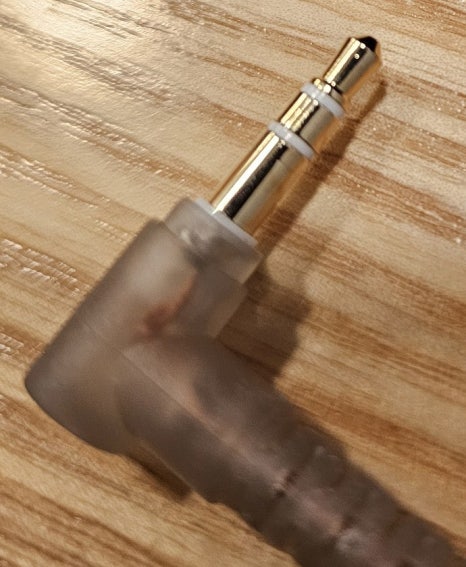
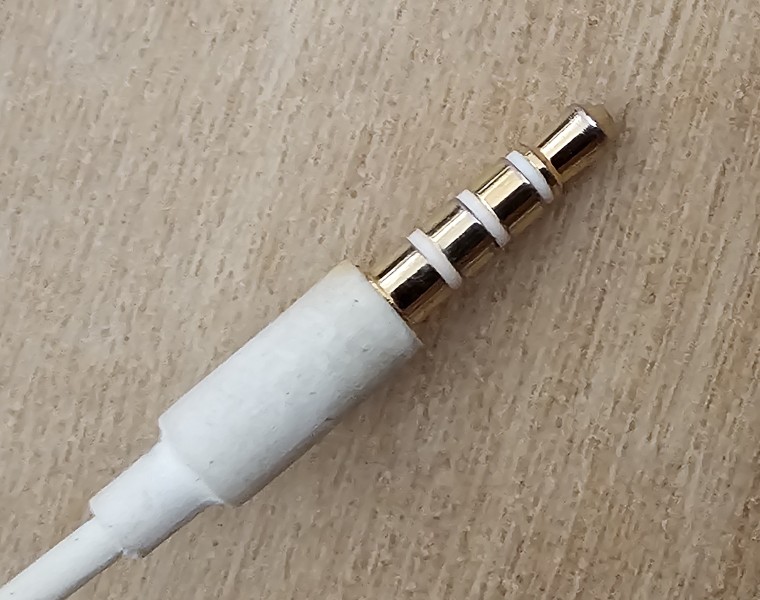
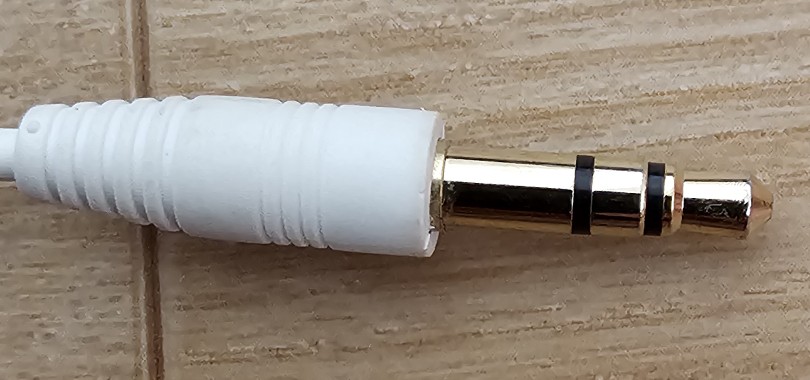
For reference, the image below shows a non-mic earphone plug.
Naturally, non-mic earphones also work perfectly fine, with full, balanced sound output.
Operating System
The handheld doesn’t support Jelos OS, so you’ll be using the default Anbernic OS (Basetora OS is reportedly available too).
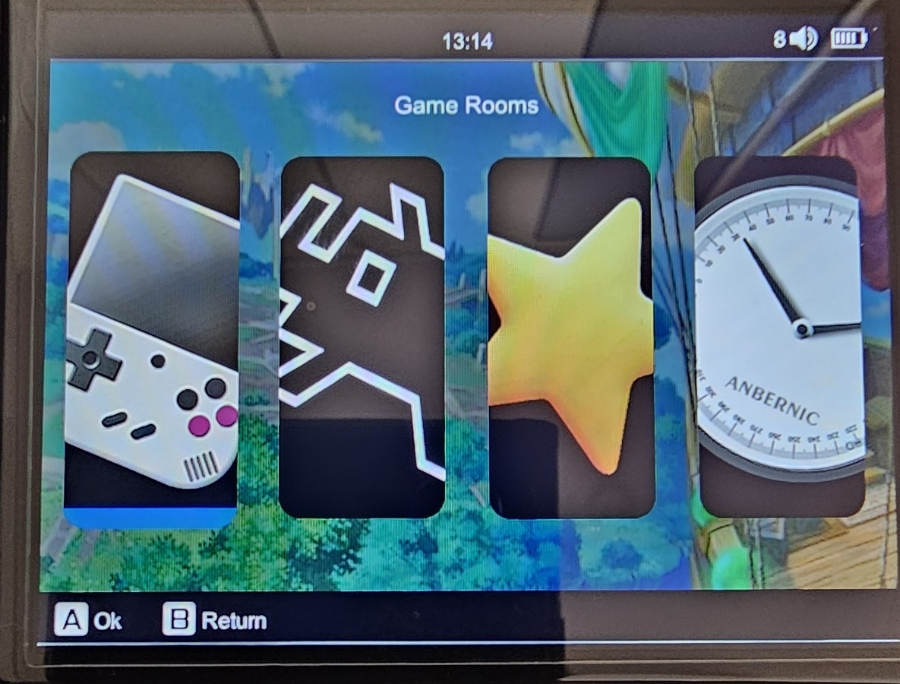
Here’s what the default UI looks like. Under the Game Rooms section, you’ll find pre-configured systems.
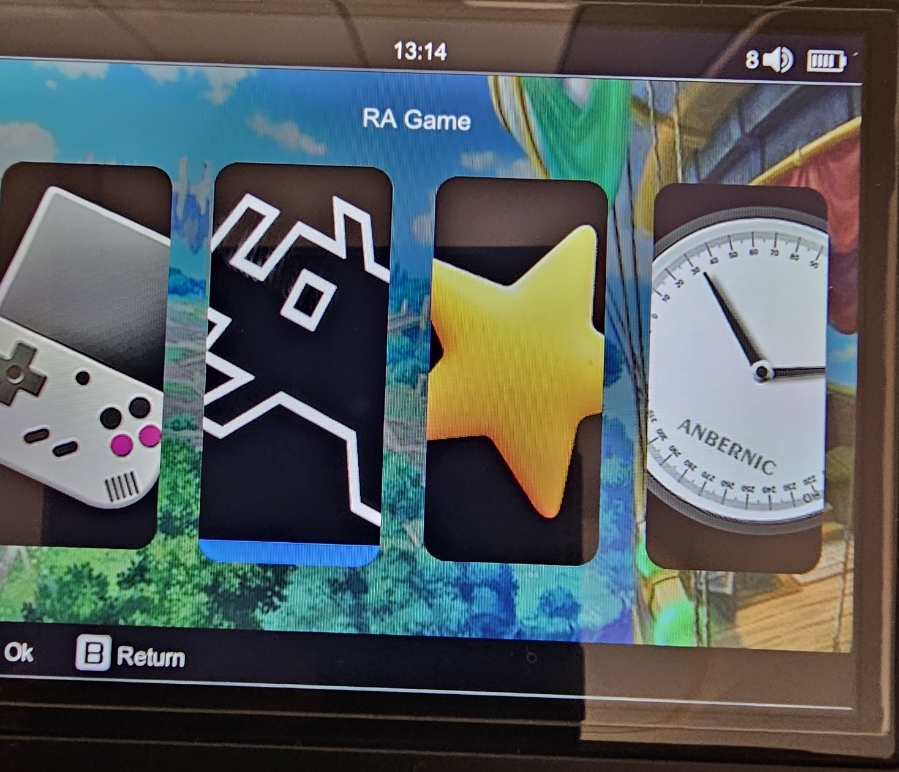
Dreamcast, NDS, and MSX emulators only appear in the RetroArch menu.
Games labeled “RA Game” run directly through RetroArch.
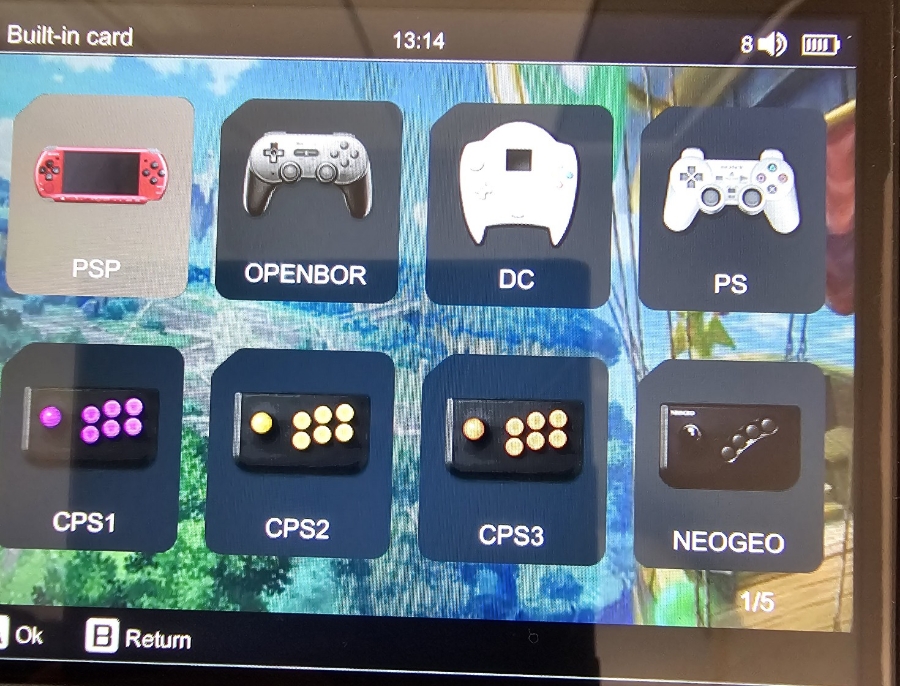
As you can see, it supports OpenBOR and Dreamcast as well.
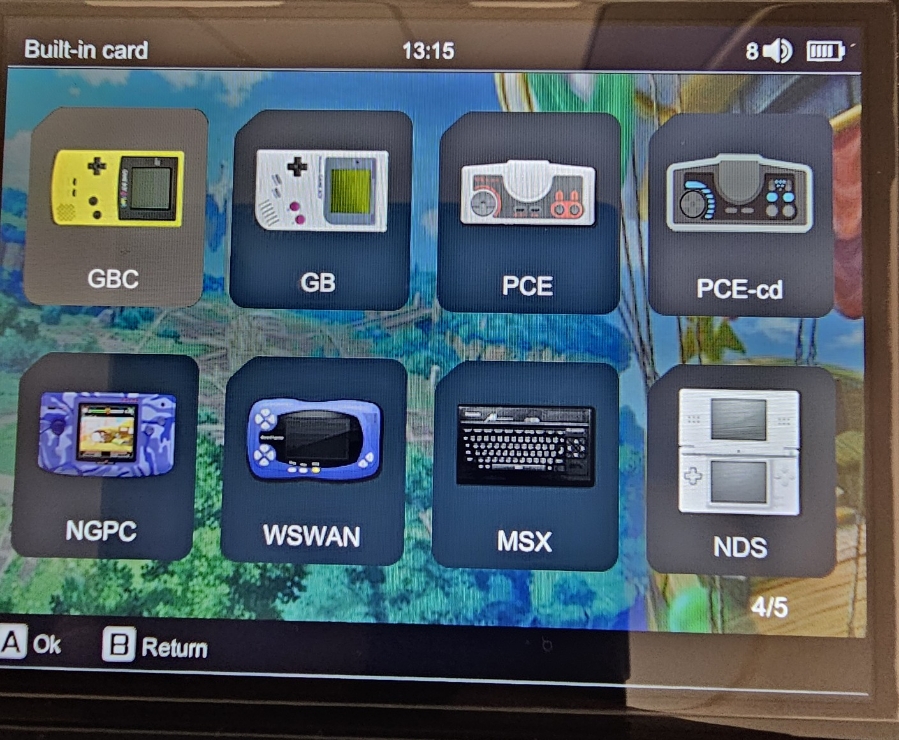
You’ll also find PC Engine CD, NDS, and MSX in the same section.
Display
The 3.5-inch IPS screen runs at 640×480 resolution. It’s sharp and bright for its size.
If you’re over 40 and your eyesight isn’t what it used to be, you might need some eye drops after long sessions 😅.
Performance
The CPU is a Cortex-A53, which runs PS1 games perfectly fine.
Dreamcast: titles like Soul Calibur run well.
N64: runs, but not smoothly.
PSP: partially playable, with occasional stutter. Super Robot Wars A Portable runs well at 2× resolution.
If you mainly plan to play PS1 and below, this device is just right.
Charging
Use a 5V 2A charger only. As with most Chinese handhelds, fast chargers (9V or mixed 5V/9V) are not supported and may damage the board.
Always charge with a 5V 2A adapter, and never overnight.
Verdict
If your eyesight is fine, this handheld is an excellent buy. At 185 grams, it’s one of the lightest retro consoles around.
If the 3.5-inch screen feels too small, consider something larger like the RG40XX H. If you need higher performance for systems beyond PS1, you’ll want an Odin or Retroid Pocket 3+.
But for retro RPGs and PS1 classics, the RG35XX H offers unbeatable portability and comfort.
Enjoy your retro gaming life! 🎮 — Super Asurada 77
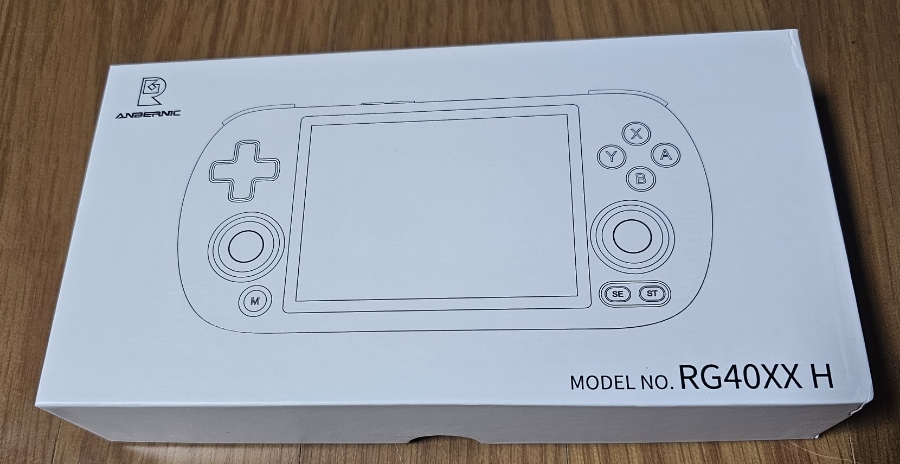
The Anbernic RG40XX H is the latest evolution of the RG35XX H, upgrading from a 3.5-inch screen to a 4-inch display with a true 4:3 aspect ratio. It’s designed for retro gamers who love that CRT-era feel with a bit more screen real estate.
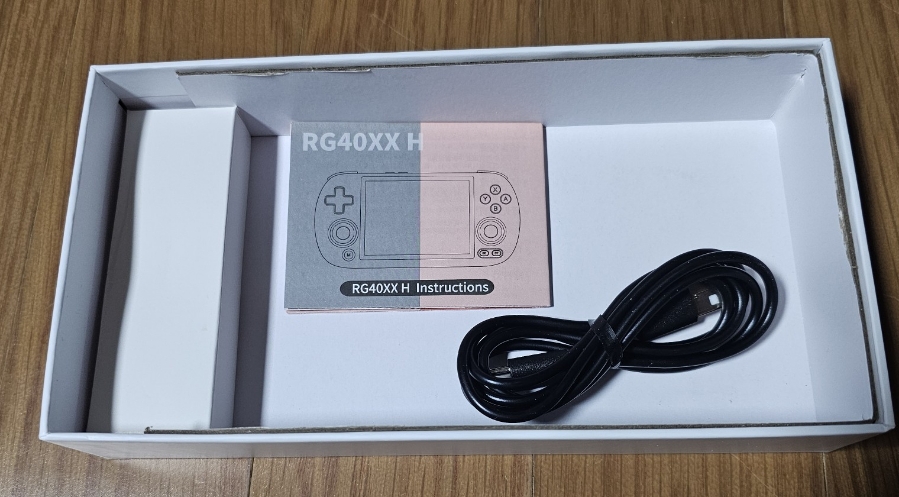
As always, the packaging is classic Anbernic — clean and familiar.
Hmm… this time, there’s no protective film included in the box.
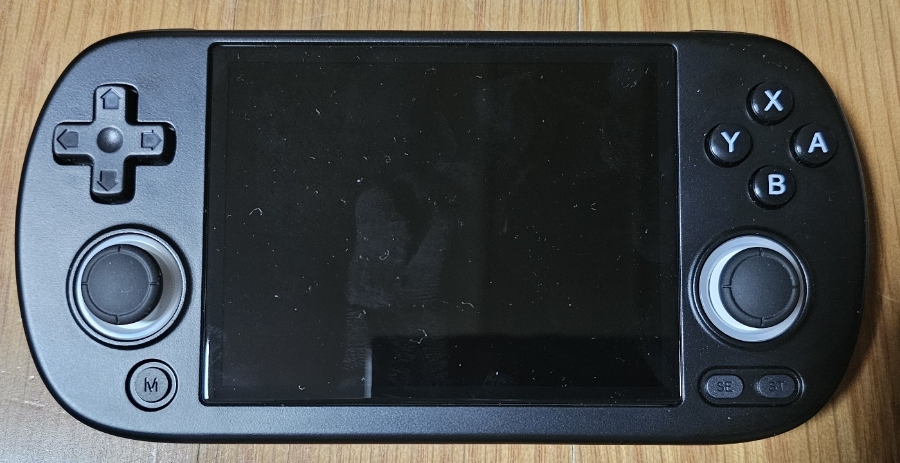
The 4-inch 4:3 screen looks fantastic — bright, crisp, and easy on the eyes.
At first, you might think, “Half an inch bigger? That’s nothing!” But once you play, the difference is surprisingly noticeable.
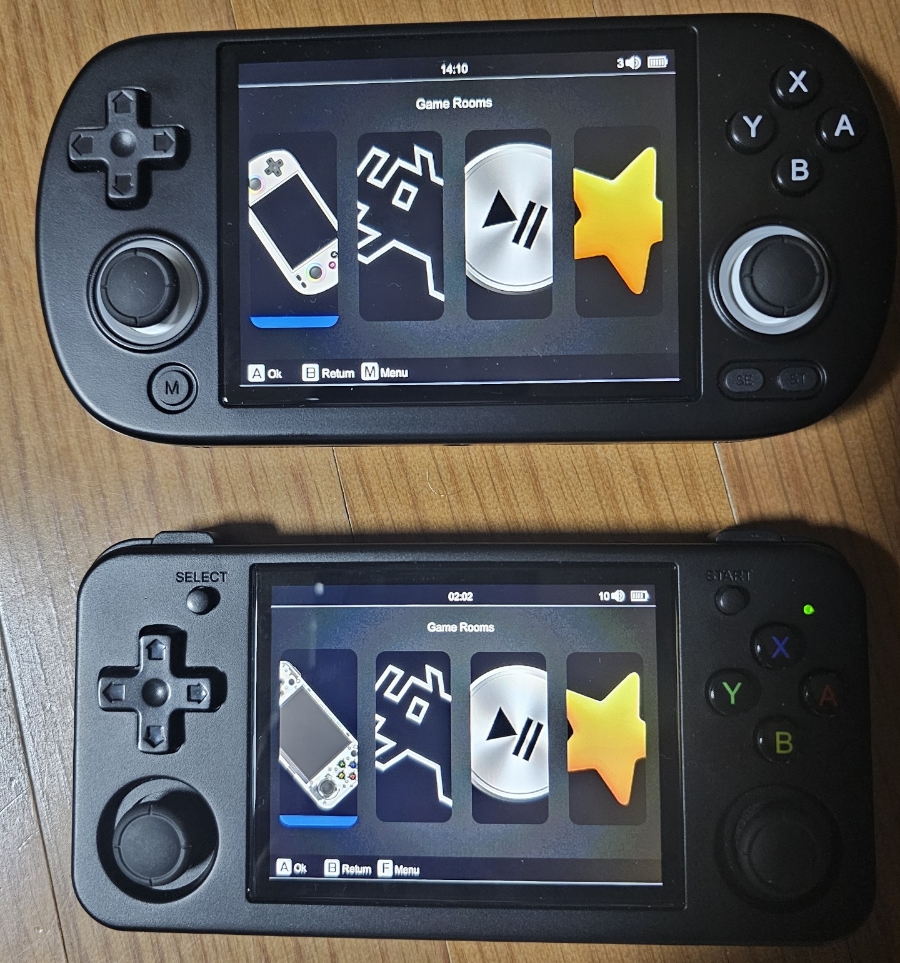
When compared side-by-side with the RG35XX H, they may look similar in photos, but in real life the visual comfort is night and day.
Your eyes will thank you! 👀
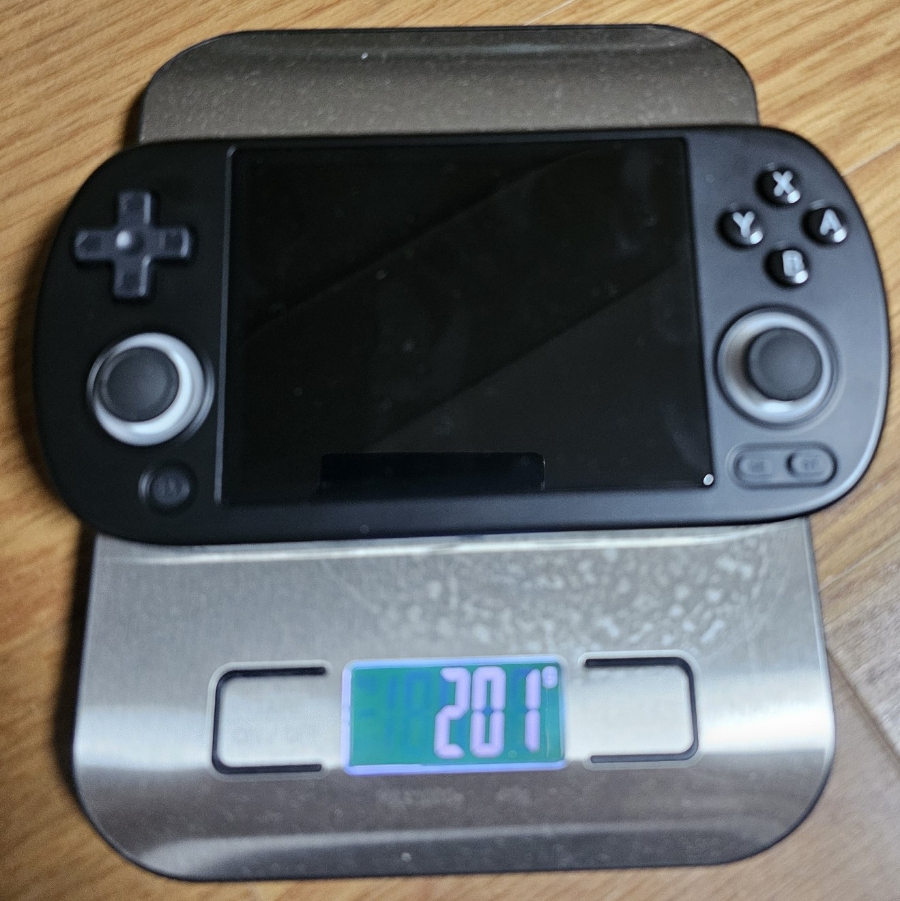
At just 201 grams, it’s lightweight and comfortable even for long play sessions.
For RPG lovers, this handheld is perfect — the 4:3 screen feels natural, and your wrists won’t get tired after hours of gameplay.
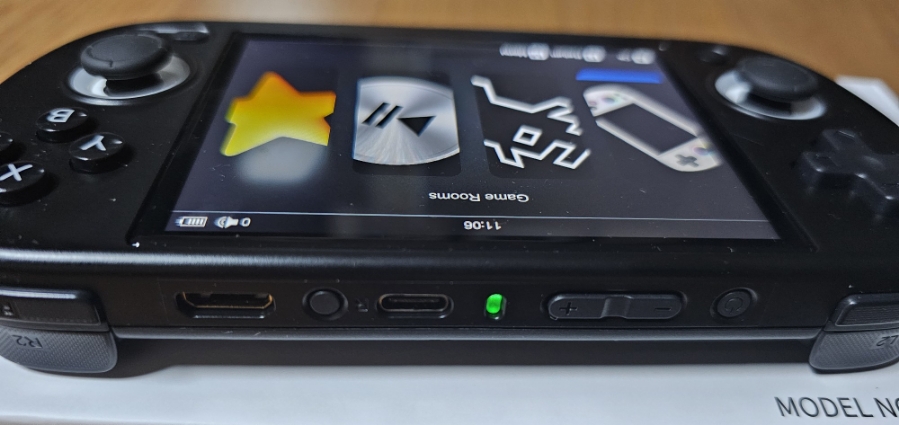
The small green indicator light at the top isn’t distracting when playing in the dark.
When I first pressed the power button, I couldn’t even tell if it registered — it’s that subtle.
Once you get used to it, it’s fine, but people with larger hands might find it slightly awkward to press.
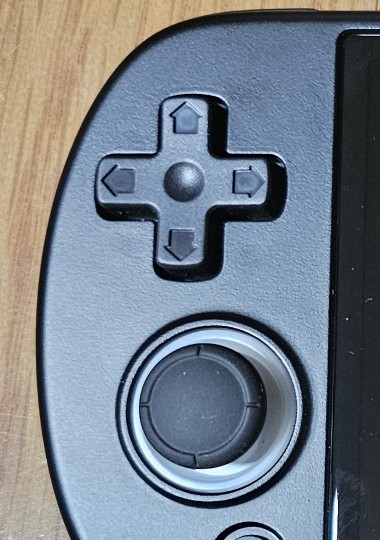
The analog stick is placed very close to the D-pad, so occasionally you’ll feel some interference when using the D-pad — especially during platformers like Super Mario.
It’s a minor annoyance, but noticeable.
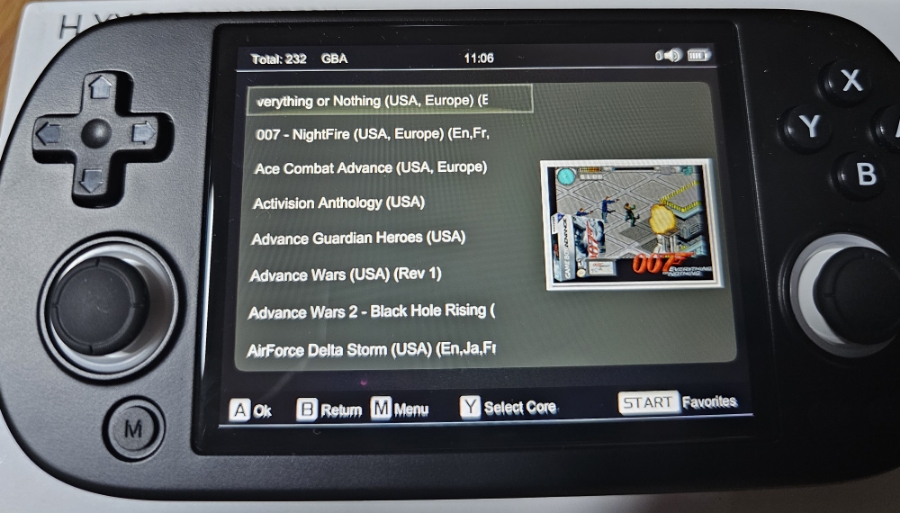
The user interface is identical to the RG35XX H. If you’ve used any of the previous models, you’ll feel right at home.
GBA games automatically adjust to a 3:2 aspect ratio, and the system adds bezel borders for you, so there’s no need for manual tweaking.
In terms of performance, I recommend playing PS1 and below.
Some Dreamcast titles are playable, but you’ll experience lag in demanding games like Dead or Alive 2.
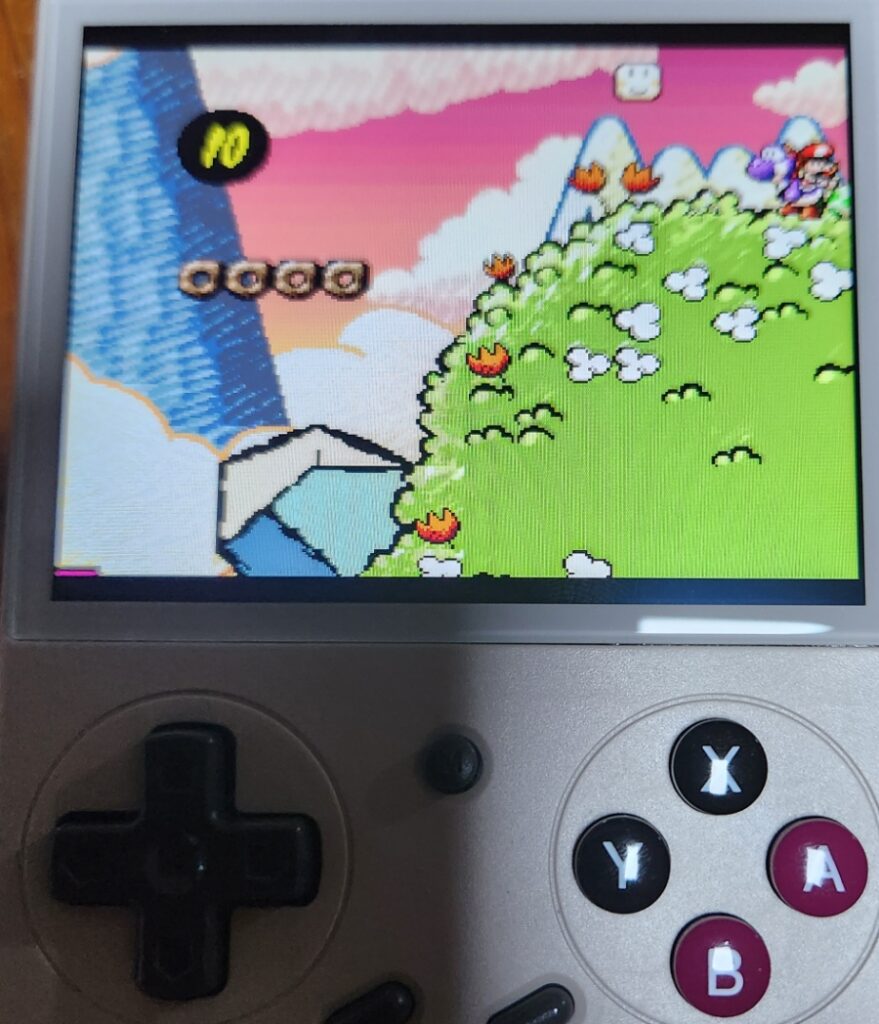
For Super Famicom (SNES) titles like Yoshi’s Island: if you stretch the image to full screen, you’ll notice frame drops. However, if you play with a 1:1 aspect ratio and bezel on, it runs smoothly.
For NDS games: turn off High Resolution Mode and set Frame Skip to 0 for the best results.
For example, New Super Mario Bros. runs fine — even with High Res enabled, only the map screen slows slightly, while in-game performance remains smooth.
PSP games are mixed: 3D titles like Ridge Racer will stutter, but 2D games such as Super Robot Wars A Portable run well even at 2× resolution.
For charging, use a 5V 1.5A or 5V 2A charger with proper safety certification (KS or UL).
⚠️ Important Safety Notes:
Do NOT use 9V or hybrid 5V/9V fast chargers — it can fry the board.
Avoid 5V 1A chargers — they can overheat.
Always turn off the device before charging.
Don’t fall asleep with the charger plugged in. You never know what might happen — safety first!
If you want a lightweight, 4-inch 4:3 handheld that’s perfect for PS1 and older retro games, the RG40XX H is an excellent choice.
Clear visuals, comfortable ergonomics, and great nostalgia value — it’s a solid upgrade from the RG35XX H.
Enjoy your retro gaming life! 🎮 — Super Asurada 77
The G350 is a 3.5-inch vertical retro handheld console — essentially a strong contender against the popular R36S.
It costs about 10,000 KRW (≈ $7 USD) more than the R36S, but it’s absolutely worth it.
The D-pad and ABXY buttons are miles better than those on the R36S — they’re quiet, firm, and satisfyingly tactile.
You can easily play shooting games on the subway without making any noticeable button noise.
However, note that the L1, L2, R1, and R2 shoulder buttons still make a distinct “click” sound.
I tested it with Street Fighter II, and both the Hadouken and Shoryuken commands came out perfectly.
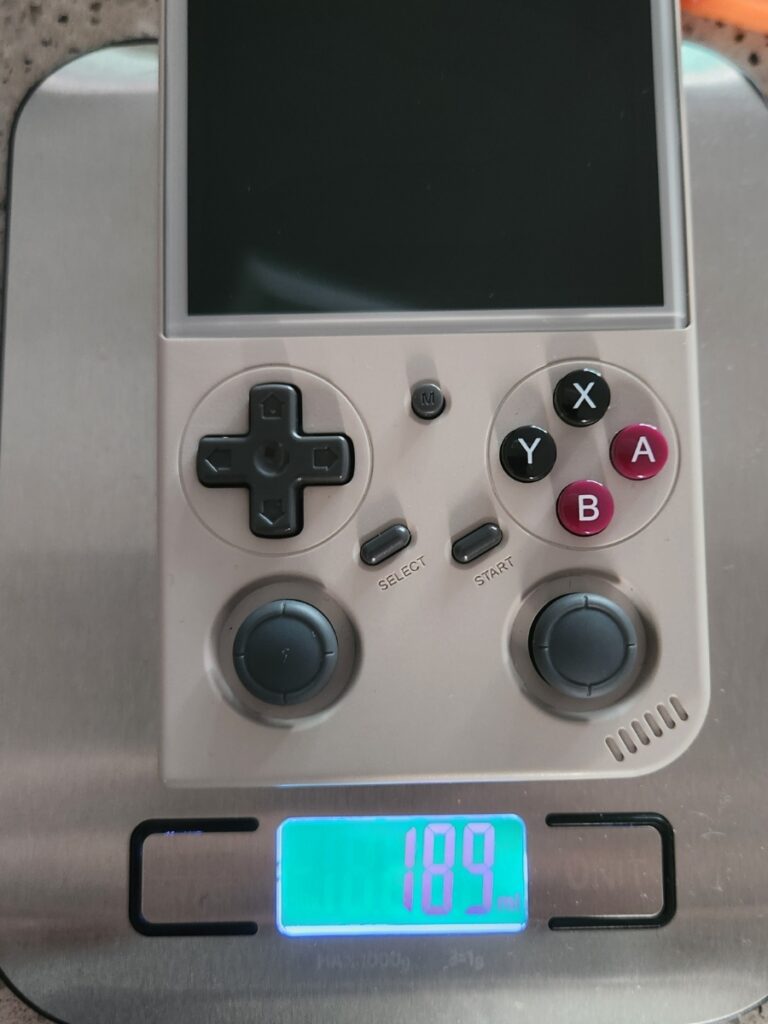
It’s extremely light — just 189 grams (under 200g).
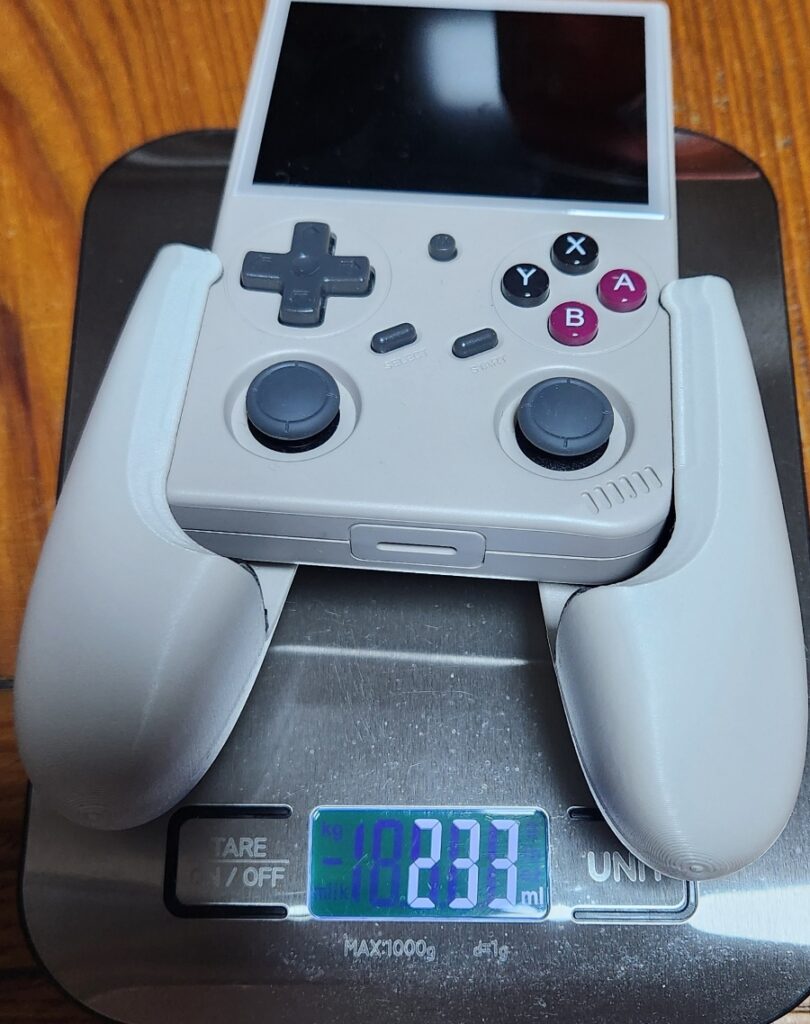
If you plan to play for long sessions, I recommend getting a dedicated grip attachment for comfort.
With the grip attached, it weighs about 233 grams.
Even without the grip, short gaming sessions are perfectly fine.
In terms of performance, I recommend limiting gameplay to PS1 and below.
Some Dreamcast titles run decently (like Sonic Adventure, Virtua Striker, Virtua Fighter 3), but others show noticeable lag.
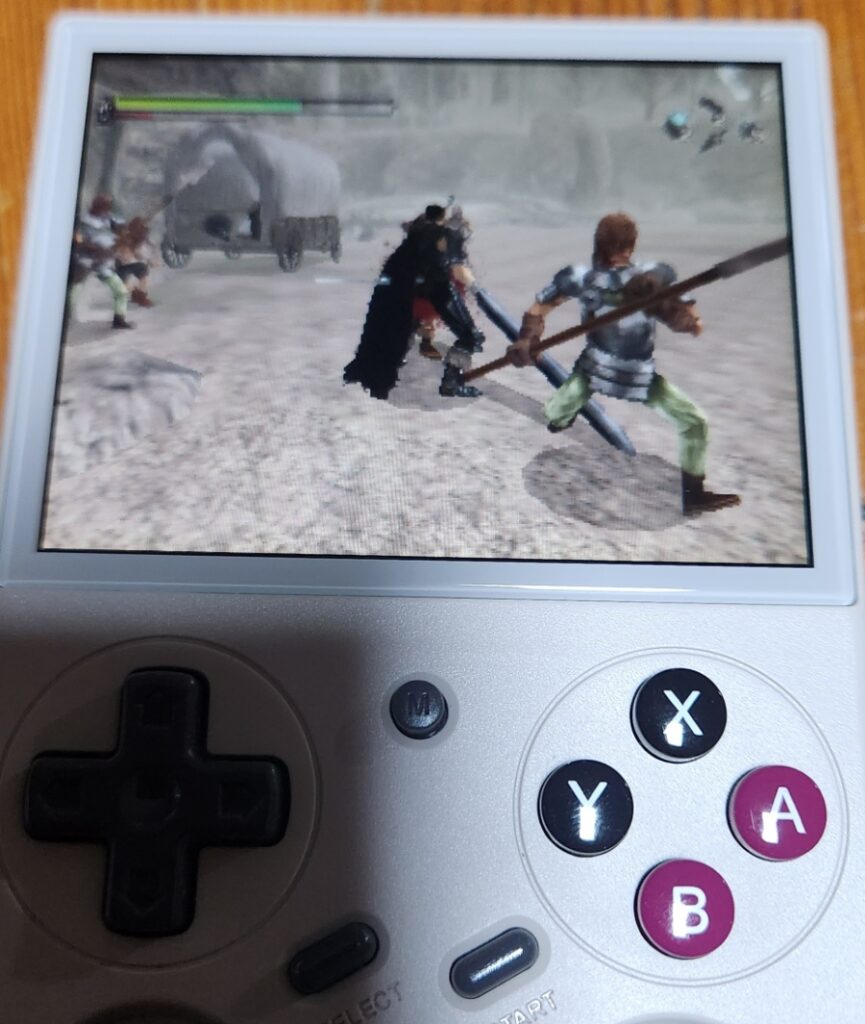
Berserk (Dreamcast) runs smoothly, but heavier 3D games like Dead or Alive will struggle.
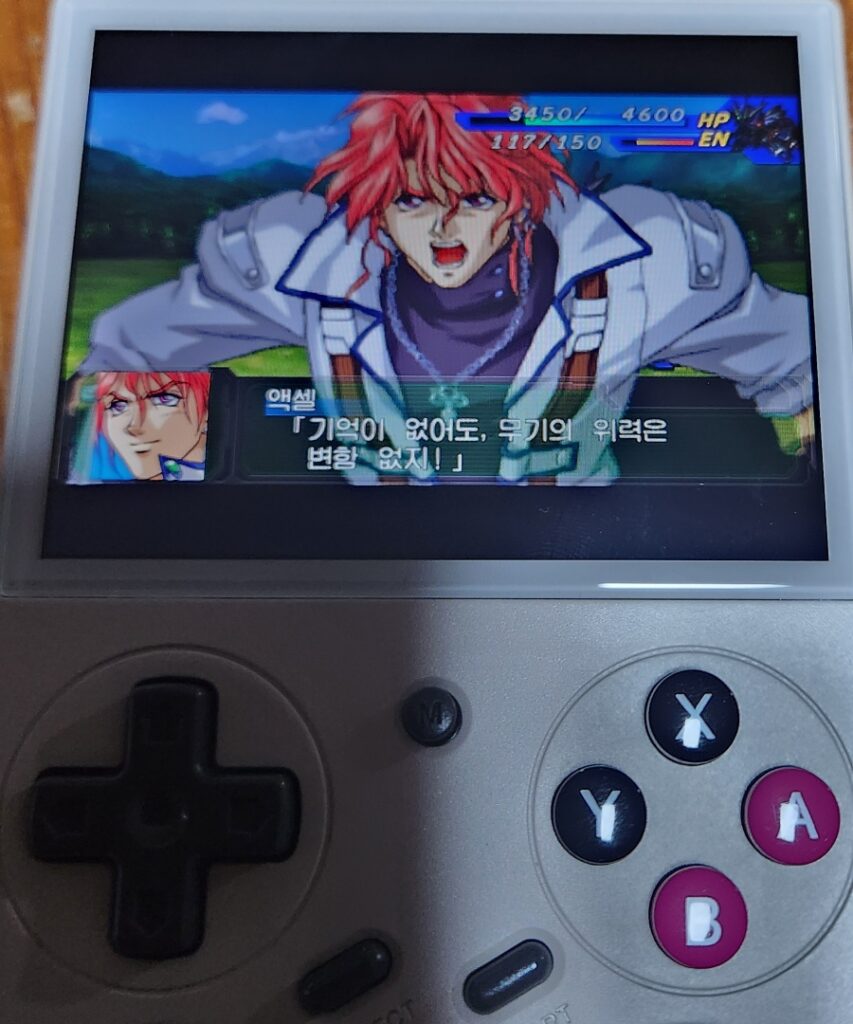
PSP emulation is hit or miss — 3D titles like Ridge Racer stutter, but 2D games like Super Robot Wars run fairly well at 2× resolution.
Performance-wise, it’s identical to the R36S, but the buttons and D-pad feel so much better that I find myself picking this one up more often.
One downside: the stock OS isn’t great. You can’t assign emulator cores per game, which limits customization.
I personally replaced it with ArkOS (for RG351MP) and used a custom DTB file for G350 compatibility.
However, there’s one critical bug: if you plug in wired earphones right after booting, sound plays from both the speaker and the headphones simultaneously.
The built-in speaker is located at the bottom. Sound quality is average — not great, but acceptable for casual gaming.
Neo Geo games run beautifully.
Super Famicom (SNES) games like Yoshi’s Island run smoothly without any lag.
MAME arcade games also run fine — Run and Gun 1 plays great, but Run and Gun 2 simply won’t run — the device just can’t handle it!
Both 3-pole and 4-pole earphones work perfectly.
Use only 5V 1.5A or 5V 2A chargers with proper KS safety certification (or UL equivalent).
⚠️ Do not use:
9V or mixed 5V/9V fast chargers → can fry the board.
5V 1A chargers → may overheat or fail.
Charging while powered on or overnight → unsafe.
Always turn off the device before charging, and avoid leaving it plugged in while you sleep — you never know what might happen.
Final Verdict
If you’re a beginner looking for a retro handheld under $50 (≈ ₩60,000) and mostly plan to play PS1 or older titles, the G350 is an excellent choice.
If you dislike the button feel on the R36S, just spend a little more — this model’s controls are worth it.
Lightweight, compact, and built for quiet retro fun.
Enjoy your retro gaming life! 🎮 — Super Asurada 77